By Maximilian Bauer on October 7, 2024
Last updated on March 31, 2026

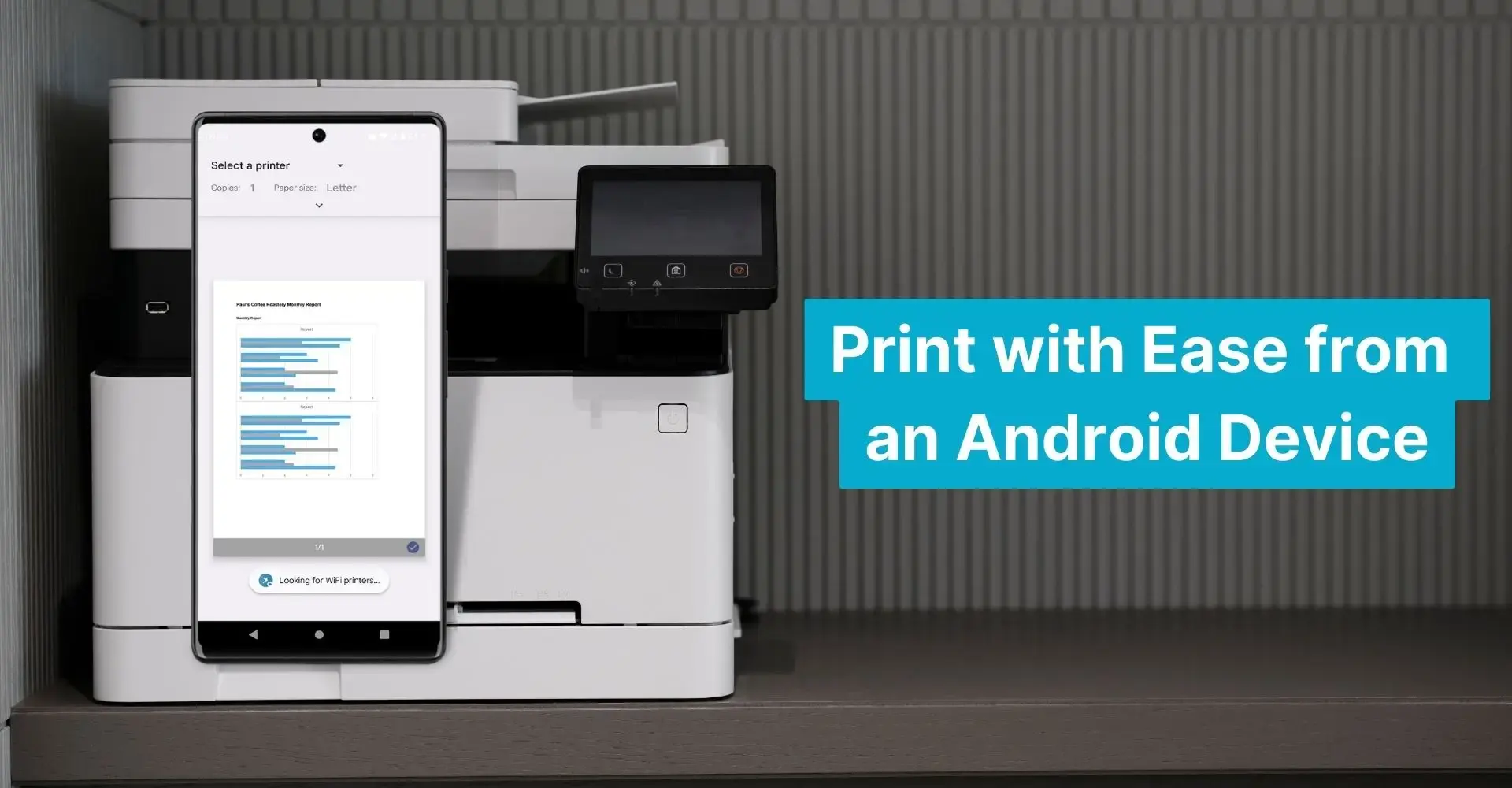
Many organizations use Android devices, but printing files easily from any app to any nearby printer remains a challenge. While Mopria offers a standardized mobile printing approach, it often falls short for enterprise needs due to limitations in printer compatibility, network dependence, and management features.
What is Mopria for Android Printing?
Mopria, established in 2013 by leading printer manufacturers, aimed to standardize mobile printing. The Mopria Print Service for Android enables users to connect their devices to certified printers via Wi-Fi for straightforward mobile printing. It was designed to simplify printing across various printer brands.
However, Mopria has significant limitations that make it less ideal for enterprise use:
- Limited Printer Compatibility: Only printers with Mopria certification work, excluding many corporate printers.
- Wi-Fi Dependency: Printing is restricted to devices and printers on the same Wi-Fi network, limiting flexibility in large or multi-location offices.
- No Management Tools: Mopria lacks a management console, essential for businesses to oversee users, printers, security, and permissions.
Because of these constraints, enterprises often find Mopria does not fully meet their mobile printing needs.
Why Did Google Cloud Print Discontinue?
Google Cloud Print allowed printing from any device to any cloud-enabled printer and was popular with many businesses. This web-based service offered a level of convenience for remote printing.
However, Google Cloud Print was discontinued at the end of 2020. Enterprises still need reliable, flexible, and secure mobile printing capabilities.
ezeep: A Better Solution for Android Printing
ezeep is a cloud printing solution built for the demands of modern enterprises. Unlike Mopria and the discontinued Google Cloud Print, ezeep offers a comprehensive, manufacturer-independent solution that integrates with existing corporate print infrastructures.
Key advantages of ezeep include:
- Universal Printer Compatibility: ezeep allows Android devices to print to any printer, regardless of the manufacturer, which is ideal for organizations with diverse printer fleets. This means you never install another driver.
- Flexible Network Options: Printing is not limited to Wi-Fi networks, allowing for greater flexibility in large or multi-site organizations. Print to any network, regardless of its location.
- Advanced Management Console: ezeep provides a powerful management platform. IT administrators can control user access, manage printers, set security policies, and monitor print activity easily from one dashboard.
With ezeep, businesses give their Android users a smooth and protected printing experience, regardless of location or device. This makes ezeep an ideal alternative to Google Cloud Print and a superior option compared to Mopria.
Built on ThinPrint technology and trusted by Fortune 500 organizations, ezeep processes millions of pages daily with its cloud-native architecture.
Future-Proof Your Android Printing with ezeep
As enterprises increasingly use mobile technology, a reliable and adaptable mobile printing solution is more important than ever. While Mopria and Google Cloud Print served basic purposes, ezeep is a strong choice for enterprise-level requirements. It integrates with existing IT infrastructure, supports many printers, and offers strong management tools. These features make it an optimal solution for Android printing in any business setting.
Ensure your organization’s mobile printing capabilities are ready for the future by choosing ezeep, a powerful cloud printing service for enterprises. Whether you are comparing Mopria Print Service or looking for alternatives, ezeep delivers the flexibility and power your business needs.
Fast and easy printing for Android phones and tablets!
✓ Our app is free to use and is ad-free.
✓ Simply download and register to start printing.
✓ Suitable for both private use and in the enterprise.
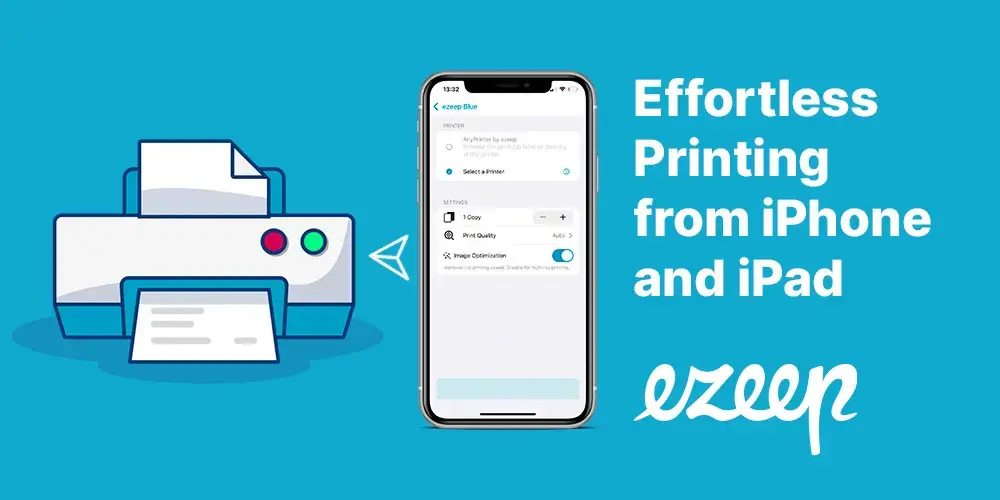
How to Print from iPhone & iPad (with or without AirPrint)
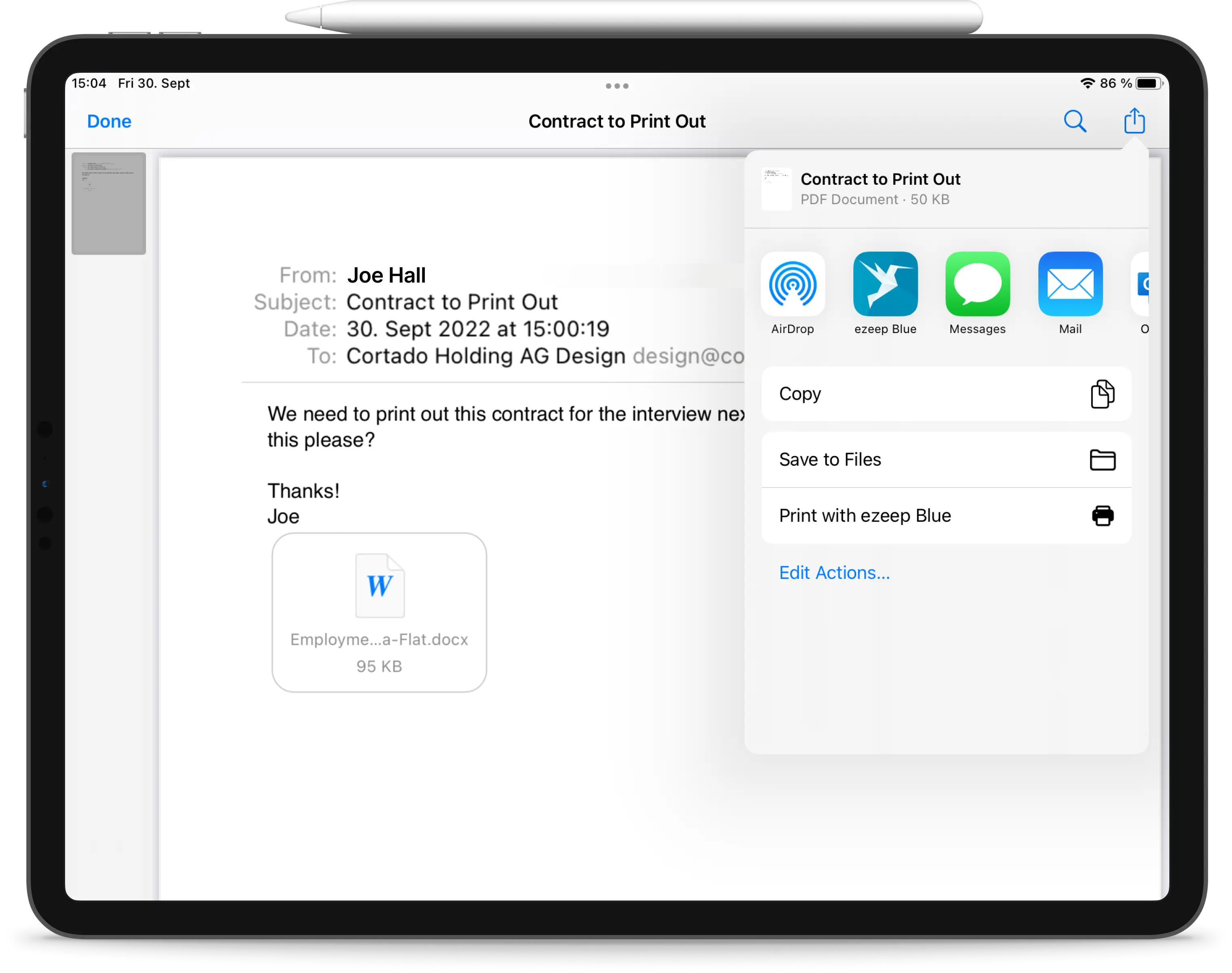
Print Emails from iPhones and iPads