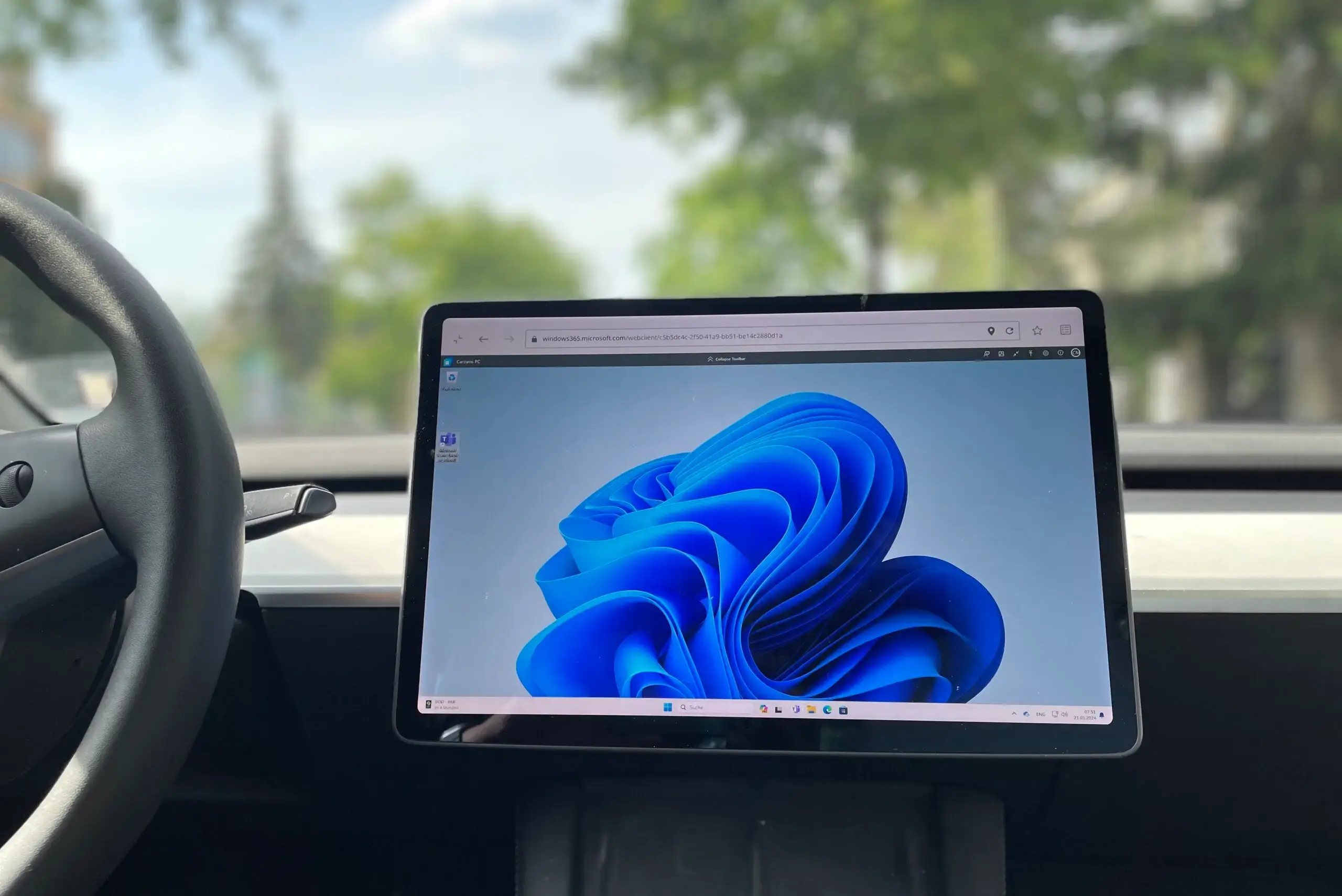
The latest Tesla software update (2024.14) transforms your vehicle into a powerful mobile office by enabling a fullscreen browser. When parked or charging, you can now access a full Windows PC experience directly from your car's display, using services like Microsoft 365 Cloud PC or Azure Virtual Desktop. This update significantly enhances productivity, allowing users to perform extensive tasks, manage emails, and prepare presentations directly within the vehicle.
The Fullscreen Browser: Enhancing In-Car Productivity
The fullscreen browser offers more than just a visual update; it unlocks new possibilities for in-car productivity. By removing distractions from other interface elements, users can engage with websites and web applications in full size, making it practical to complete extensive tasks directly in the vehicle.
How Microsoft 365 Cloud PC and Azure Virtual Desktop Boost Productivity
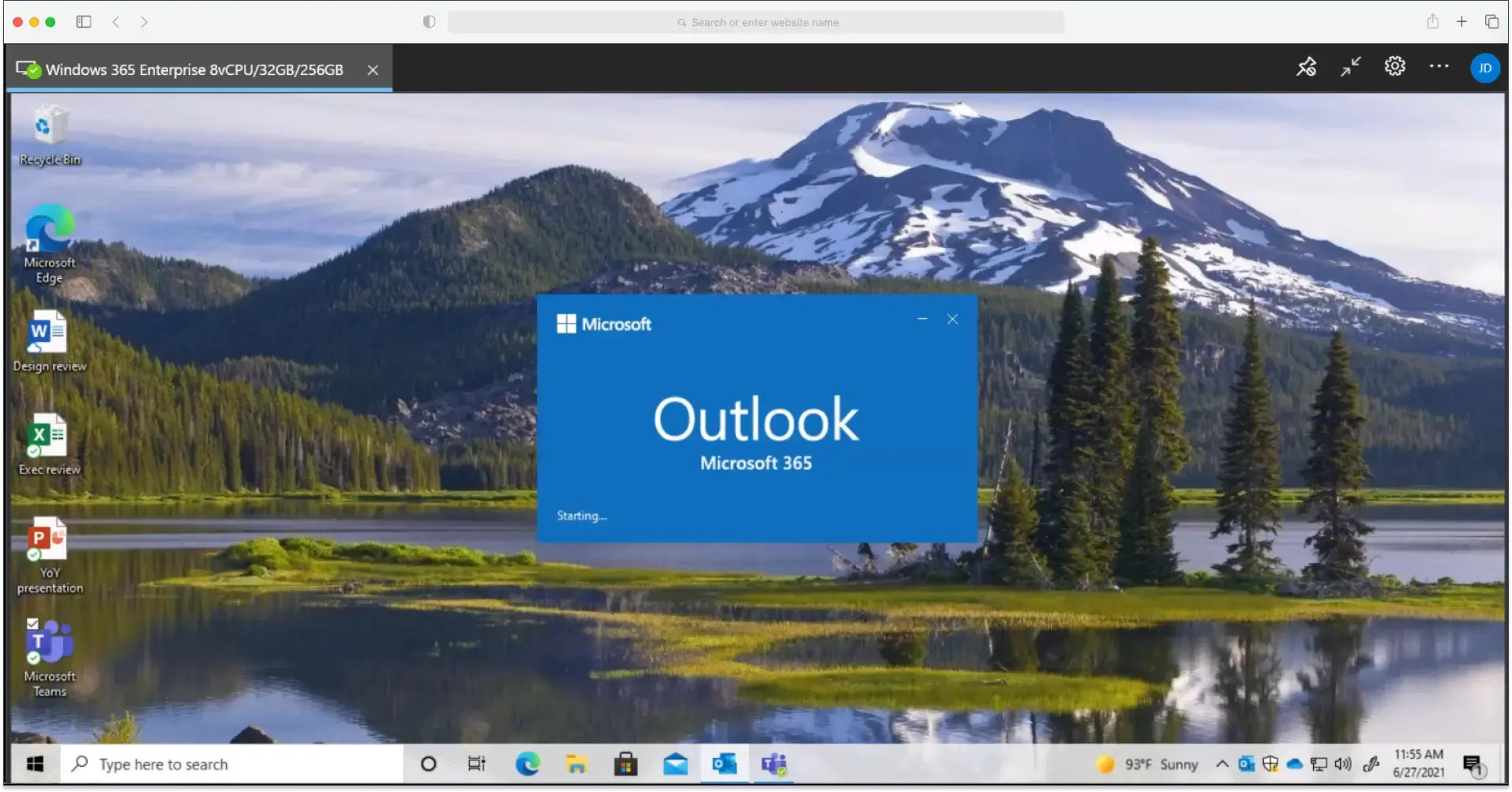
Integrating with Microsoft 365 Cloud PC or Azure Virtual Desktop turns your Tesla into a genuine workplace. These solutions provide access to a complete Windows desktop environment, including all essential applications and files. This means you can prepare presentations, respond to emails, or work on spreadsheets right from your car.
You can operate these systems using the Tesla touchscreen and a virtual on-screen keyboard, offering an experience much like a tablet or smartphone.
Printing Made Easy with ezeep
A key benefit of the "Tesla Office" is the ability to print documents directly. With ezeep, our cloud print solution, you can send print jobs to an office printer or a mobile printer in your vehicle without effort.
This capability is especially helpful for business travelers who need to print important documents quickly before a meeting. Simply send the print job via the fullscreen browser in your Tesla, and the documents are ready upon your arrival.
Mobile Printing in a Tesla: Flexibility On The Go
For ultimate flexibility, you can even use a mobile printer directly in your Tesla. This is ideal for business travelers who need to print on the go. Whether it's contracts, reports, or other critical documents, ezeep combined with a mobile printer means you can print anywhere, anytime.
Security and Data Protection for Your Mobile Office
Tesla prioritizes user data security. All connections, including those to Microsoft 365 Cloud PC, Azure Virtual Desktop, and ezeep, are protected with modern encryption technologies. This ensures sensitive information is always transmitted securely.
How the Tesla Update Creates a Modern Office
The Tesla software update 2024.14, with its fullscreen browser, combines with Microsoft's cloud-based services and ezeep's printing capabilities to create a complete mobile workplace.
This update showcases the power of innovative software. For business travelers, digital nomads, or anyone looking to maximize their time in the car, the new fullscreen browser is a valuable addition.