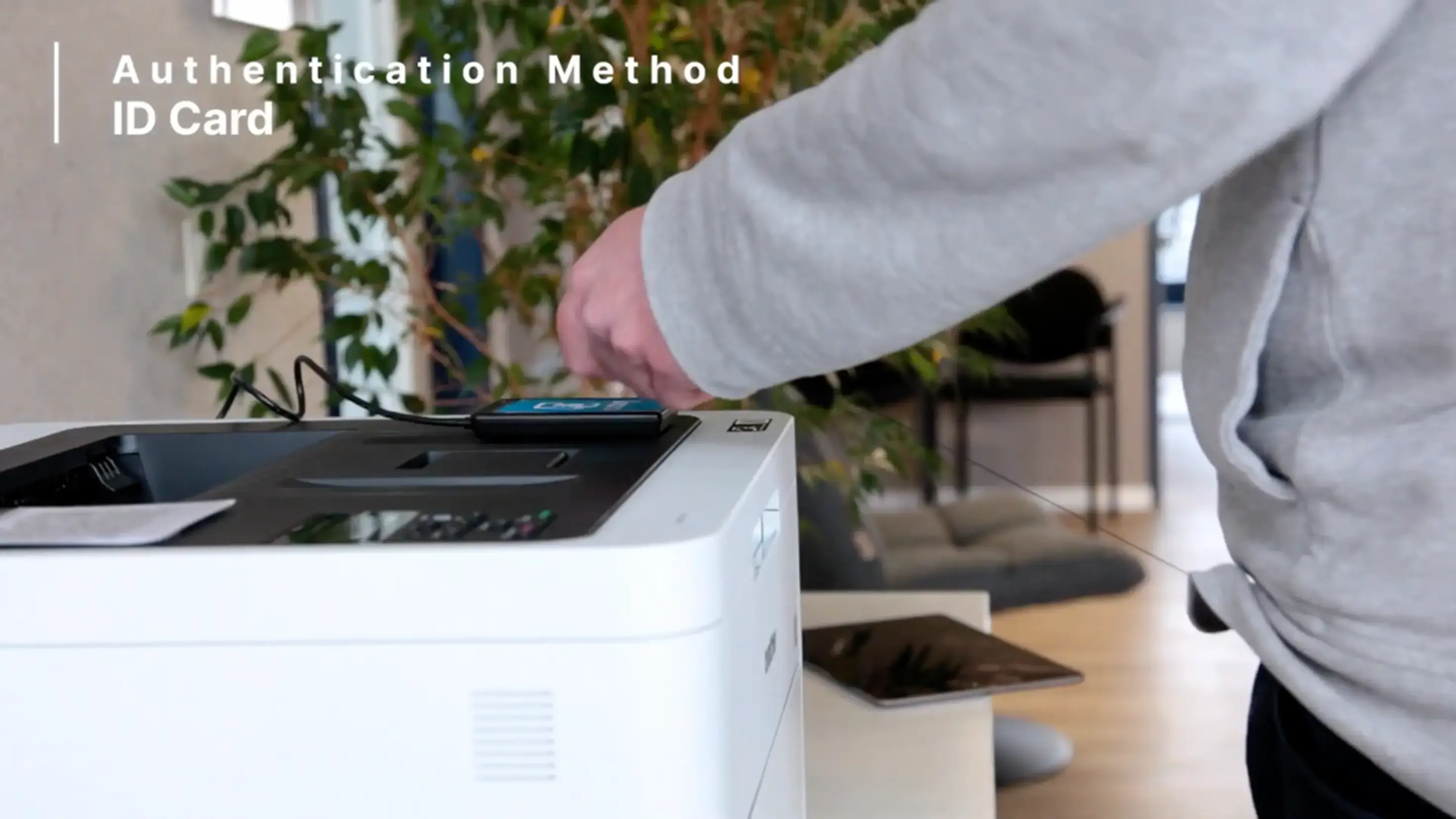
The scope of ezeep continues to expand. In this latest update, we have added a new release method for Pull Printing print jobs. Now, you can connect a card reader to your ezeep Hub, letting users release their print jobs with a tap of their ID card.
Pull Printing: The Secure Workflow for Confidential Documents
If ezeep’s Pull Printing solution is not already in use in your environment, here is a quick recap. Pull Printing is available for everyone with a Business or Enterprise plan. Once activated in Policies in the ezeep Admin Portal, the AnyPrinter by ezeep print queue can be assigned to any user like an ordinary printer. When that user prints to the AnyPrinter, the print jobs are securely held until they release them at the printer.
Release with QR-Code Scan or RFID Card Tap
With this new update, you now have an alternative release method which you can deploy at your printers. Instead of adding QR codes to printers, which are then scanned with the ezeep printer app, you can also attach card readers to the ezeep Hub and allow users to register any RFID card for authentication and print job release.
Register Any RFID Card for Pull Printing in Minutes
Registering a new card is simple. The first time an RFID card (ID Card, Exhibition Badge, Credit Card, etc.) is held on the card reader by the user, an activation code is automatically printed out. This code can be submitted at app.ezeep.com/mycard. With that, the card is ready to use.
Now Available for All Business and Enterprise Users
Already a Business or Enterprise user? The feature is available immediately for use!
If you are an existing user and want to take advantage of Pull Printing, admins can upgrade an organization’s plan at any time in the “Subscription” section in the ezeep Admin Portal. Those new to ezeep can also test all Business and Enterprise features for 14 days free of charge after signing up.

No Comments Yet
Let us know what you think