Reduce Screen Time: 5 Tips to Regain Focus at Home
By Robert Noonan on November 11, 2020
Last updated on March 31, 2026
Working from home often means more screen time, leading to eye strain and reduced focus. Before 2020, commutes and in-office interactions provided natural breaks. Now, with video calls dominating, it is harder to disengage. Thankfully, simple strategies can help you reduce screen time and improve your concentration and overall well-being.
Limit Digital Exposure Where Possible
Reduce your time looking at a screen by choosing low-tech alternatives. Brainstorm ideas on paper, read a physical book, or print an article to read or proofread. Reading from a printed page helps you concentrate on the material without digital distractions. This simple change reduces eye strain and allows for changes in body posture.
Use Video Calls Only When Necessary
While video conferencing tools allow for near-office meetings, they demand high concentration. Before initiating a video call, consider if there is a more efficient communication method. A phone call, email, chat message, or a comment on a shared document could be a more suitable option for communicating with colleagues.
Block Time for Uninterrupted Work
To maintain focus and productivity, set aside specific hours in your calendar for undisturbed work. Virtual meetings can disrupt workflows, so creating dedicated blocks for focused tasks limits exposure to constant digital communication. Whether it’s an afternoon or several one-hour slots, uninterrupted time helps you concentrate better.
Stay Active and On the Move
Prolonged sitting in front of a screen at home can lead to fatigue. Build movement into your workday to counter this. Try refilling your water bottle more often, standing during phone calls, or working at a standing desk or high counter. Even quick one-minute routines, like shoulder rolls, can boost your focus every hour.
Take Proper Breaks
Avoid the habit of working through lunch or answering emails while eating, as your brain needs a break from the screen. Step away from your workspace for lunch, take a short walk, or incorporate some household chores into your break. This mental shift helps you return to work feeling more relaxed and focused, boosting your performance.
How ezeep Helps with Your Workday
ezeep is dedicated to making the future workplace convenient for everyone by simplifying printing. We handle printing needs, whether at home or in the office, so you don't have to worry about it. Our technology ensures that printing is easy for both users and IT managers, freeing up your time and mental energy.
Frequently Asked Questions
How can I reduce screen time when working remotely?
You can reduce screen time by incorporating intentional breaks throughout your day, similar to the natural interruptions of an office environment. This could involve stepping away from your computer for a few minutes or switching to tasks that don't require a screen to give your eyes and mind a rest.
Why is too much screen time bad for me?
Excessive screen time can lead to mental fatigue and reduced focus because video calls and digital interactions demand intense concentration. The lack of non-verbal cues and potential technical issues on video calls make your brain work harder.
What are some practical tips to limit screen exposure while working from home?
One practical tip is to identify tasks that can be done offline, like reviewing documents by printing them. Even small changes, such as making phone calls instead of video calls when possible, can help reduce constant screen engagement.
How do natural breaks help with focus during remote work?
Natural breaks, even short ones, help refresh your mind and eyes by disrupting prolonged screen engagement. In an office setting, these breaks happened organically through commutes or colleague interactions, providing crucial recovery periods that are often missing in remote work.
Can printing documents help reduce screen time?
Yes, printing documents can help reduce screen time significantly, especially for reviewing or editing tasks. Reading from paper allows you to step away from your computer and provides a different visual experience, easing eye strain and mental fatigue.
- February 2026 (1)
- November 2025 (1)
- October 2025 (1)
- September 2025 (1)
- August 2025 (4)
- July 2025 (1)
- June 2025 (3)
- May 2025 (1)
- April 2025 (5)
- March 2025 (6)
- February 2025 (4)
- January 2025 (3)
- December 2024 (3)
- November 2024 (4)
- October 2024 (5)
- September 2024 (2)
- August 2024 (2)
- July 2024 (3)
- May 2024 (4)
- March 2024 (1)
- February 2024 (3)
- January 2024 (1)
- December 2023 (1)
- November 2023 (1)
- October 2023 (3)
- September 2023 (1)
- August 2023 (1)
- July 2023 (1)
- June 2023 (2)
- May 2023 (1)
- April 2023 (3)
- March 2023 (3)
- February 2023 (4)
- January 2023 (2)
- December 2022 (3)
- November 2022 (2)
- October 2022 (5)
- September 2022 (2)
- July 2022 (2)
- June 2022 (2)
- April 2022 (2)
- March 2022 (2)
- February 2022 (2)
- January 2022 (1)
- July 2021 (5)
- June 2021 (4)
- May 2021 (3)
- March 2021 (3)
- November 2020 (1)
- October 2020 (1)
- April 2020 (4)
- March 2020 (3)
- February 2020 (3)
- January 2020 (1)
Subscribe by email
You May Also Like
These Related Stories
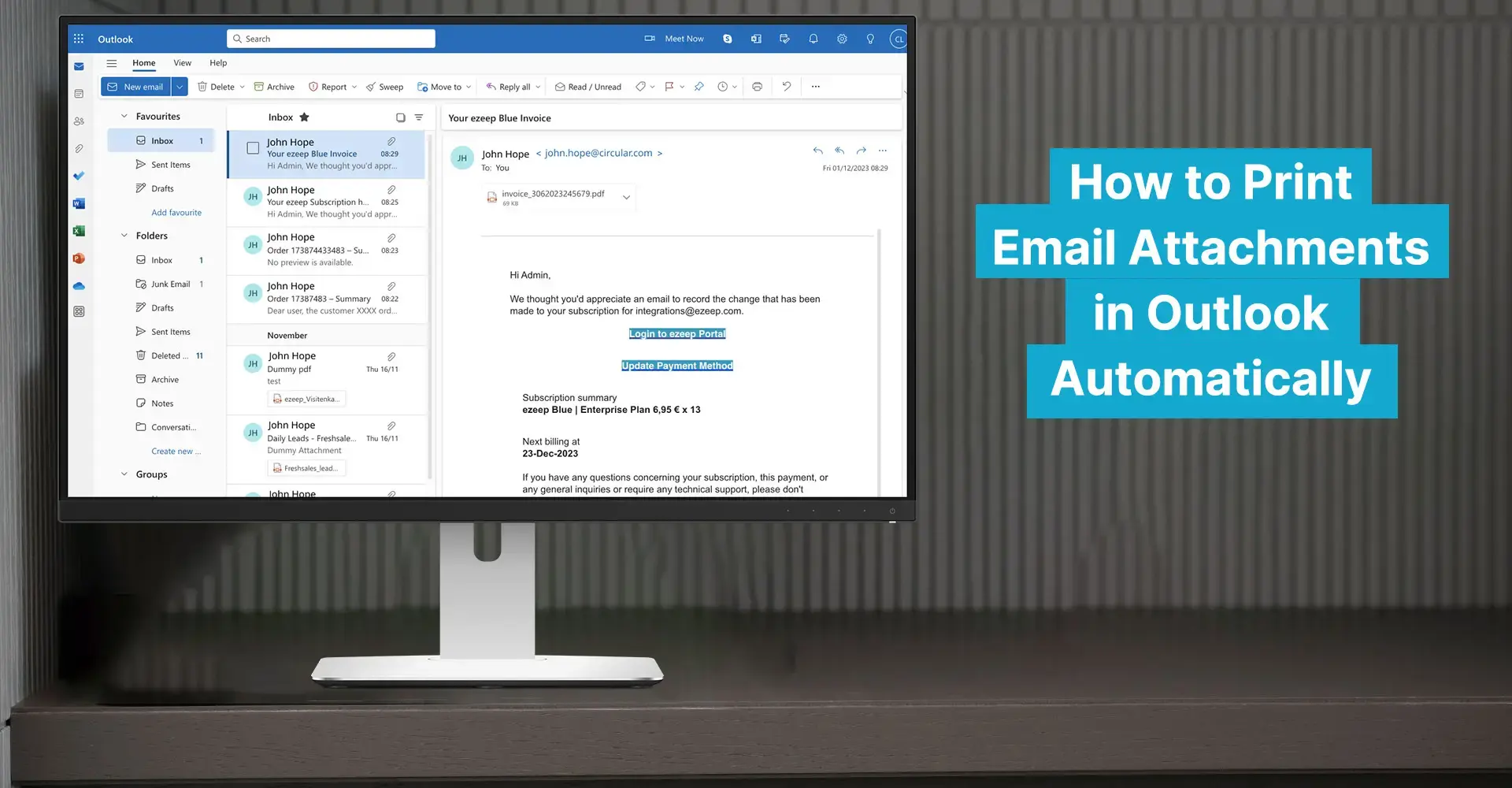
Automated Email Attachment Printing: Save Time, Boost Efficiency
What Is Pull Printing? Advantages and Tips