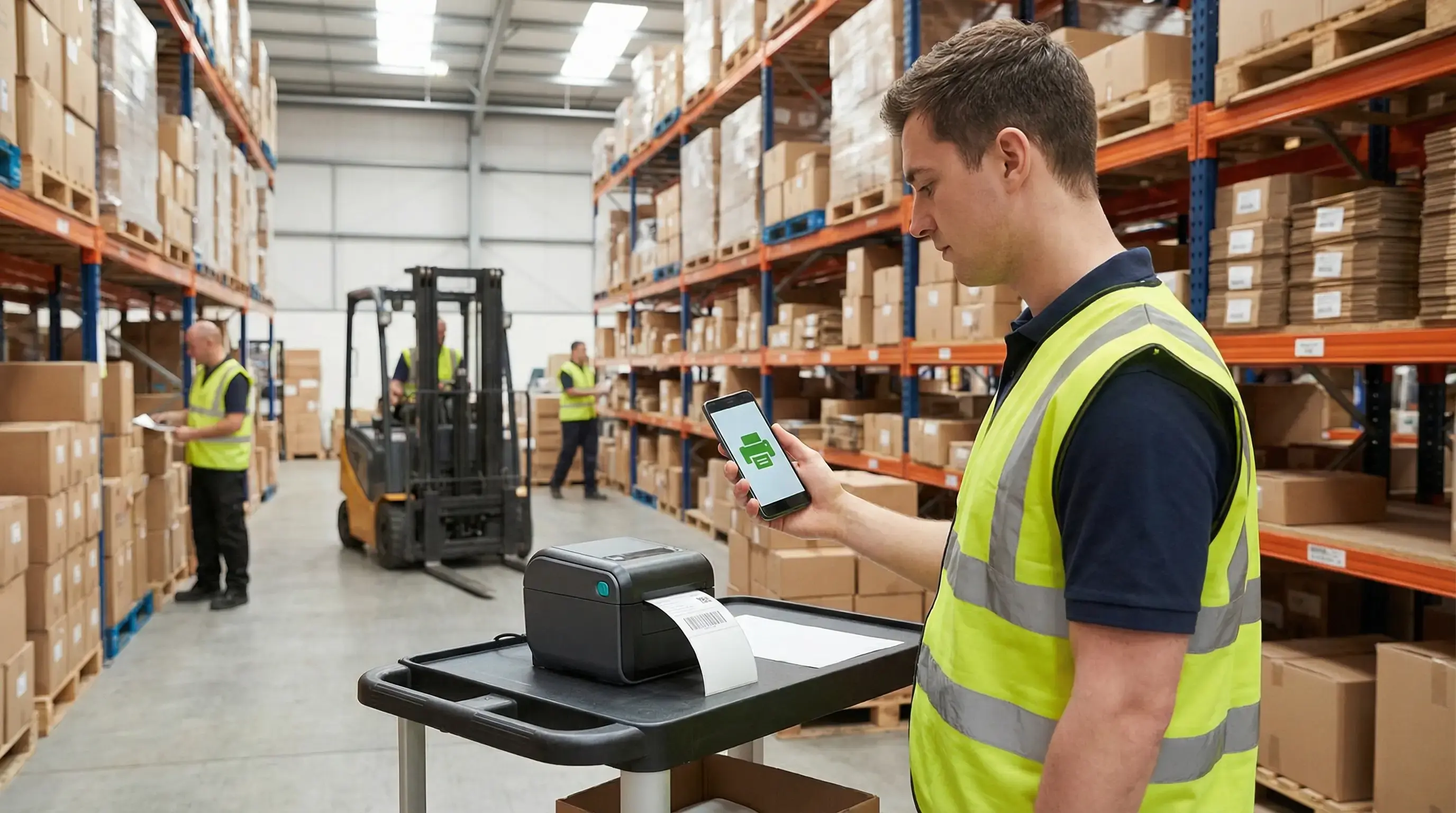
Labels should not complicate logistics, especially during busy periods. However, every year, as demand goes up, warehouses spend time troubleshooting printer drivers instead of getting products shipped.
For IT Operations Managers and Warehouse Operations Managers, this issue is well-known: new Android handhelds arrive, temporary staff starts, and then label printers begin having problems.
Your onboarding process should not need extensive printer troubleshooting.
Why label printing can stop operations
During busy times, every second is valuable. Yet, a simple task like printing a shipping label can lead to significant delays:
- Android handhelds struggle to find printers.
- Printer drivers are incompatible or require administrator rights.
- Multi-site setups create mapping problems and device confusion.
- IT teams are busy updating drivers.
While IT works to fix these issues, shipments are delayed, labels are not printed, and delivery promises become difficult to meet.
Printing should be the least complex part of your logistics chain.
How driverless printing keeps operations moving
ezeep driverless printing for Android allows seasonal workers to print labels within minutes. No drivers are needed, no setup is required, and there are no support tickets.
Here’s how it works:
- A new worker receives an Android handheld device.
- The ezeep app automatically connects to available printers, such as Zebra or Brother.
- Printing labels just works, without any driver installation.
Behind the scenes, ezeep cloud-based print management handles everything:
- Centralized printer assignments across various warehouses.
- Immediate updates to printer access when staff or devices change.
- No on-site print servers or VPN dependencies.
This means your IT team does not need to manage every handheld device, and your operations continue to run smoothly even with a sudden increase in staff.
Results: Printing that grows with your workforce
Third-party logistics providers, e-commerce fulfillment centers, and courier hubs in Europe use ezeep for fast and consistent label printing.
They experience:
- Zero driver maintenance for multi-site operations.
- Consistent printer mapping for Android and Windows devices.
- Quick onboarding for seasonal warehouse staff.
- Stable printing even during peak demand.
The last thing you need in December is a helpdesk ticket about an offline label printer.
Print drivers do not belong in your job training.
If you are managing multi-site logistics, temporary staff, and increasing seasonal volumes, do not let print drivers add more complexity.
Discover how ezeep keeps label printing active across every warehouse and device.
Keep the labels flowing and your logistics on track.