ezeep GPT – The Bridge From AI to Printed Paper
By Robert Noonan on May 8, 2025

Harness the power of ChatGPT with ezeep GPT to get the most out of your printers.
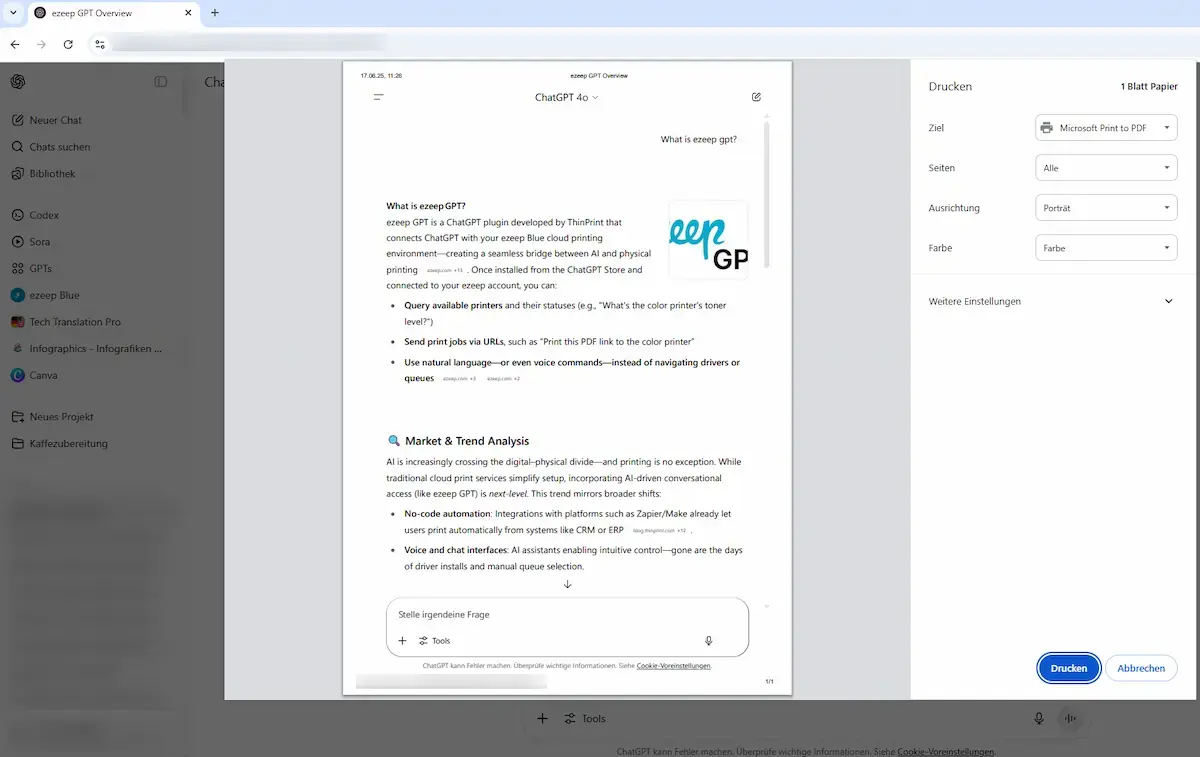
What is ezeep GPT?
With ezeep GPT, you can seamlessly integrate the intelligence of ChatGPT into your printing environment. Ask about available printers, their properties or print documents via URLs – all in natural language. This innovative solution, available in the ChatGPT store, allows you to control printers and print jobs directly from ChatGPT. ezeep GPT effectively bridges the gap between artificial intelligence and the real world of printing to optimise and simplify your workflows.
Key Features
- Print from URLS
- Print documents that can be accessed via an URL directly from chat.
- Browse printers and properties
- Get information about available printers, their status, and specific printer properties quickly and easily.
- Intuitive voice control
- Use natural language to manage print jobs and get information.
How It Works
-
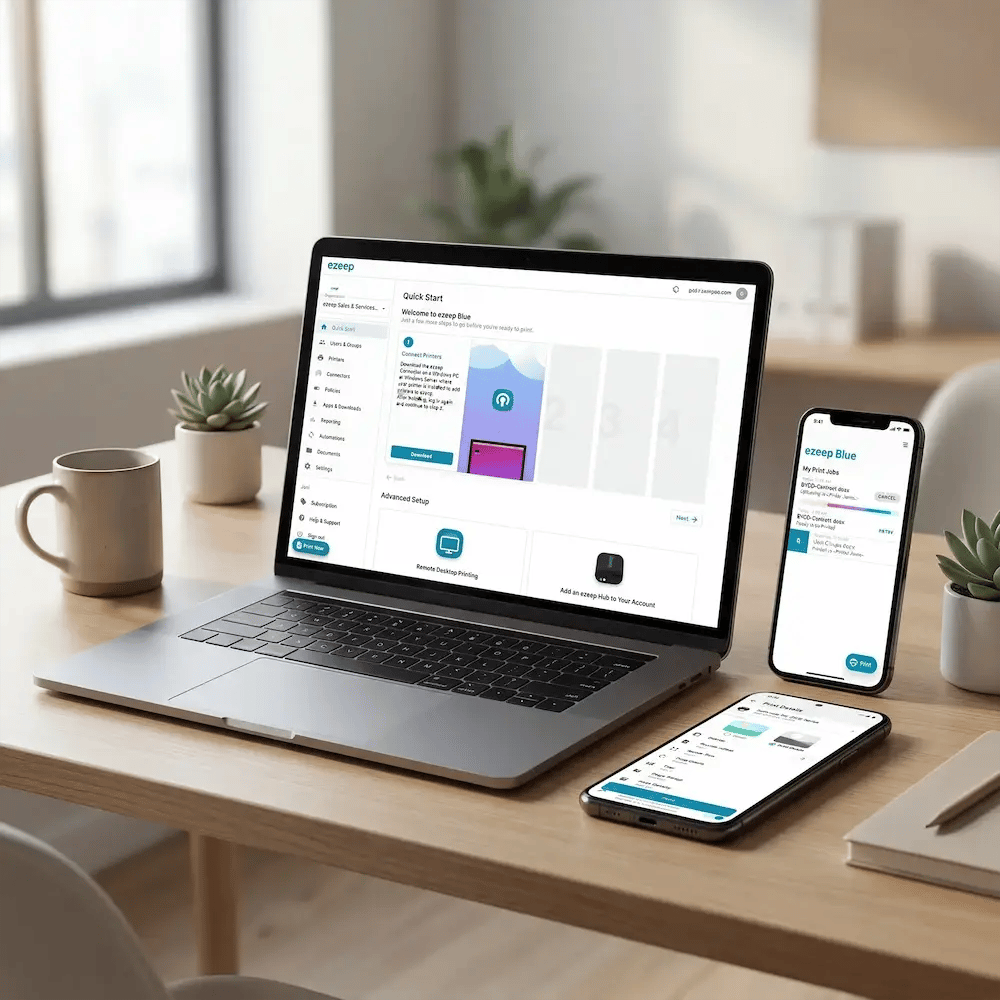
Create an ezeep account - Register on ezeep.com, and create your personal account
- Install ezeep GPT - Open the store (Explore GPT) in ChatGPT and install the ezeep GPT extension.
- Connect and Start - Start the chat, and connect ezeep GPT to your ezeep account when prompted. Done!
Save Time with Voice Commands
With ezeep GPT, you can optimize your print jobs with simple voice commands and seamlessly integrate artificial intelligence into your printing environment.
-
No need to know printer driver names or complex configurations
-
Optimize and automate workflows for greater business efficiency
-
Efficient print job management through voice commands
Excellent User Experience
With ezeep GPT, you can start using it immediately without any training - the perfect solution for simple and intuitive print control.
-
No complicated setup required
-
Select the right printer and more using natural language
-
Easily query printers and their properties
-
Ready to use immediately thanks to cloud-based technology
Print From Anywhere
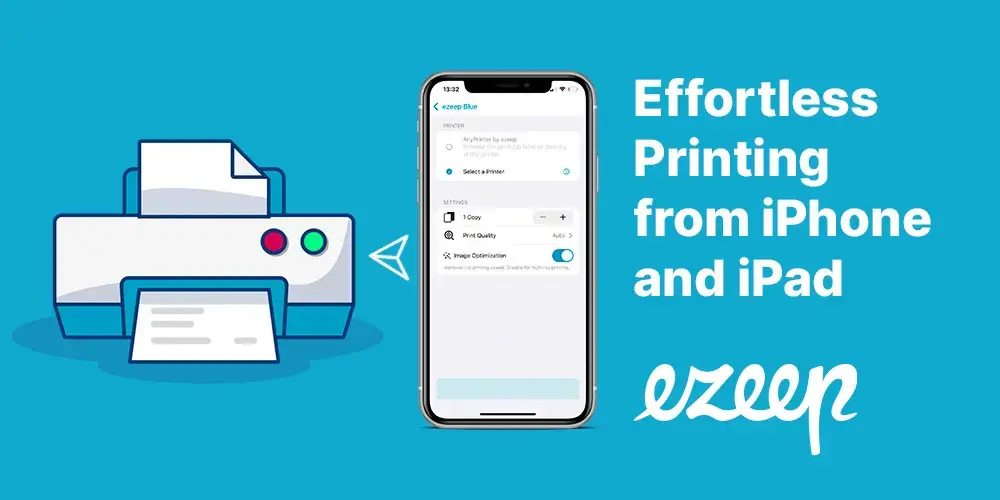
With ezeep GPT, you can conveniently control printers from anywhere, even from your smartphone, and execute print jobs directly via ChatGPT.
-
Access printers via the cloud, even from outside the company
Frequently Asked Questions
Can ChatGPT print directly?
No, ChatGPT does not support direct printing. Neither the web version nor the mobile apps include a native print function for conversations or documents. With ezeep GPT, you can print ChatGPT content in a single step by installing the ezeep GPT extension from the ChatGPT Store, connecting it to your ezeep account, and sending conversations or URLs to any printer in your network using voice commands.
How do I print from ChatGPT?
To print from ChatGPT, install the ezeep GPT extension from the ChatGPT Store, connect it to your free ezeep account, and use natural language to send conversations or URLs to your printer. Once connected, you simply activate ezeep GPT in your chat, tell it what to print, choose your printer by voice command, and the print job is sent instantly. The same workflow works from desktop, tablet, and mobile.
How much does ezeep GPT cost?
ezeep GPT itself is free and requires an ezeep account, which is also free for up to 10 users. For larger teams or advanced features like secure Pull Printing, Microsoft Entra ID group sync, multi-location management, or higher API quotas, ezeep Pro, Business, and Enterprise plans are available. Pricing details are on the ezeep pricing page.
Which printers work with ezeep GPT?
ezeep GPT works with any printer connected to ezeep, regardless of manufacturer or model. This includes network printers, USB printers connected via the ezeep Hub, label printers, thermal printers, and legacy devices. ezeep's cloud handles all rendering and driver management, so no printer drivers need to be installed on your endpoints - your ChatGPT conversation is sent to ezeep's cloud, rendered for the target printer, and delivered.
Is my data secure when using ezeep GPT?
Yes, ezeep GPT uses the same security architecture as ezeep. Print data is encrypted in transit over HTTPS with TLS 1.3 and at rest with AES-256 through Microsoft Azure. Documents are deleted immediately after printing and are never used to train AI models. ezeep operates under GDPR with Standard Contractual Clauses for international data transfers, and the platform runs on Microsoft Azure infrastructure that is independently audited under ISO 27001 and SOC 2.
- April 2026 (2)
- March 2026 (3)
- February 2026 (2)
- January 2026 (2)
- December 2025 (1)
- November 2025 (4)
- October 2025 (4)
- September 2025 (1)
- August 2025 (4)
- July 2025 (1)
- June 2025 (3)
- May 2025 (2)
- April 2025 (5)
- March 2025 (6)
- February 2025 (5)
- January 2025 (3)
- December 2024 (4)
- November 2024 (4)
- October 2024 (6)
- September 2024 (2)
- August 2024 (2)
- July 2024 (4)
- May 2024 (4)
- March 2024 (1)
- February 2024 (3)
- January 2024 (1)
- December 2023 (1)
- November 2023 (2)
- October 2023 (3)
- September 2023 (2)
- August 2023 (1)
- July 2023 (2)
- June 2023 (2)
- May 2023 (1)
- April 2023 (3)
- March 2023 (5)
- February 2023 (4)
- January 2023 (2)
- December 2022 (3)
- November 2022 (2)
- October 2022 (5)
- September 2022 (4)
- August 2022 (1)
- July 2022 (3)
- June 2022 (4)
- May 2022 (2)
- April 2022 (4)
- March 2022 (4)
- February 2022 (2)
- January 2022 (1)
- October 2021 (1)
- July 2021 (5)
- June 2021 (4)
- May 2021 (3)
- April 2021 (1)
- March 2021 (4)
- February 2021 (1)
- December 2020 (1)
- November 2020 (1)
- October 2020 (1)
- September 2020 (1)
- July 2020 (1)
- June 2020 (1)
- April 2020 (4)
- March 2020 (3)
- February 2020 (3)
- January 2020 (1)
- August 2019 (2)
- May 2019 (1)
- January 2018 (1)
You May Also Like
These Related Stories

How to Print from ChatGPT: A Complete Guide

Print From Remote Desktop to Local Printer