Print from Mac Devices with Jamf and ezeep
By Clara Salomon on March 3, 2023
Last updated on April 13, 2026
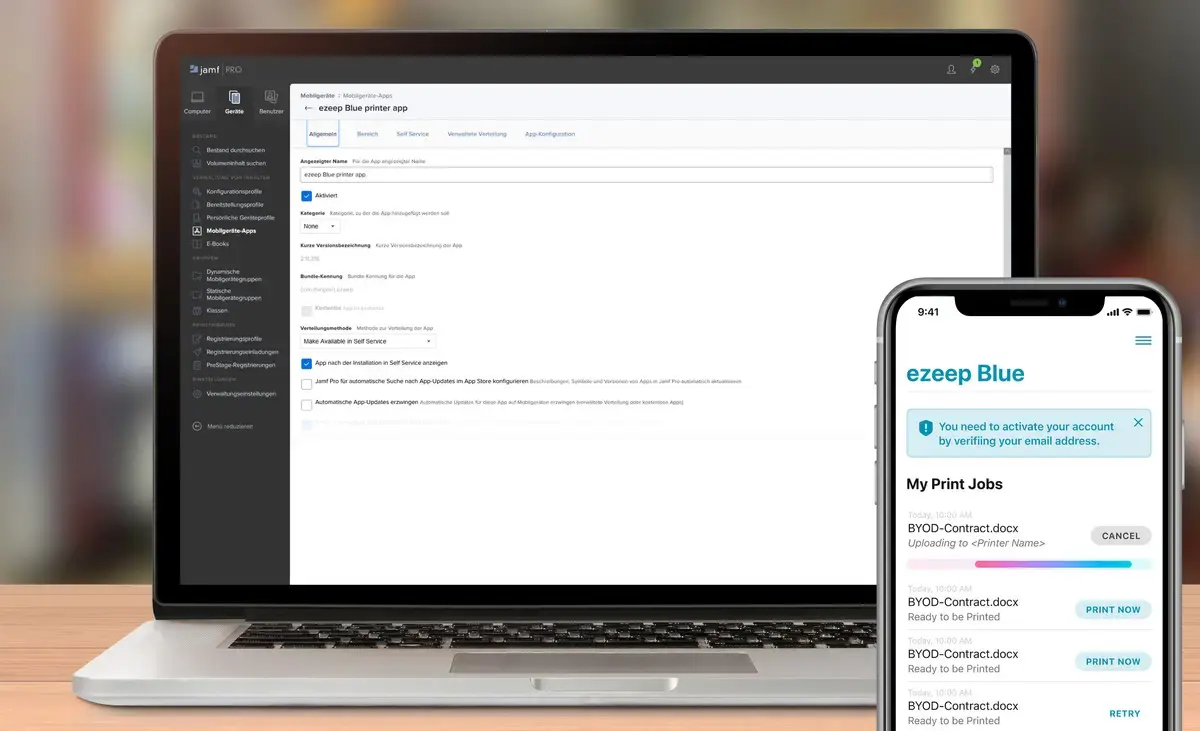
Businesses with Mac devices can now connect their mobile users to enterprise printing infrastructure using ezeep and Jamf. This integration simplifies printing from iPhones, iPads, and Macs, without needing AirPrint support or a direct connection to the printer's network. It offers a secure and flexible way to manage printing for Mac users, enhancing productivity and control.
Simplify Mac Print Management
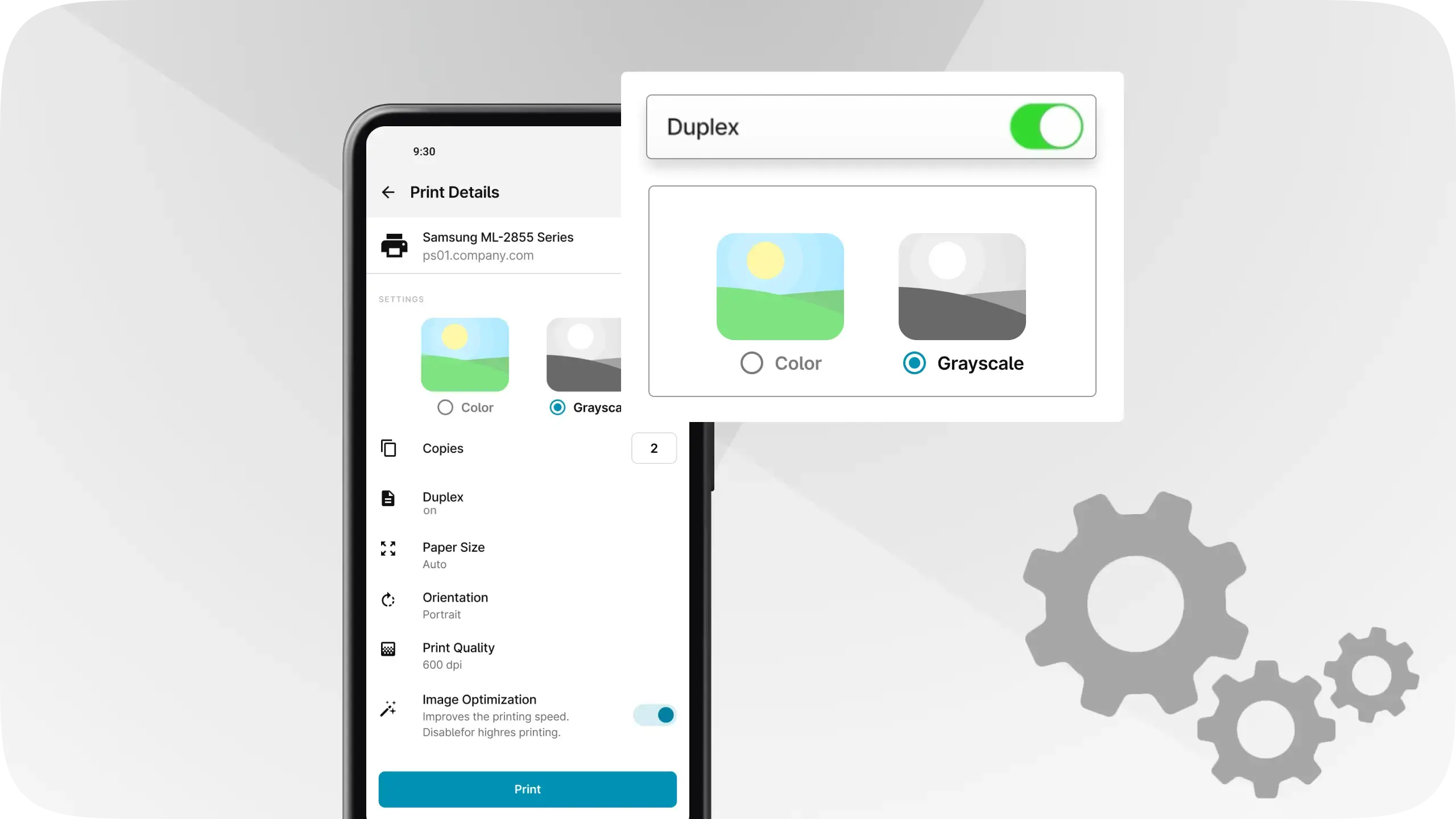
Managing printing for Mac devices usually means dealing with drivers, network configurations, and compatibility issues. With ezeep and Jamf, these complexities disappear. Jamf's management capabilities enhance ezeep's power and flexibility, allowing businesses to assign specific printers to users and instantly configure settings like duplex, color, and paper format via Jamf policies.
By bringing together Jamf and ezeep, businesses can quickly and easily solve print management challenges. Managed configurations from Apple and ezeep enable Jamf customers to assign printers to specific users and set print-specific preferences, such as restricting printing to black and white or duplex. This centralized control reduces IT overhead and ensures consistent printing policies.
The ezeep iOS app fully integrates with Jamf, giving Jamf administrators granular printing controls. For example, administrators can easily enforce duplex printing for users. This ensures employees have secure, easy-to-manage, and user-friendly access to any printer from their iPhone, iPad, or Mac. It makes printing the boring part of their day, allowing them to focus on work.
Advanced Print Controls and Flexibility
ezeep supports advanced print settings for every user scenario. This includes Wi-Fi printing, triggering print jobs via QR code or NFC, and selecting specific paper sizes, color, monochrome, or duplex options. Users can also instantly delete print jobs. This comprehensive feature set means users can print to any device, including label printers or those in remote locations, without hassle.
The integration of ezeep and Jamf provides businesses a powerful, versatile print management system for their Mac devices. This allows businesses to manage print policies effectively, save time and money, and improve customer experience. Built on ThinPrint technology, trusted by Fortune 500 organizations, ezeep provides production environments capable of handling millions of pages daily. Organizations use ezeep to print through the cloud, eliminating the need for traditional print servers.
Ready to make printing for your Mac users simple? Explore the benefits of the ezeep and Jamf integration today.
Frequently Asked Questions
What is the benefit of integrating ezeep with Jamf for Mac devices?
Integrating ezeep with Jamf simplifies print management for Mac devices by allowing easy printing from iPhones, iPads, and Macs without needing AirPrint or direct network connection to the printer. This combination enables businesses to manage printer assignments and settings efficiently through Jamf policies.
How does ezeep work with Jamf to manage printer settings?
ezeep integrates with Jamf to allow IT administrators to assign specific printers to users and configure print settings such as duplex, color, and paper format. These settings can be instantly applied via Jamf policies, streamlining the management of Mac, iPhone, and iPad printing environments.
Can I restrict printing options for users with ezeep and Jamf?
Yes, you can restrict printing options for users by employing managed configurations from Apple and ezeep within Jamf. This allows you to assign specific printers and configure print-specific settings, like limiting printing to black and white or duplex only, for particular users or groups.
Does ezeep require AirPrint for printing from Apple devices?
No, ezeep does not require AirPrint support for printing from iPhones, iPads, and Macs. The integration with Jamf allows these devices to print easily without needing AirPrint or a direct connection to the printer's network.
How does ezeep make printing secure for mobile users?
ezeep connects mobile users to the enterprise printing infrastructure in a simple, secure, and scalable way. The integration with Jamf enhances this by allowing managed configurations and policy-based assignments, which helps maintain control and security over the printing process.
- March 2026 (3)
- February 2026 (2)
- January 2026 (2)
- December 2025 (2)
- November 2025 (5)
- October 2025 (6)
- September 2025 (1)
- August 2025 (4)
- July 2025 (1)
- June 2025 (3)
- May 2025 (1)
- April 2025 (5)
- March 2025 (6)
- February 2025 (6)
- January 2025 (3)
- December 2024 (5)
- November 2024 (4)
- October 2024 (7)
- September 2024 (2)
- August 2024 (2)
- July 2024 (5)
- May 2024 (4)
- March 2024 (1)
- February 2024 (3)
- January 2024 (1)
- December 2023 (1)
- November 2023 (3)
- October 2023 (3)
- September 2023 (3)
- August 2023 (1)
- July 2023 (3)
- June 2023 (2)
- May 2023 (1)
- April 2023 (5)
- March 2023 (7)
- February 2023 (4)
- January 2023 (2)
- December 2022 (3)
- November 2022 (2)
- October 2022 (5)
- September 2022 (6)
- August 2022 (2)
- July 2022 (4)
- June 2022 (5)
- May 2022 (2)
- April 2022 (4)
- March 2022 (4)
- February 2022 (2)
- January 2022 (1)
- October 2021 (1)
- July 2021 (5)
- June 2021 (4)
- May 2021 (3)
- April 2021 (1)
- March 2021 (4)
- February 2021 (1)
- December 2020 (1)
- November 2020 (1)
- October 2020 (1)
- September 2020 (1)
- June 2020 (1)
- April 2020 (4)
- March 2020 (3)
- February 2020 (3)
- January 2020 (1)
- August 2019 (2)
- May 2019 (1)
- September 2018 (1)
- January 2018 (1)
- May 2017 (1)
- November 2016 (1)
- October 2016 (1)
- May 2016 (1)
- May 2014 (1)
- January 2014 (1)
- October 2013 (1)
- August 2013 (1)
- April 2013 (1)
You May Also Like
These Related Stories
Print from Mac Devices with Jamf and ezeep
Managing Printing with Mobile Device Management