ezeep Supports Windows 11 Printing from Day One
By Clara Salomon on October 15, 2021
Last updated on April 13, 2026

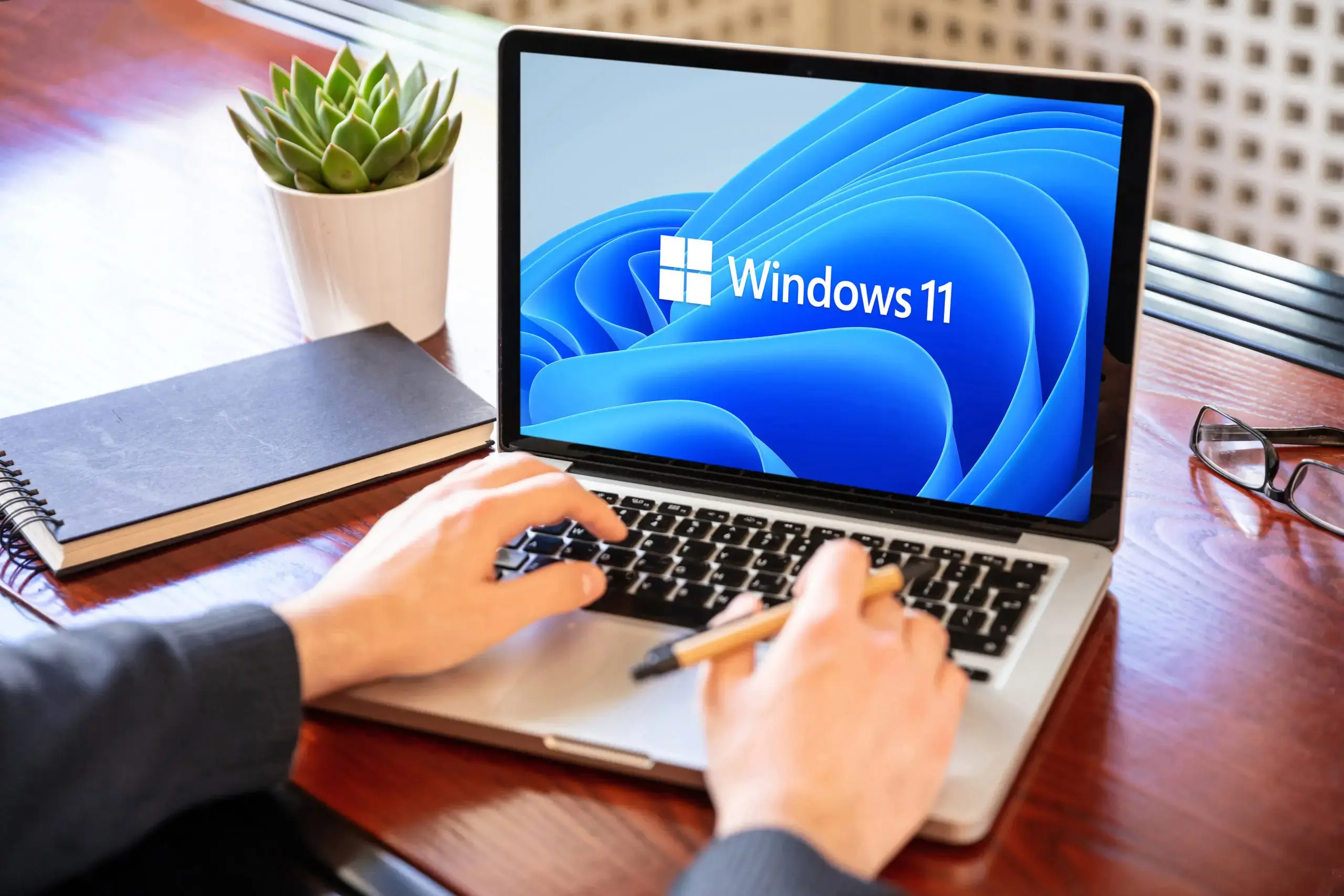
Organizations upgrading to Windows 11 can ensure printing works perfectly from day one. ezeep supports Windows 11 on classic desktops, Azure Virtual Desktop, and both versions of Windows 365 Cloud PC for consistent, reliable printing.
Thanks to ezeep, companies upgrading to Windows 11 can rest assured that printing in Windows 11 on classic desktops, Azure Virtual Desktop, or in both versions of Windows 365 Cloud PC is as comfortable as it was in Windows 10.
We ensure that users can reach the printer they want to use without a VPN, even if, for example, they access a cloud desktop via a web browser. Mobile users who frequently change their working location as part of new-work or hybrid-work models always have the right printers available with ezeep, regardless of which network they are currently on.
ThinPrint‘s CEO Charlotte Künzell: ‘‘We‘re delighted to once again stand alongside our valued, historic partner Microsoft and support users of this new platform with what we‘re renowned for: simple printing in practically any situation.‘‘
Click here to visit Microsoft’s official Windows 11 page.
Frequently Asked Questions
Does ezeep support printing with Windows 11?
Yes, ezeep supports printing with Windows 11. It was ready for Windows 11 on its release day, ensuring compatibility from the start.
Can I print to Windows 11 desktops using ezeep in Azure Virtual Desktop?
Yes, ezeep supports printing to Windows 11 desktops in Azure Virtual Desktop. This ensures comfortable printing, similar to Windows 10 environments.
Does ezeep work with Windows 365 Cloud PC for Windows 11 printing?
Yes, ezeep works with both versions of Windows 365 Cloud PC for Windows 11 printing. This maintains consistent printing experience for users.
Do I need a VPN to print to a cloud desktop with ezeep and Windows 11?
No, you do not need a VPN to print to a cloud desktop with ezeep and Windows 11. Users can access their desired printer directly, even when using a web browser for their cloud desktop.
How does ezeep help mobile users print with Windows 11?
ezeep ensures mobile users have access to the correct printers with Windows 11, regardless of their network. This is beneficial for hybrid work models where locations frequently change.
- March 2026 (3)
- February 2026 (2)
- January 2026 (2)
- December 2025 (2)
- November 2025 (5)
- October 2025 (6)
- September 2025 (1)
- August 2025 (4)
- July 2025 (1)
- June 2025 (3)
- May 2025 (1)
- April 2025 (5)
- March 2025 (6)
- February 2025 (6)
- January 2025 (3)
- December 2024 (5)
- November 2024 (4)
- October 2024 (7)
- September 2024 (2)
- August 2024 (2)
- July 2024 (5)
- May 2024 (4)
- March 2024 (1)
- February 2024 (3)
- January 2024 (1)
- December 2023 (1)
- November 2023 (3)
- October 2023 (3)
- September 2023 (3)
- August 2023 (1)
- July 2023 (3)
- June 2023 (2)
- May 2023 (1)
- April 2023 (5)
- March 2023 (7)
- February 2023 (4)
- January 2023 (2)
- December 2022 (3)
- November 2022 (2)
- October 2022 (5)
- September 2022 (6)
- August 2022 (2)
- July 2022 (4)
- June 2022 (5)
- May 2022 (2)
- April 2022 (4)
- March 2022 (4)
- February 2022 (2)
- January 2022 (1)
- October 2021 (1)
- July 2021 (5)
- June 2021 (4)
- May 2021 (3)
- April 2021 (1)
- March 2021 (4)
- February 2021 (1)
- December 2020 (1)
- November 2020 (1)
- October 2020 (1)
- September 2020 (1)
- June 2020 (1)
- April 2020 (4)
- March 2020 (3)
- February 2020 (3)
- January 2020 (1)
- August 2019 (2)
- May 2019 (1)
- September 2018 (1)
- January 2018 (1)
- May 2017 (1)
- November 2016 (1)
- October 2016 (1)
- May 2016 (1)
- May 2014 (1)
- January 2014 (1)
- October 2013 (1)
- August 2013 (1)
- April 2013 (1)
You May Also Like
These Related Stories
ezeep: Windows Virtual Desktop Printing Solution

ezeep Hub Brings Printing to Microsoft 365 Link