
Healthcare

Vivage: How a Senior Living Provider Enabled Secure Chromebook Printing for Nursing Staff Across 120 Printers

Vivage, a senior living operator based in Colorado, needed nursing staff to print securely from Chromebooks to internal network printers across its facilities. ezeep enabled 120 printers to be configured in hours, giving Chromebook users the ability to print effortlessly.

senior-citizen-home

Giving Chromebook Users a Path to Internal Printers Without Compromising Security

When a healthcare organization moves its workforce to Chromebooks, productivity gains are immediate. But Chromebooks do not natively support the same printer infrastructure as Windows PCs, and in a healthcare environment, every printed document must comply with certain regulations. The gap between device and printer becomes a compliance problem, not just an inconvenience.

The Challenge

Vivage's nursing staff rely on Chromebooks as their primary work devices. These devices sit outside the internal network, which meant the existing printing infrastructure, built around internal network printers, was inaccessible. Staff needed to print patient-related documents, but doing so from a device outside the network raised both technical and compliance concerns.

The IT team needed a solution that could bridge Chromebooks to internal network printers securely, while ensuring all print activity met security requirements.


"ezeep works great. It's very easy to use. There is nothing but positive feedback from all users."
vivage-logo

Peter Sturm

System's Engineer - Vivage

The Solution

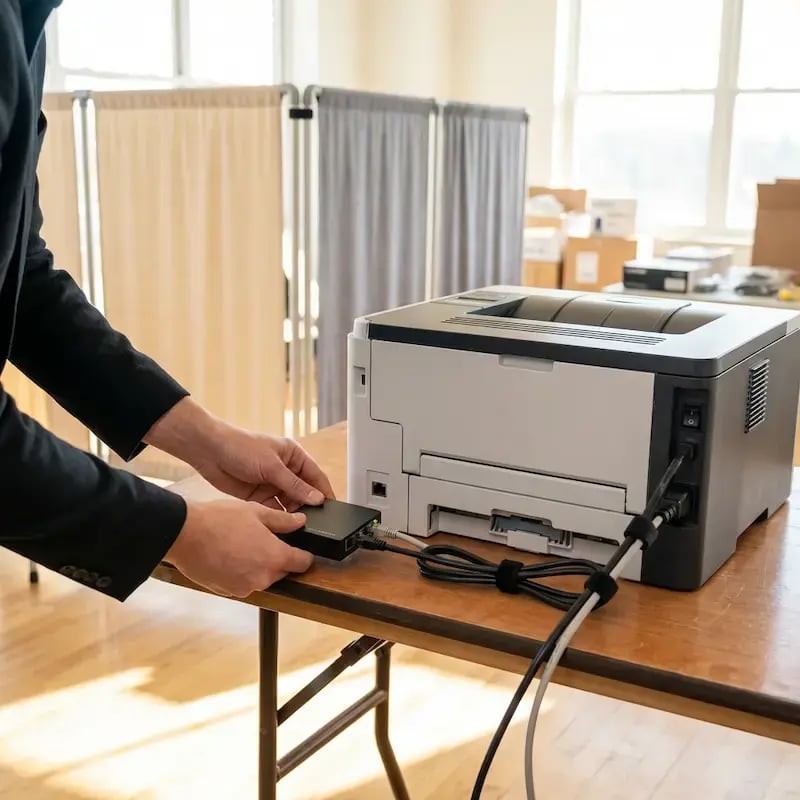
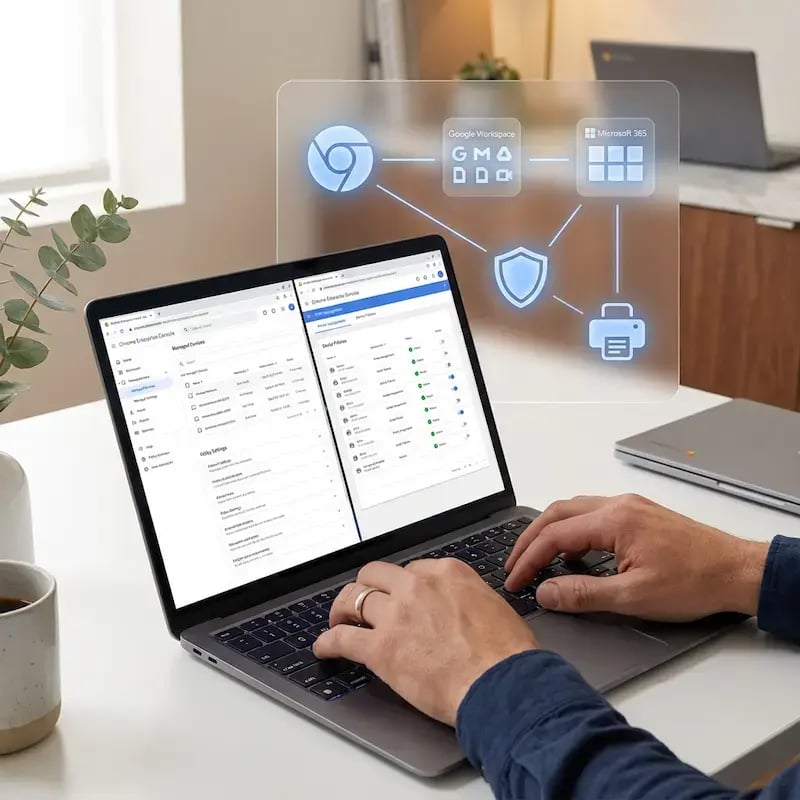
ezeep's cloud printing platform provided the bridge between Chromebooks and internal network printers. The ezeep console enabled the IT team to configure printers, groups, and permissions centrally. The setup of all 120 printers was completed in a matter of hours.

Nursing staff now print from their Chromebooks to the same internal printers they have always used, with all activity routed through ezeep's secure cloud platform. The solution meets HIPAA requirements for secure document handling.

"ezeep works great. It is very easy to use," says Peter Sturm, Systems Engineer at Vivage. "The training of the end users was very straightforward. The Chromebook users love that they can now print."

The Outcome

120 printers were configured and operational within hours. Nursing staff across Vivage's facilities now print from Chromebooks without technical barriers or compliance concerns. User feedback has been unanimously positive.

Why It Matters

Healthcare organizations moving to Chromebooks face a specific challenge: bridging lightweight, cloud-first devices to existing internal printer infrastructure while maintaining compliance. Vivage demonstrates that ezeep can fill that gap at scale, with 120 printers configured in hours and immediate adoption by non-technical nursing staff. For any healthcare IT team evaluating how to support Chromebook printing in a regulated environment, this case study is directly relevant.

About Vivage

Vivage is an American-based senior living operator headquartered in Lakewood, Colorado. The company brings award-winning professionals to senior living communities, providing fiscal, operational, and clinical systems with a focus on hiring people who care about residents. Vivage's nursing staff now print securely from Chromebooks across all facilities using ezeep.

Visit their website →

Project Highlights

"ezeep paid for itself in less than a month."
Describe your image

Vlad Khmil

United Tires

Start Your Success Story

Use ezeep to bring your business to the next level of printing - all without having to think twice if it'll work or not.
ezeep-chart (1)