Print App for Services: Unattended Printing That Never Breaks
Your ERP, WMS, EHR, and SAP systems run around the clock. Your printing should, too. ezeep's Print App for Services delivers reliable, always-on printing from Windows services and system accounts. No user logins. No workarounds. No late-night failures.
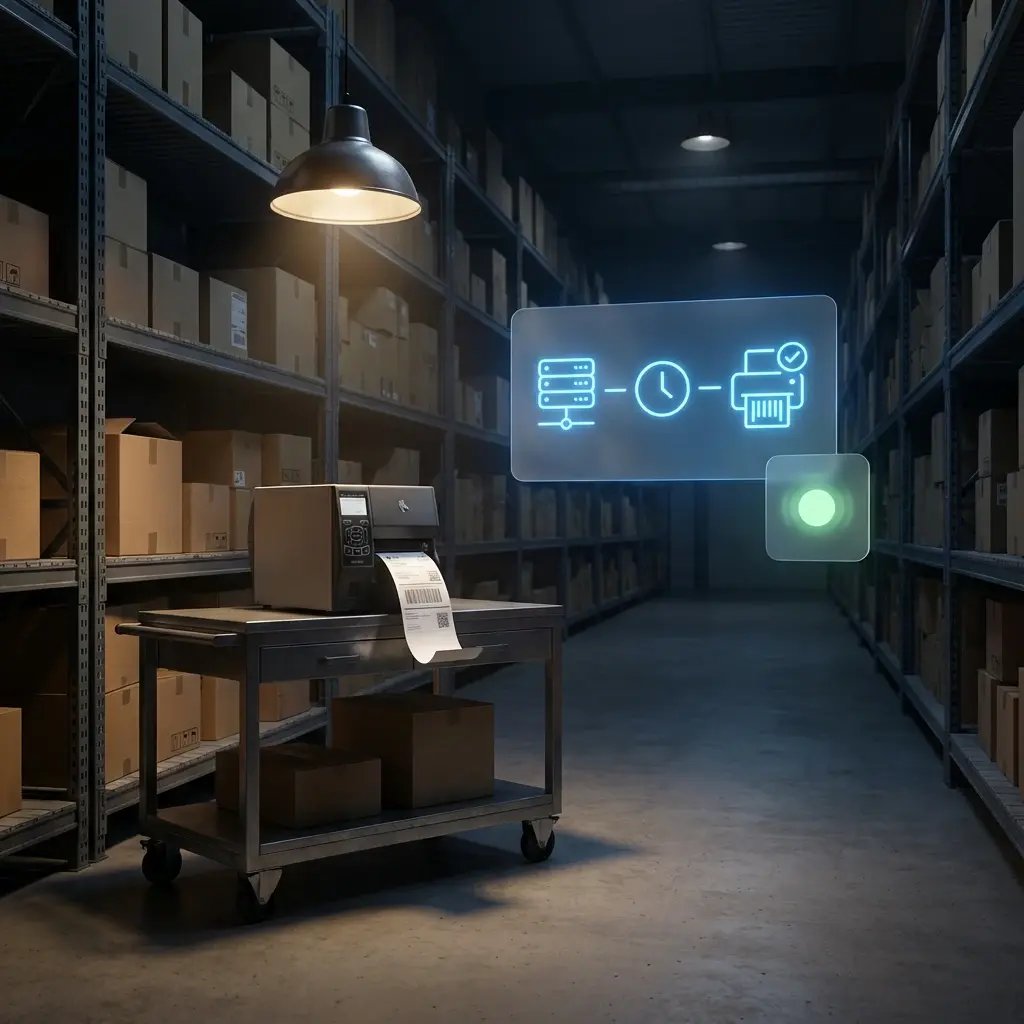
Printing Shouldn't Depend on a Logged-In Human
Print Servers Don't Deliver What Modern Enterprises Need
They're expensive (often thousands of dollars per instance per year), time-consuming to maintain, and still rely on legacy infrastructure like VPNs to deliver print jobs from centralized applications in data centers or the cloud out to production sites, warehouses, clinics, and doctors' offices.
Failures Are Silent Until Operations Feels Them
When an automated print job fails, nothing alerts you. The workflow moves on. The warehouse shift starts without labels. The clinic opens without overnight results. Finance chases reports that should have printed at 2am. By the time anyone knows, the fix is urgent.
Nobody Knows What Printed Without Investigating
Which jobs from last night's batch completed? Which failed? Which printer got the job? In an automated print environment, answering those questions means digging manually - and usually only because something already went wrong. That's not a monitoring gap. It's a blindspot.
Printing That Runs Whether You're There or Not
Three steps. One scheduled reboot. After that, the Print App for Services stays connected to the ezeep Cloud and handles every automated job your systems send indefinitely.
Install the Service
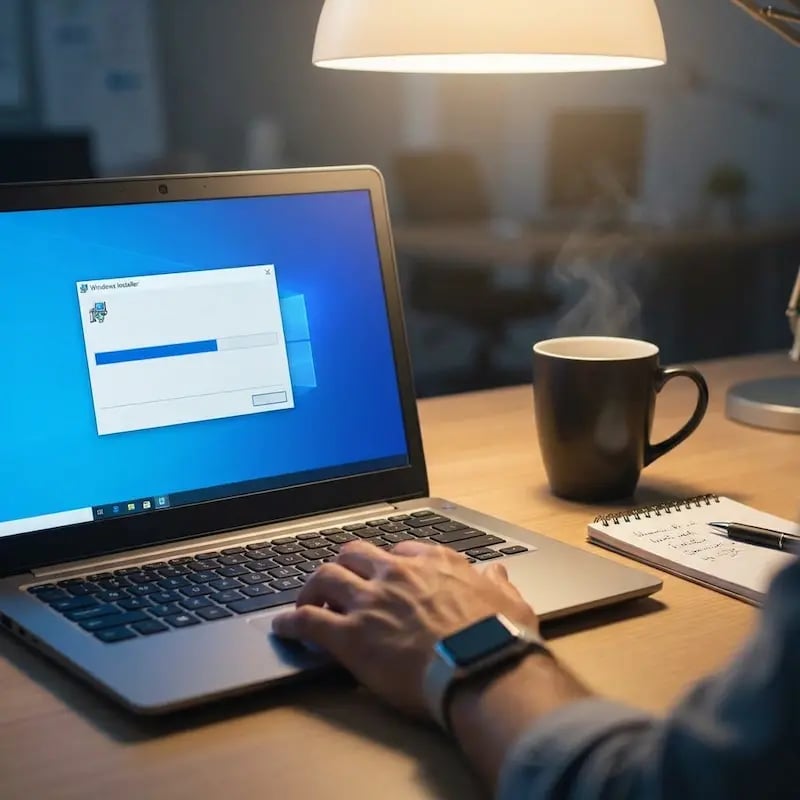
Download the Print App for Services installer from Apps & Downloads in the ezeep admin portal. Run it as administrator, then schedule a reboot - it's required to complete installation and start the service.
Sign In Once
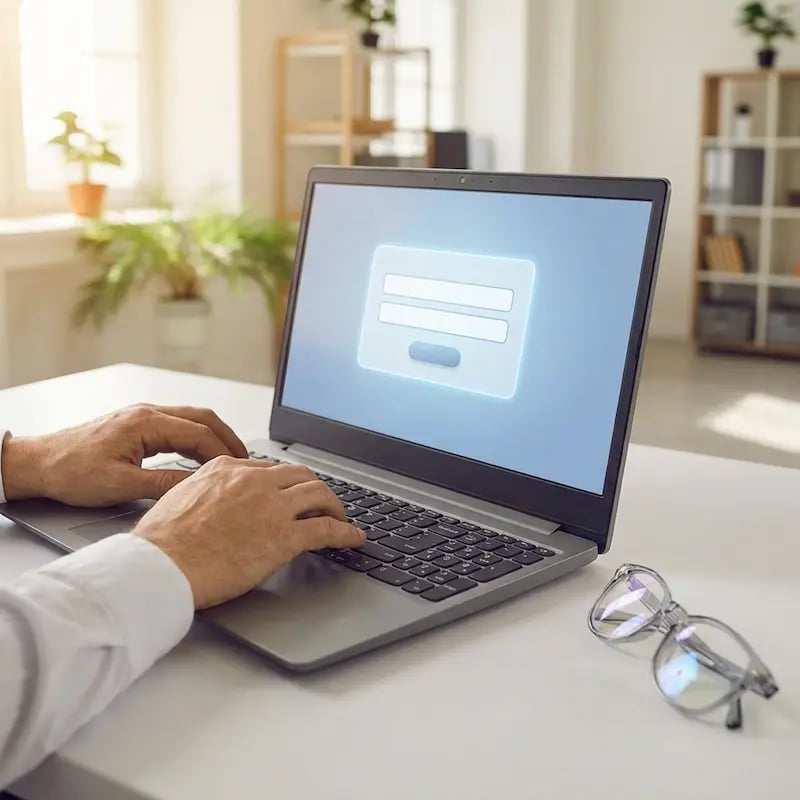
After the reboot, open the ezeep login app and enter your credentials. The service authenticates with the ezeep Cloud, and that's the last time anyone needs to touch it.
Assign Printers and Walk Away
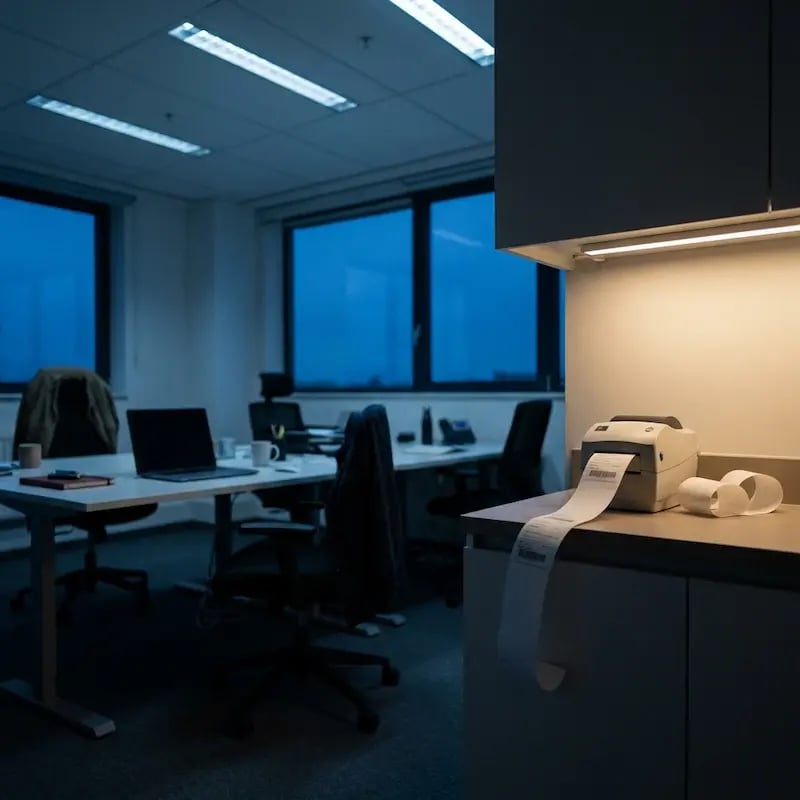
Printers assigned in the ezeep portal appear on the machine automatically. Any application that can print to a Windows printer - ERP, WMS, kiosk, scheduled task - now routes through ezeep. Jobs render in the cloud, land at the printer, and the workflow continues. No one needs to be there to make it happen.

Designed for Systems That Don't Log Out
When software triggers the workflow, printing should just happen.
ERP & Business Systems
SAP, Oracle, Epicor, Microsoft Dynamics, Sage. When these systems generate invoices, delivery notes, or scheduled reports, the output needs to reach the printer before the next step in the process begins - not after someone logs in or after IT fixes a session that dropped overnight.
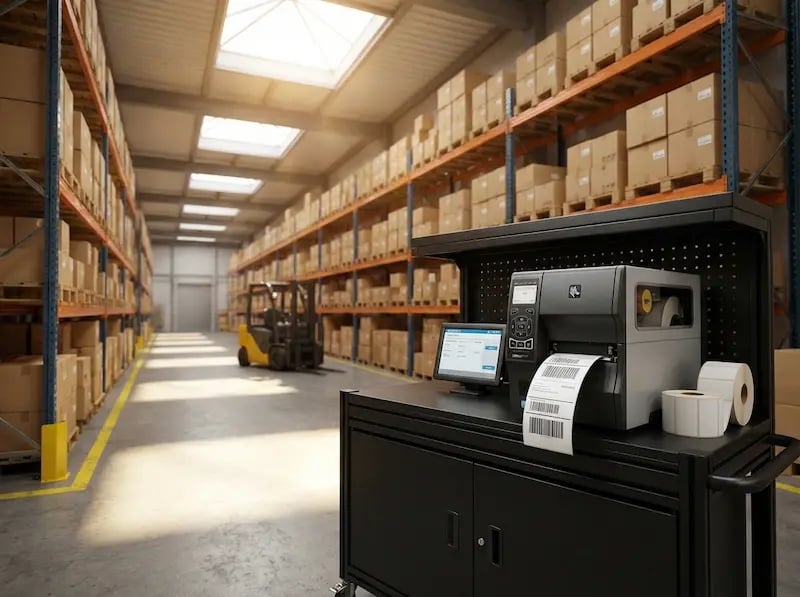
Logistics & Warehousing
Labels, pick lists, and shipping documents from SAP EWM, Manhattan Active, Blue Yonder, or Oracle WMS need to arrive at the right printer the moment the order moves. A delay in printing is a delay in the warehouse - and in high-volume operations, that compounds fast.
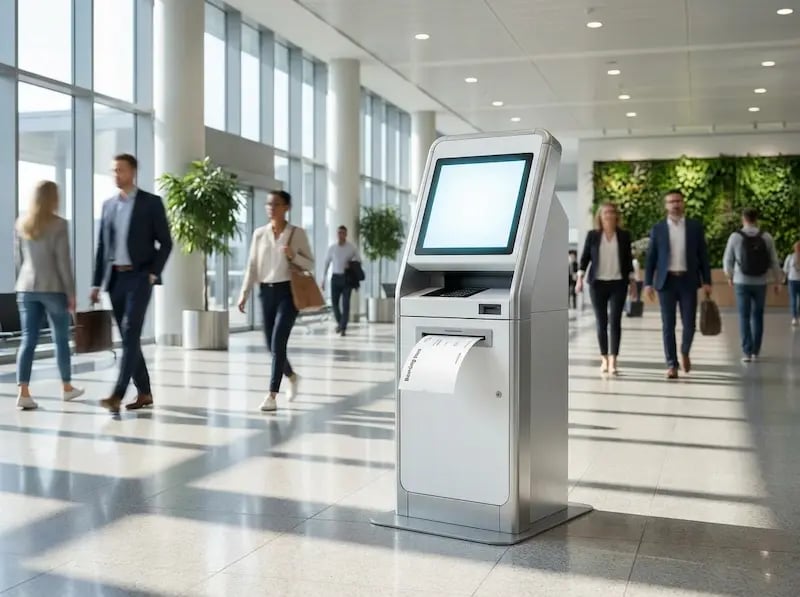
Kiosk & Terminals
Self-service stations print tickets, badges, visitor passes, and confirmations without anyone at the controls. The print infrastructure behind them needs to be equally unattended - a service that runs independently, not a session someone has to keep alive.
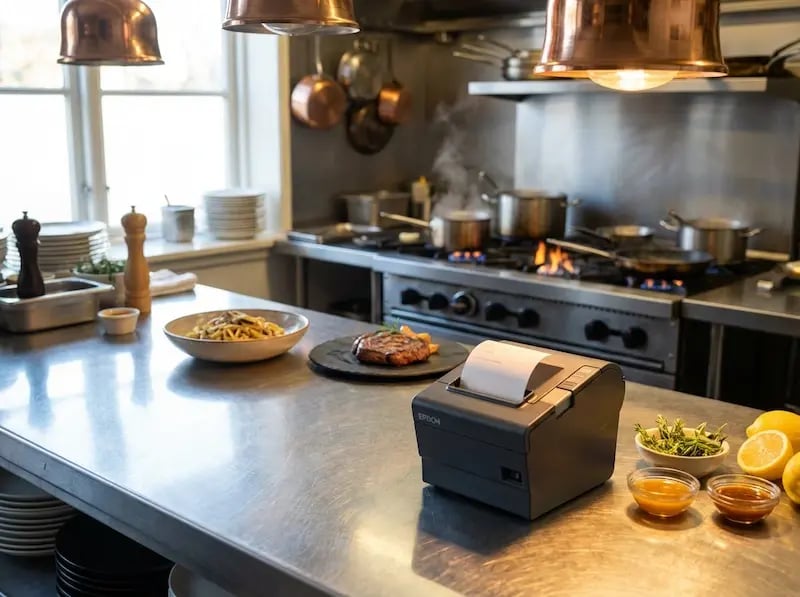
Retail & Hospitality
Receipts, kitchen tickets, and shift reports from Oracle MICROS, Toast, Square, or Lightspeed need to print during peak hours without exception. One missed kitchen ticket isn't a printing problem. It's a service problem.
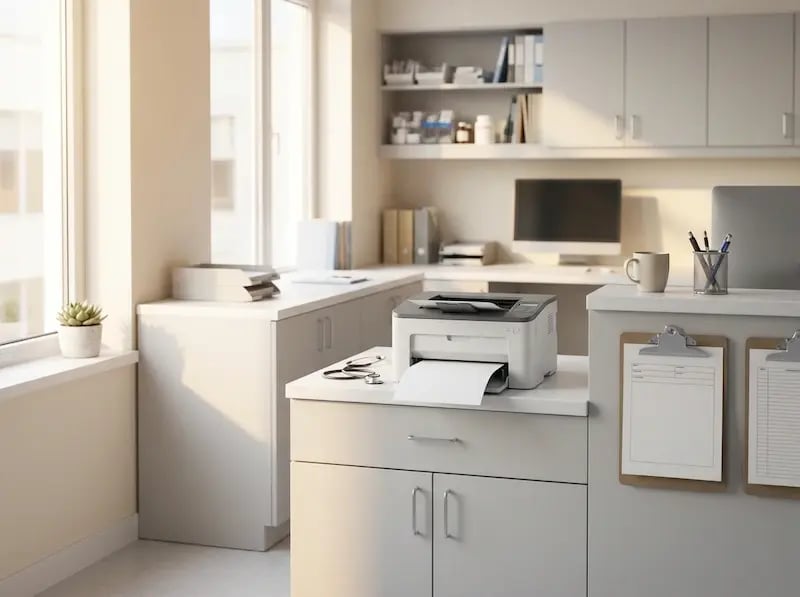
Healthcare & Labs
Epic, Cerner, MEDITECH, Allscripts. Lab results, patient documents, and care summaries need to reach the printer the moment the system generates them - not when a session comes back online or when someone notices the queue has stalled.
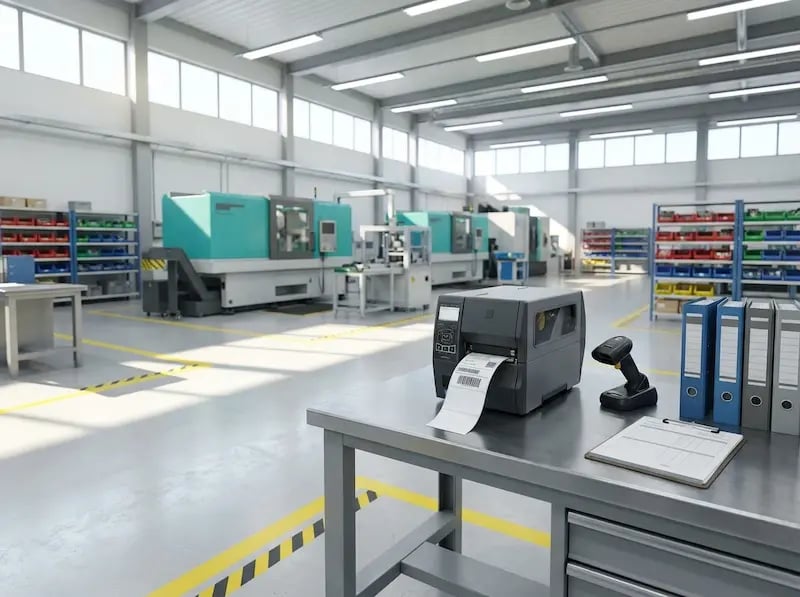
Manufacturing & Production
Work orders, quality labels, and batch documents from Siemens Opcenter, Rockwell Plex, or SAP Manufacturing need to reach the floor as production events fire. When they don't, it's not a print queue problem. It's a production hold.

Building Something That Needs to Print?
If your development team is integrating printing into a custom application, internal tool, or SaaS platform, the ezeep API handles delivery from the code side. No client app required on the machine. It's a separate path from the Print App for Services, built for when printing is part of your application logic, not your Windows infrastructure.
What Changes When You're Not Managing Print Anymore
No More 2AM Print Failures
Adding a Printer Stops Being a Project
Full Visibility Into Every Print Job
Close the Security Gap Workarounds
Print App for Services vs. Common Workarounds
Frequently Asked Questions
Curious about how it all works? Here's everything you wanted to know about ezeep's cloud printing solution!
What is the ezeep Print App for Services?
The Print App for Services is a Windows application that runs as a system service, giving ERP, WMS, EHR, and other backend systems a reliable way to print without depending on a print server or a logged-in user. It authenticates once with the ezeep cloud and then operates independently in the background, presenting itself as a standard Windows printer object. Any application that can print to a Windows printer — from SAP and Epic to custom line-of-business tools and scheduled tasks — can send jobs through ezeep and have them routed to the right printer anywhere in the organization.
How is it different from the regular ezeep Print App?
The regular Print App runs in the context of a logged-in user and creates printers for that user's session. The Print App for Services runs as a Windows service and stays active regardless of whether anyone is logged in. Use the regular app for people printing from their desktops. Use the Services edition for automated, system-driven printing from backend applications.
Why do automated print jobs fail when no one is logged into the server?
Backend systems like ERP, WMS, and EHR platforms need to print around the clock, but Windows services run in Session 0, which is isolated from user sessions and can't access printer drivers or applications that require a display. That's why automated print jobs quietly fail whenever no user is signed in. The ezeep Print App for Services solves this by running as a native Windows service with cloud rendering, so your backend applications keep printing reliably without depending on a logged-in user, a local driver, or a print server staying online.
Can it replace workarounds like keeping RDP sessions open for printing?
Yes. Many IT teams keep remote desktop sessions open or use auto-login service accounts to maintain printer access for automated workflows. The Print App for Services eliminates those workarounds by running independently as a Windows service. One-time authentication, no session dependency, no security exposure from permanently open sessions.
Does it work with ERP systems like SAP, Oracle, and Microsoft Dynamics?
Keep Printing Moving - No Logins Required
No infrastructure project. No driver rollout. One install and one login, and your automated workflows run through ezeep indefinitely. Try it free and see it working in your environment before you commit to anything.