
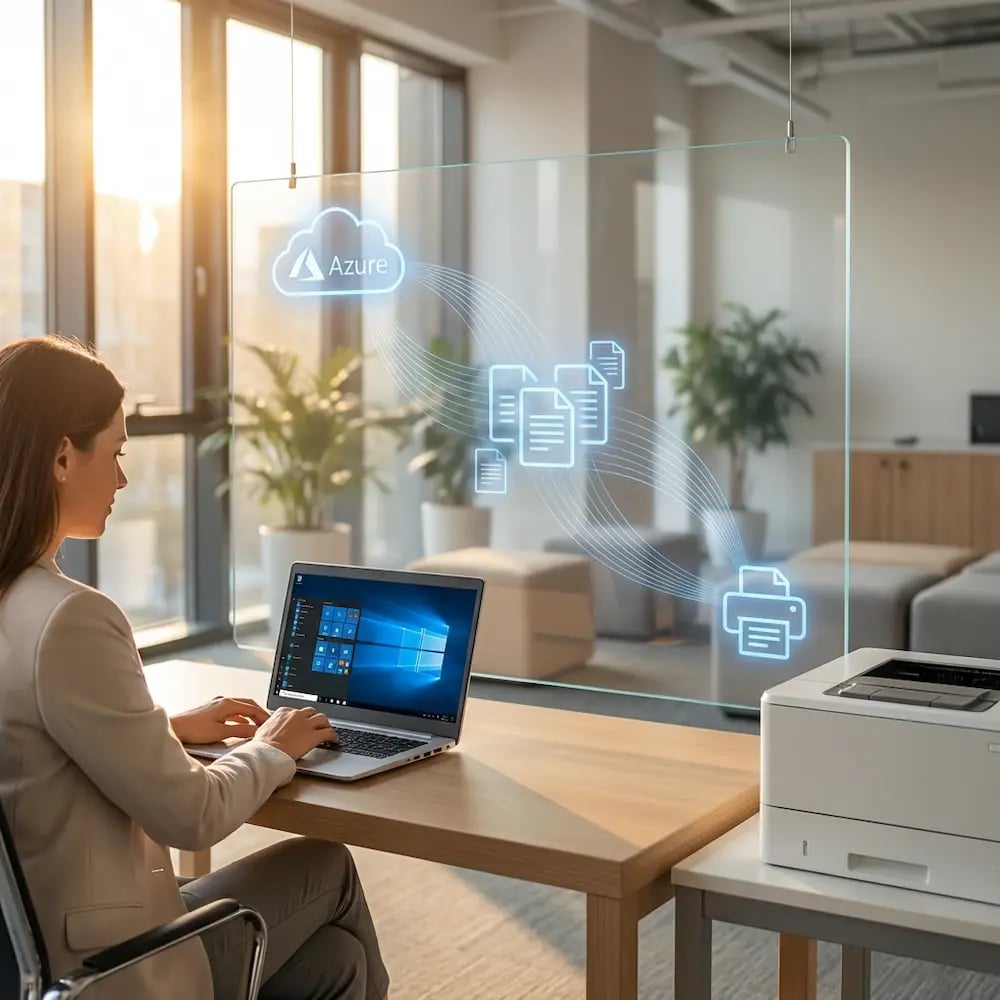
What You'll Learn:
- Why printer redirection causes slow, unreliable output in AVD sessions
- How cloud rendering delivers faster printing without local drivers
- Step-by-step setup for ezeep in AVD and Windows 365 environments
- How policy-based printer assignment replaces manual mapping in host pools

How a Global Enterprise Eliminated Print Servers and Cut Cost 30%
Case Study

Why Sustainable Printing is the Future of Hybrid Work Around the World
Blog Article
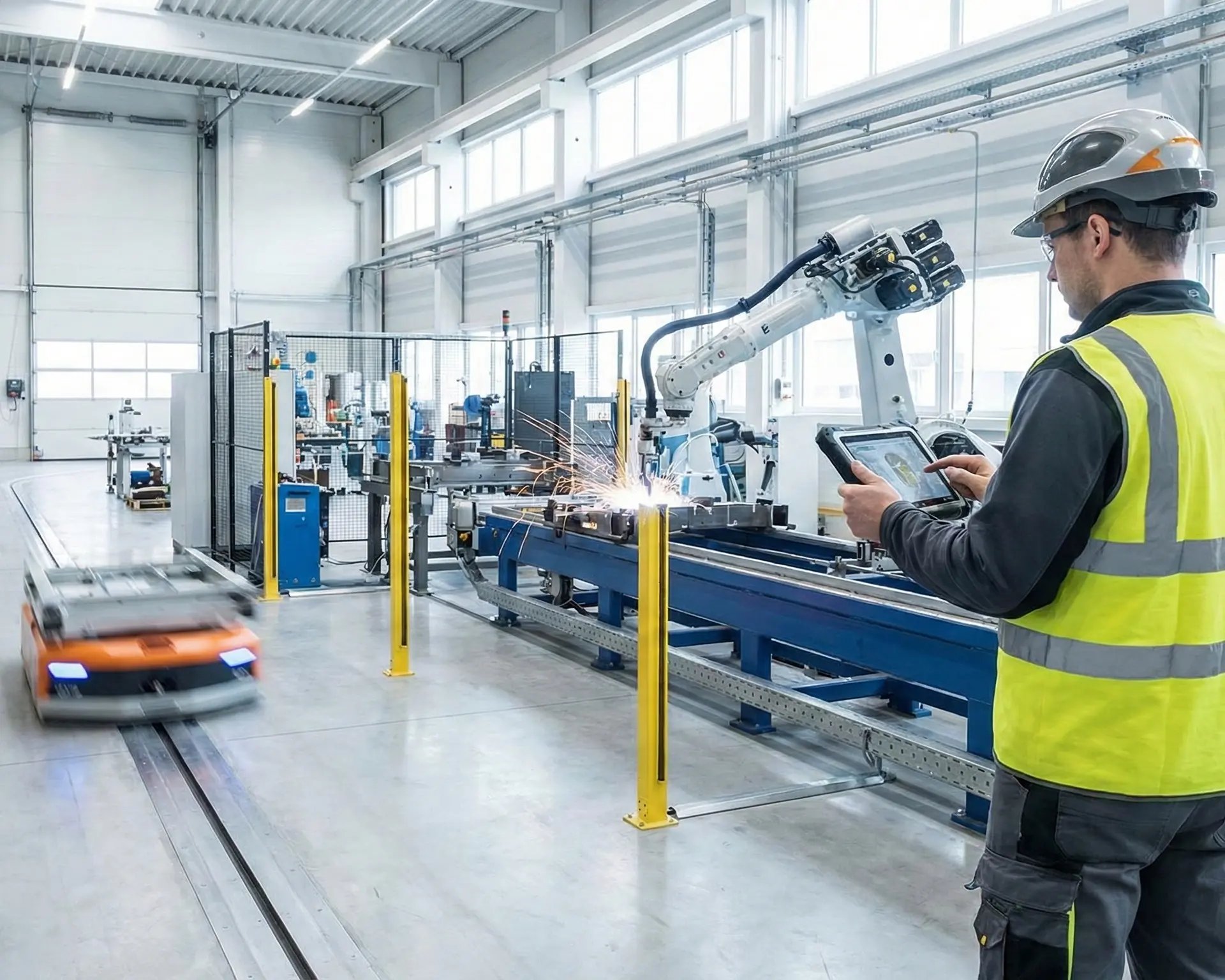
Cloud Printing Made Simple - See ezeep in Action in Manufacturing
Webinar
.webp?width=1920&height=1536&name=ezeep-chart%20(1).webp)