By Robert Noonan on June 22, 2020
Last updated on April 13, 2026
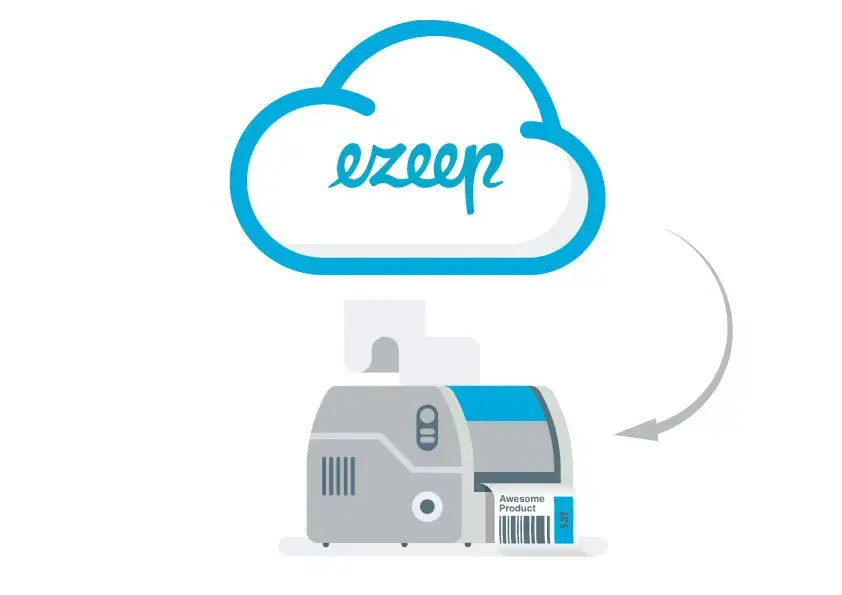
ezeep now supports native printer drivers for cloud printing, giving you access to all printer features, including specialized options like label printing. This update addresses the challenges of driver management in cloud environments, ensuring full functionality for even the most complex printing needs.
Cloud Printing and Printer Drivers
Printer drivers are often a headache for IT admins due to incompatibility or the need for constant updates across devices. Even with cloud printing or Azure Virtual Desktop, managing drivers can be a challenge. ezeep helps by freeing administrators from this burden with its cloud rendering feature, which processes print jobs entirely in the cloud. This means no printer drivers need to be installed on the Azure Virtual Desktop instance.
Previously, ezeep cloud printing primarily used its ThinPrint Output Gateway virtual printer driver. While this supported most printer features for Azure Virtual Desktop printing, our goal is to support every printer feature. That's why ezeep now also includes support for native printer drivers for cloud printing.
When Are Native Printer Drivers Used for Cloud Printing?
Native printer drivers are used for specific scenarios where individual printing options are needed, such as label printing. With this update, ezeep now supports printing from Azure Virtual Desktop to special printers like label printers. This makes ezeep suitable for complex printing infrastructures and diverse printer fleets with various specialized devices. You can simply choose to print using either a virtual or a native printer driver as needed.
How Does Cloud Printing Work with Native Printer Drivers?
For administrators, the process is straightforward: simply install the required native printer drivers with their special features on the Azure Virtual Desktop instance. No further settings are needed. When creating a printer object, ezeep checks the installed drivers and compares the name with the driver name on the print server or the ezeep Hub. If the names match, ezeep uses the original driver. Otherwise, ezeep falls back to the universal driver.
For users, cloud printing with native printer drivers is also simple. Users can select the specific printer from their printer list as usual. Alternatively, they can use ezeep's Printer Self Service to easily find the specialized label printer and set it as their default with a single click.
Why ezeep Cloud Printing Makes Sense
Unlike other cloud printing approaches that send a print file (like a PDF) to be printed locally, ezeep's cloud printing is designed for any situation and any printer, no matter how specific. This means you get full functionality without compromise.
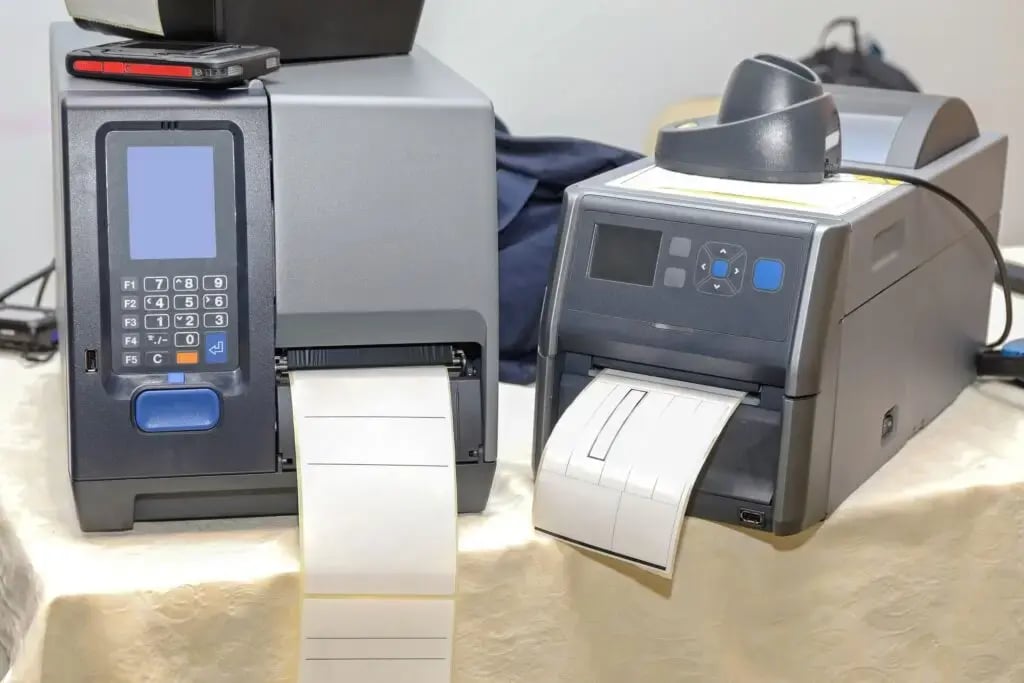
Printing labels has never been simpler
Not on board yet? ezeep is free for up to 10 users.

Print From Remote Desktop to Local Printer