Claim and Connect: Easier ezeep Hub Setup
By Charles Ian Pritchard on February 18, 2025
Last updated on April 13, 2026

Claim and Connect: Easier ezeep Hub Setup

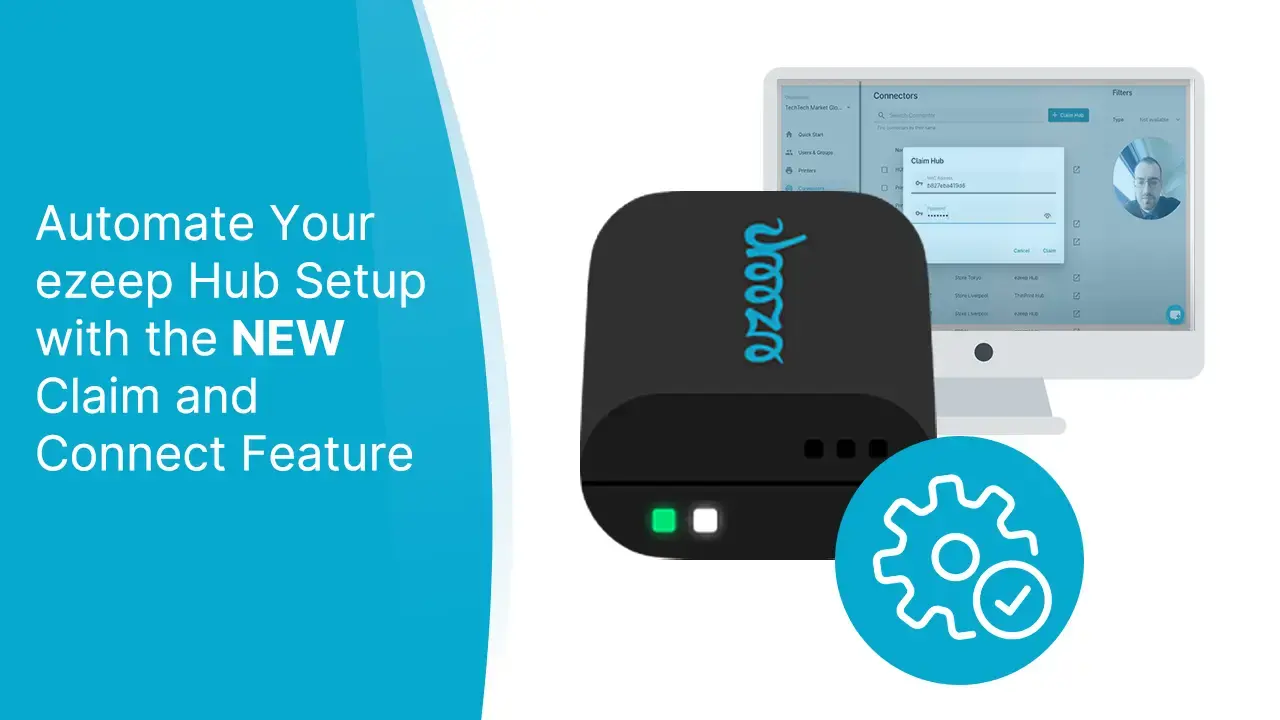
Setting up your ezeep Hub is now significantly simpler with our latest product update. The new Claim and Connect feature simplifies the process, making it faster and more accessible for everyone.

Previously, connecting your ezeep Hub to your ezeep account required logging into the Hub's management console and manually establishing the connection. While relatively straightforward, this added an extra step for administrators.

Now, with Claim and Connect, the entire connection process happens automatically. Just plug your Hub into your network, claim it as usual, and it will automatically connect your network printers with ezeep and the cloud. This means you can get your printing environment running without needing deep IT expertise.

For those who need it, you can still log in to the Hub management console via the ezeep Admin Portal.

How Claim and Connect Saves You Time

This update saves you considerable time during the ezeep Hub setup. It also makes managing printers in remote locations much easier, especially where local IT teams are not available. The setup process is now so simple that any team member can connect network printers to the ezeep cloud.

Frequently Asked Questions

What is the new "Claim and Connect" feature for ezeep Hub?

The new "Claim and Connect" feature simplifies the setup process for the ezeep Hub by automating the connection of network printers to your ezeep account. This means you no longer need to manually configure the connection through the Hub's management console.

How does "Claim and Connect" make ezeep Hub setup easier?

The "Claim and Connect" feature streamlines the setup by automatically connecting your network printers to ezeep and the cloud once the Hub is plugged into your network and claimed. This eliminates the need for manual configuration steps and specialized IT knowledge.

Do I still need to log in to the ezeep Hub management console?

No, you don't generally need to log in to the ezeep Hub management console for initial setup with "Claim and Connect." However, if you do need to access it, you can still do so through the ezeep Admin Portal.

What are the benefits of using the ezeep Hub with "Claim and Connect"?

The main benefits include saving time during setup, simplifying printer management in remote locations, and reducing the need for local IT expertise. The automated process makes it much easier to deploy and manage printing infrastructure.

Is IT expertise required to set up the ezeep Hub with "Claim and Connect"?

No, IT expertise is not required for setting up the ezeep Hub with the "Claim and Connect" feature. The process is designed to be straightforward, allowing anyone to plug in the Hub and have it automatically connect to ezeep and the cloud.

Back to top