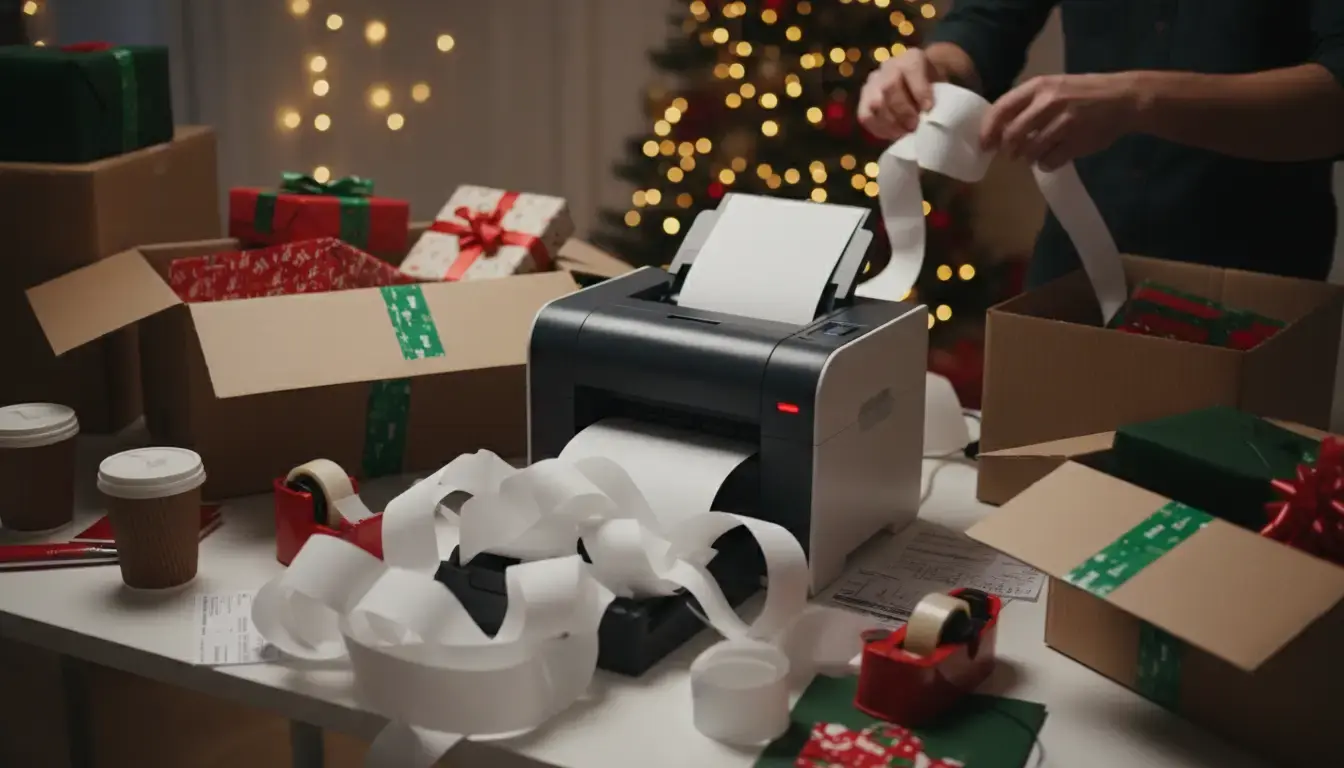
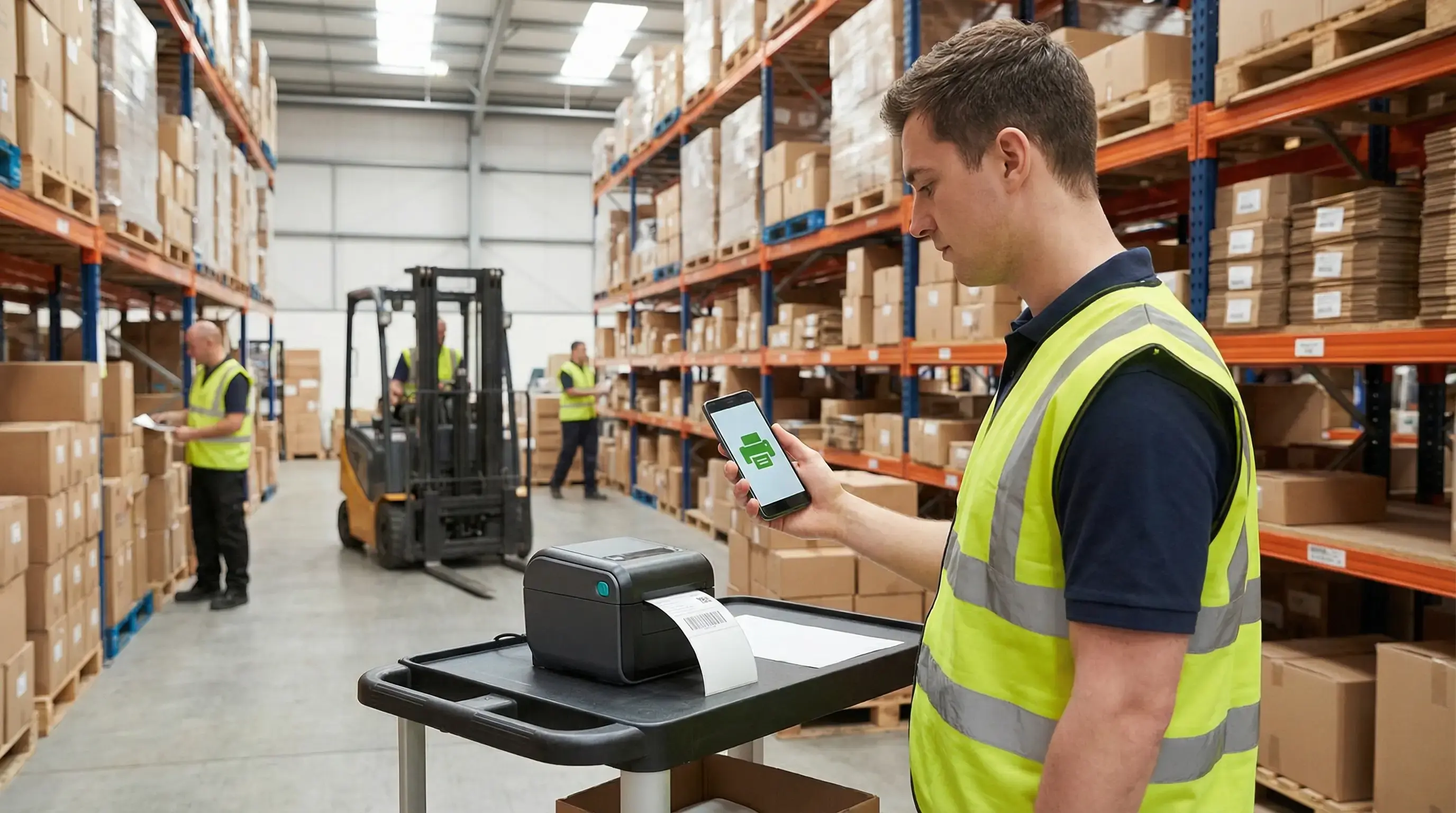
The holiday season can make or break retail operations. Black Friday, Cyber Monday, and the weeks leading up to Christmas bring a surge of orders, tight deadlines, and high customer expectations. In the middle of it all, your label printer can either be a bottleneck or a driver of efficiency.
It might not be the flashiest piece of equipment, but when it fails during peak season, the consequences are immediate: delayed shipments, frustrated customers, and lost revenue. ezeep helps ensure printing never slows you down, especially when it matters most. Here's how to prepare your label printing setup for the holiday rush, so it enhances operations instead of hindering them.
When Label Printing Creates Roadblocks
During the holidays, every minute counts. Yet, traditional label printing setups often create friction precisely when speed and reliability are critical:
- Driver conflicts and compatibility issues: Different printers and drivers can lead to complications, especially when scaling up operations temporarily.
- Manual configuration for each device: Adding new printers or workstations during peak season should not require extensive IT support.
- Downtime during critical hours: A jammed printer or outdated driver can halt an entire fulfillment process.
- Limited remote access: Teams working from multiple locations or shifts need consistent access to label printers without complicated VPNs or on-site servers.
These issues are more than minor inconveniences; during the holiday rush, they pose significant business risks.
What High-Volume Operations Really Need
Whether for an e-commerce fulfillment center, a retail warehouse, or a logistics hub, label printing infrastructure must meet specific needs:
Speed and Flexibility
Setting up new printers, users, or locations should take minutes, not hours. Cloud-based printing removes the need for local print servers and complex driver installations.
Reliability Under Pressure
When order volumes spike, your printing must scale simply. This means no crashes, no delays, and no "printer offline" messages during your busiest hours.
Accessibility from Anywhere
Hybrid teams, remote workers, and multi-location operations require the ability to print labels securely from any device, without being tied to a specific network or workstation.
Simplicity in Management
Your IT team should not spend time troubleshooting printers when they could focus on more important strategic priorities. Centralized management and monitoring provide this control.
How ezeep Prepares You for Peak Season
ezeep is built for high-pressure environments where printing cannot fail.
Cloud-Native Architecture
This means no print servers and no driver chaos. Just secure, direct printing from any device to any label printer, anywhere. ezeep offers cloud-native architecture, not a migrated on-prem solution.
Universal Compatibility
ezeep works with all major label printer brands. Zebra, Dymo, Brother, and more. One platform supports every printer.
Instant Setup
Add new printers or users in minutes. This is ideal for scaling up during seasonal peaks without the usual IT overhead.
Centralized Management
Monitor printer status, manage queues, and troubleshoot remotely from a single dashboard. Stay in control, even when operations become hectic.
Protected and Compliant
Enterprise-grade security ensures that your shipping labels, barcodes, and customer data remain protected, even in fast-paced, high-volume environments.
Real-World Effectiveness: Customer Insights
Businesses that use ezeep during peak seasons report:
- Faster fulfillment times: No more waiting for IT to fix printer issues.
- Less downtime: Cloud reliability means fewer disruptions.
- Easier scaling: Adding temporary staff or printers becomes simple.
- Reduced stress: Teams can focus on orders, not troubleshooting.
One logistics partner told us: "During last year's holiday rush, we didn't have a single printer-related delay. That's never happened before."
ezeep is built on ThinPrint technology, trusted by Fortune 500 organizations and handling millions of printed pages daily.
Ensure Your Label Printer Aids, Not Hinders
The holiday rush is predictable; printer problems don't have to be. If your current label printing setup feels like a liability, it's time for a change before orders flood in.
Consider these points:
- Can you add a new label printer in under 5 minutes?
- Can your team print from home, the warehouse, or a pop-up location without IT support?
- Do you have visibility into printer status across all locations?
- Can your system handle 3x the normal print volume without breaking?
If you answered "no" to any of these, re-evaluate your approach.
Get Ready for the Rush
The holiday season waits for no one. Make sure your label printing infrastructure handles the demand.
Discover how ezeep can transform your label printing operations.