By Charles Ian Pritchard on July 30, 2024
Last updated on April 13, 2026

Organizations can now track copying and enhance security with improved ezeep support for Lexmark printers. This integration helps manage print activity more accurately, giving administrators better control over usage and costs in environments like universities or coworking spaces.
What is the ezeep Integration for Lexmark?
The ezeep App is a comprehensive integration that includes enhanced copy tracking and security features. It is available to download in the Admin Portal and is installed on the Lexmark printer.
The Lexmark printer must connect to the ezeep cloud via an ezeep Hub or our connector software for print servers. The app is compatible with all modern Lexmark printers. You can find the complete list in our Knowledge Base.
How does ezeep track copying with Lexmark Printers?
ezeep allows you to track all printed jobs in the admin portal. Once activated on a Lexmark printer, the ezeep App ensures that copying is also tracked.
After the app installation, the administrator activates the copy tracking setting in the app's configuration. When a user photocopies a document, a quick swipe of their ID card or PIN entry is needed to authenticate. All copied pages are then logged in the ezeep Admin Portal. This offers reliable control over copy costs and usage. Administrators can generate reports to identify how many copies each user makes. This is a handy feature for universities, coworking spaces, and other environments needing to track guest and employee copying.
How does pull printing work with Lexmark Printers?
The ezeep App ensures documents are only printed after a user authenticates at the printer. This protects confidential data from being left in the printer tray and reduces wasted resources.
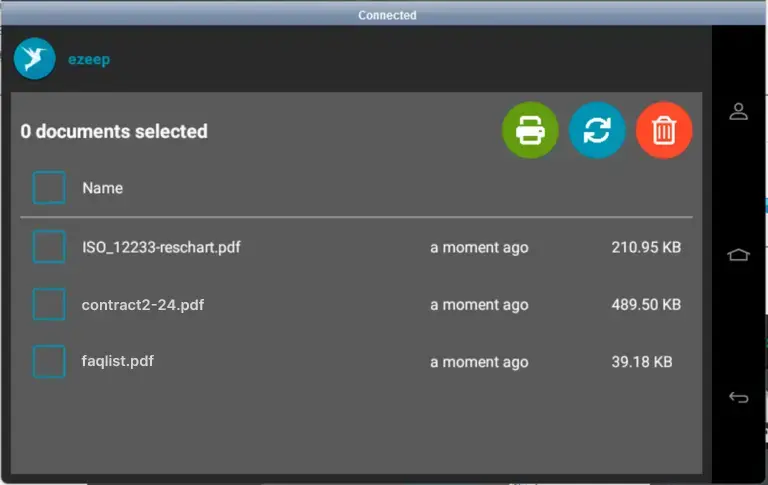
The app now offers more authentication possibilities and delivers quicker ROI. Its native integration means you do not need to purchase external card readers if one is already integrated into the printer. You can also use a PIN-based authentication workflow. All queued print jobs are displayed on the printer, giving users a clear overview of the jobs they want to release.
Advantages of ezeep for Lexmark Printers:
- User-Friendly: View and manage print jobs directly on the printer display, improving user experience.
- Cost Control: Track copying activities and reduce wasted resources effectively.
- Compliance: Keep documents with sensitive information from being left in the printer tray.
How to get started with ezeep and Lexmark?
Use this feature to manage your printing and improve security. Visit our Knowledge Base for more information and installation instructions. With ezeep, you get a print management system built on ThinPrint technology, trusted by Fortune 500 organizations and handling millions of pages daily.
Manage every printer from one dashboard. Start using ezeep today!
ezeep Improves Support for Lexmark Printers
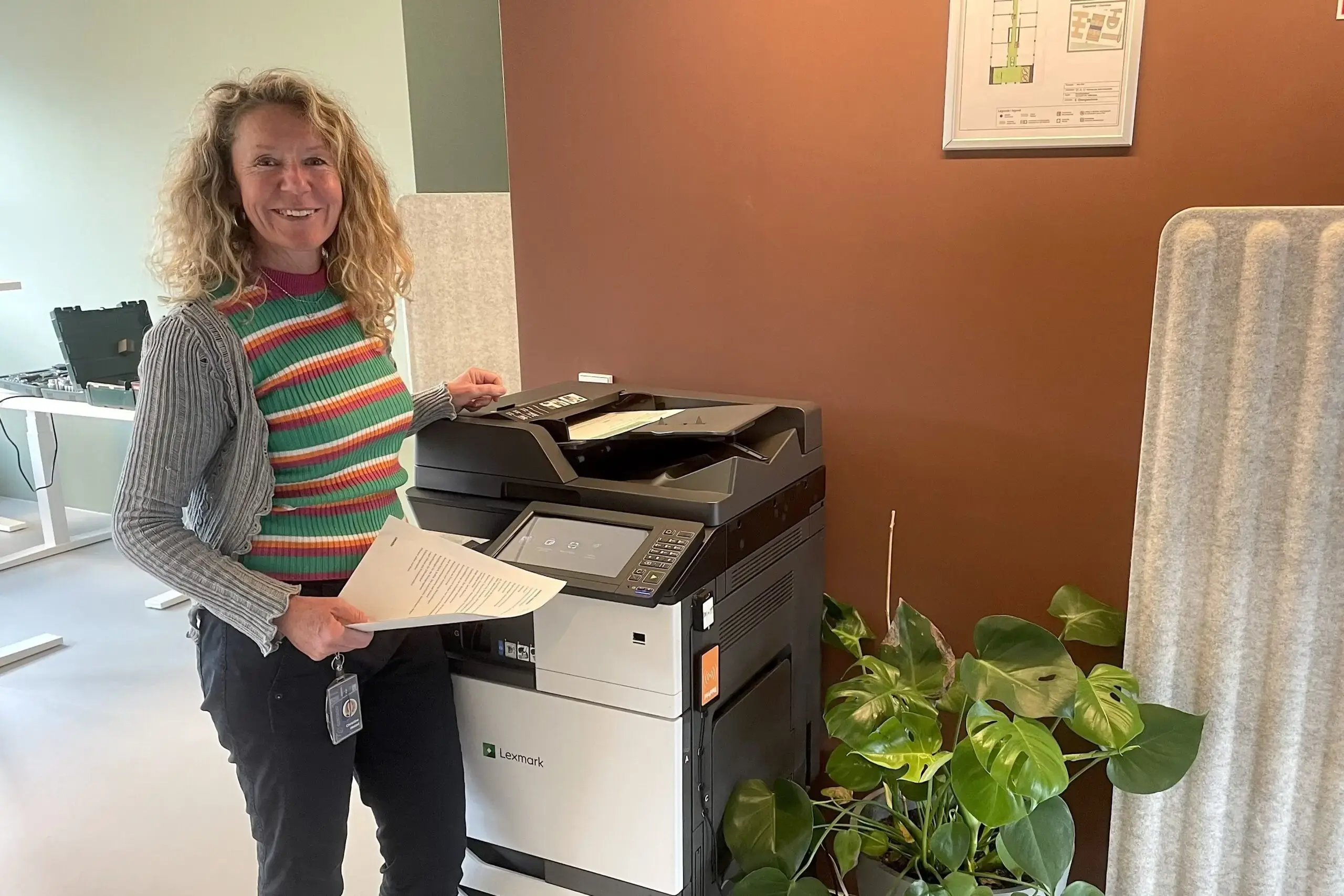
Rooftop Office Uses ezeep, Lexmark, and Nexudus for Printing