Advanced Print Management Features via MDM Systems
By Charles Ian Pritchard on June 17, 2022
Last updated on April 13, 2026

Advanced Print Management Features via MDM Systems

ezeep print apps for Android and iOS now support managed app configurations, letting you pre-define a wide range of print management features for each user. This simplifies app use for your team and allows you to block unwanted features or set default settings for specific user groups.

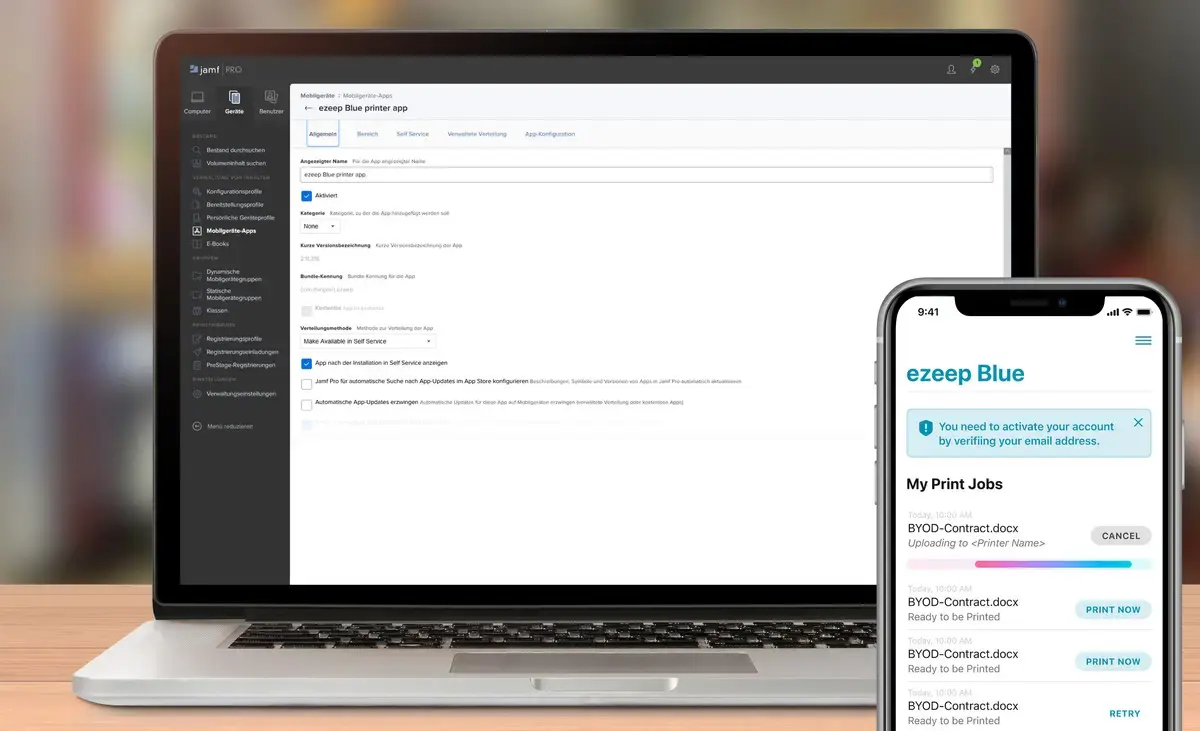
You can enable or disable these features for both iOS and Android users using any common MDM system, including Cortado MDM, Microsoft Enterprise Mobility, Meraki, Soti, and Sophos.

What New Configurations Are Available?

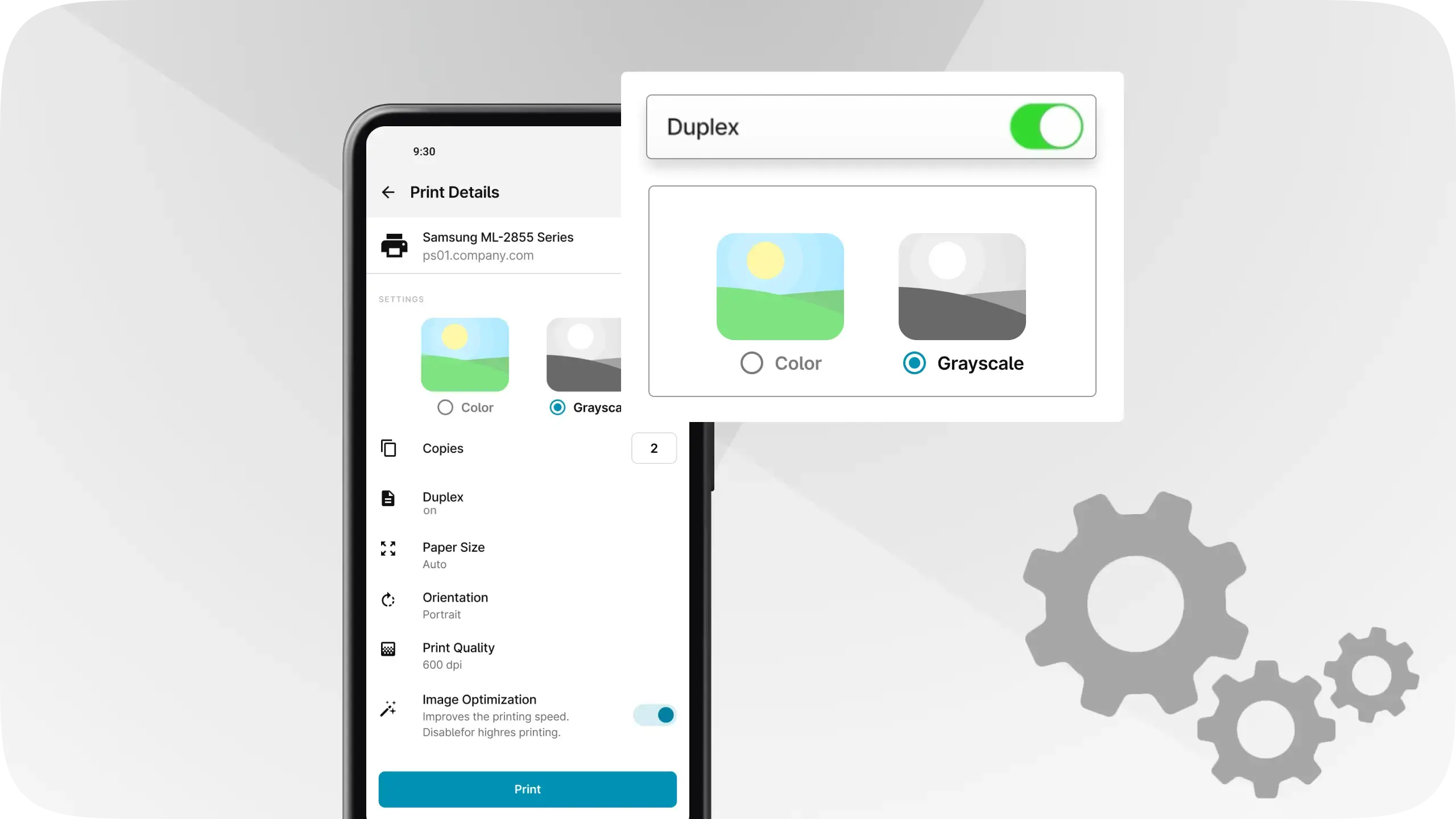
These advanced managed configurations offer new options beyond the existing features in the ezeep Admin Portal. Examples include enabling or disabling color printing for mobile users, forcing duplex printing, preventing direct printing from apps, allowing Wi-Fi printing, or preventing print jobs from being deleted. This functionality is based on the managed configuration standard of the AppConfig community.

You can find more information about how to use these features with your MDM in our knowledge base article.

Now Available in the ezeep Admin Portal

Already an ezeep user? Great! This new feature is now available in the ezeep Admin Portal, so you can start adjusting your workflows.

Not using ezeep already? ezeep is now free for up to 10 users. Find more information on our website: Start Now.

Frequently Asked Questions

What are managed app configurations for ezeep?

Managed app configurations allow IT administrators to pre-define print settings for ezeep mobile apps (Android and iOS) through an MDM system. This simplifies the user experience and provides granular control over printing features.

How do managed app configurations benefit IT administrators?

IT administrators can use managed app configurations to enforce specific print policies, such as duplex printing or black and white only, and disable features users shouldn't access. This helps IT manage printing more efficiently across an organization.

What kind of MDM systems work with ezeep managed app configurations?

Ezeep managed app configurations are compatible with common MDM systems. Examples include Cortado MDM, Microsoft Enterprise Mobility, Meraki, Soti, and Sophos.

Can I set default print settings for groups of users?

Yes, you can define default settings for specific groups of users using managed app configurations. This allows for tailored printing experiences based on user roles or departments.

Are these new configurations available for both Android and iOS devices?

Yes, these advanced managed app configurations are supported for both iOS and Android ezeep print apps. This ensures consistent print management across different mobile operating systems.

Back to top