Secure Pull Printing for Your Environment
By Charles Ian Pritchard on April 1, 2022
Last updated on April 13, 2026
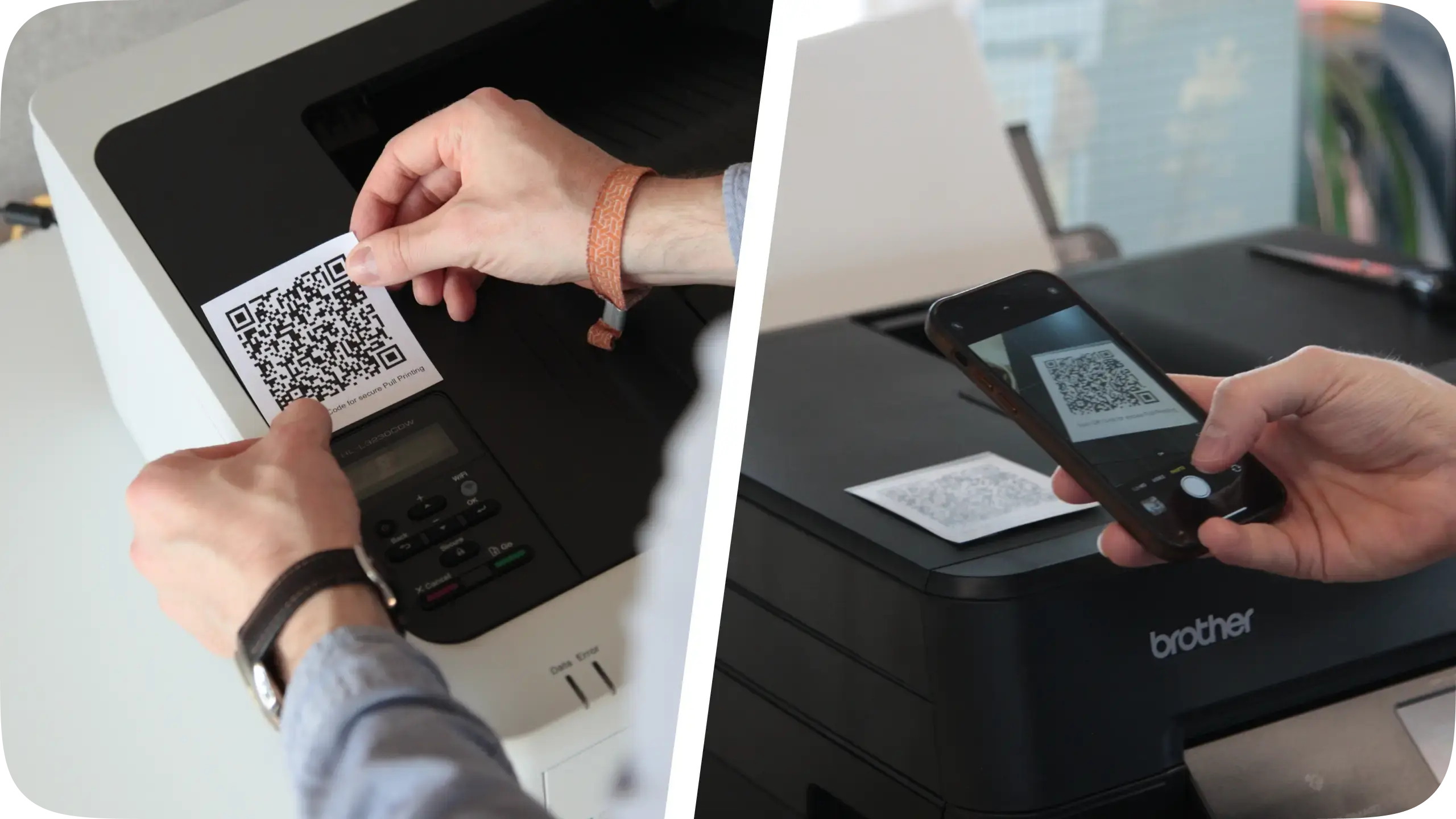
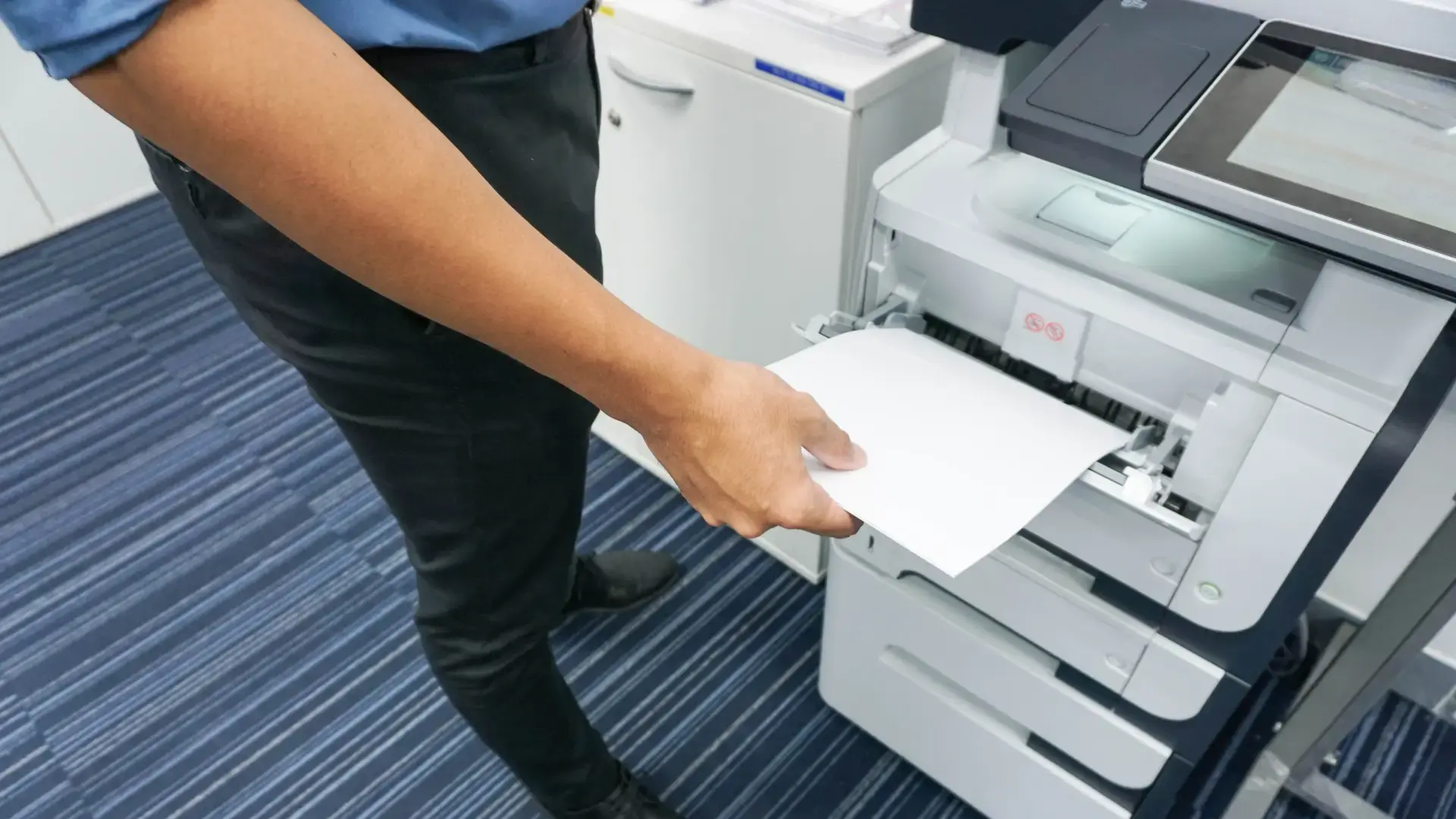
Now, ezeep offers a pull printing workflow, ensuring your documents print only when you are at the device. This feature helps keep confidential information safe by eliminating unclaimed prints and makes printing more flexible for modern workplaces.
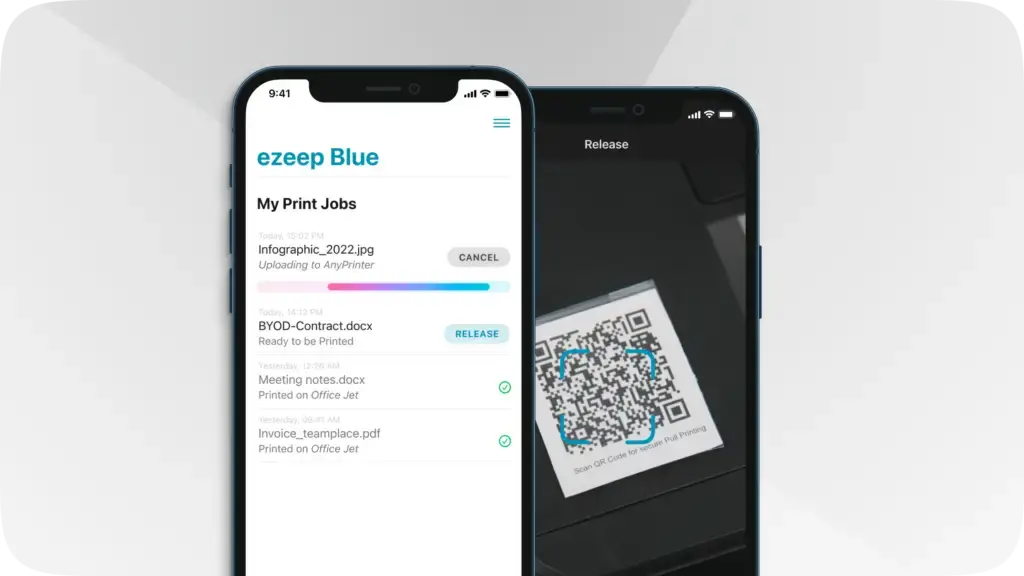
Take advantage of modern pull printing to deliver secure printing quickly. ezeep's pull printing workflow is straightforward and made for the modern workplace. Watch the video to see how it works.
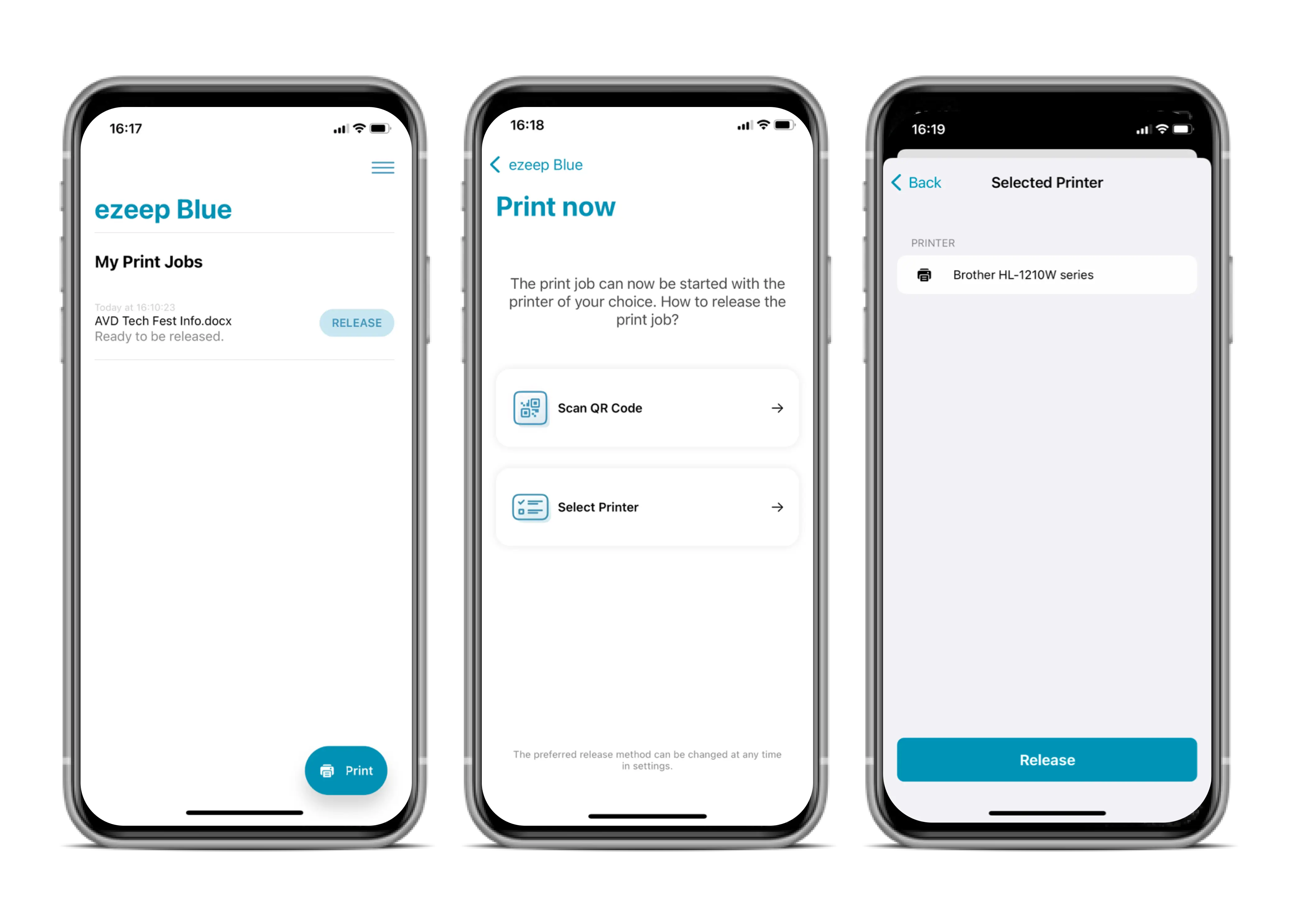
First, the user prints their document from any device as normal. To print securely, they select the new AnyPrinter by ezeep print queue instead of a specific printer.
Once a user downloads the ezeep Print App, available for iOS and Android, they can release the print job by scanning a QR code at any printer assigned to them by an admin.
This method helps protect your printing environment by ensuring confidential documents are not sent to the wrong printer or left unattended in the printer tray.
Secure Your Prints and Set Up Easily
Keep your documents private with pull printing that is simple to configure. ezeep helps you deliver controlled printing without complex IT overhead, making it easier to manage who prints what and where.
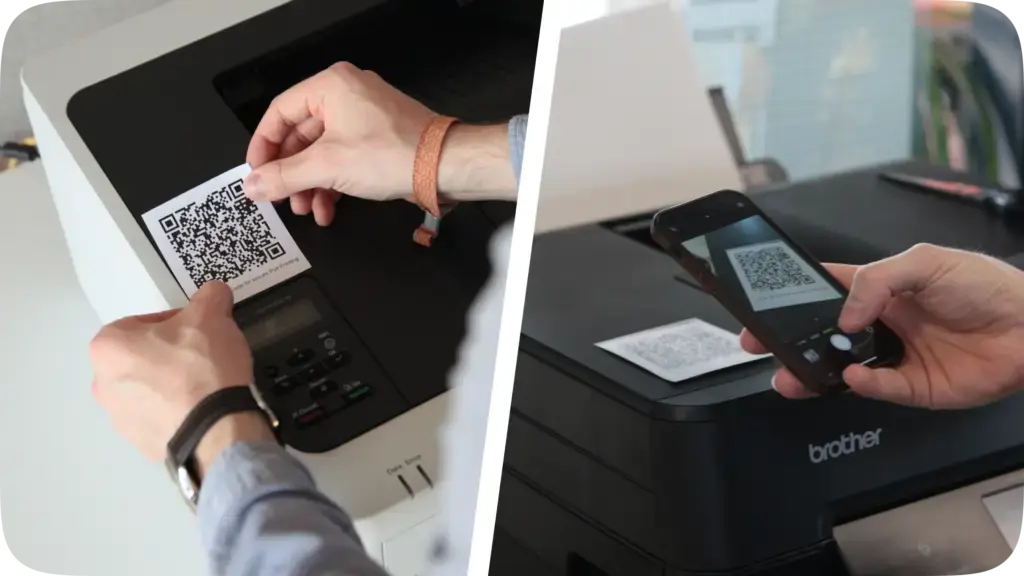
You can activate or disable pull printing with a click in the ezeep Admin Portal for your desired groups and users. All QR codes needed for the authentication workflow can be generated and downloaded directly from the ezeep Admin Portal.
Feature Overview
ezeep pull printing includes capabilities designed for modern work environments.
- Enjoy follow-me / flex desk printing using the AnyPrinter print queue – users do not need to select a specific printer and can go to their preferred device when ready to print.
- Use secure authentication via our updated iOS and Android apps. Users get an overview of all print jobs ready to be released and can trigger them with a click and scan of a QR code.
- The feature is compatible with all your existing printers.
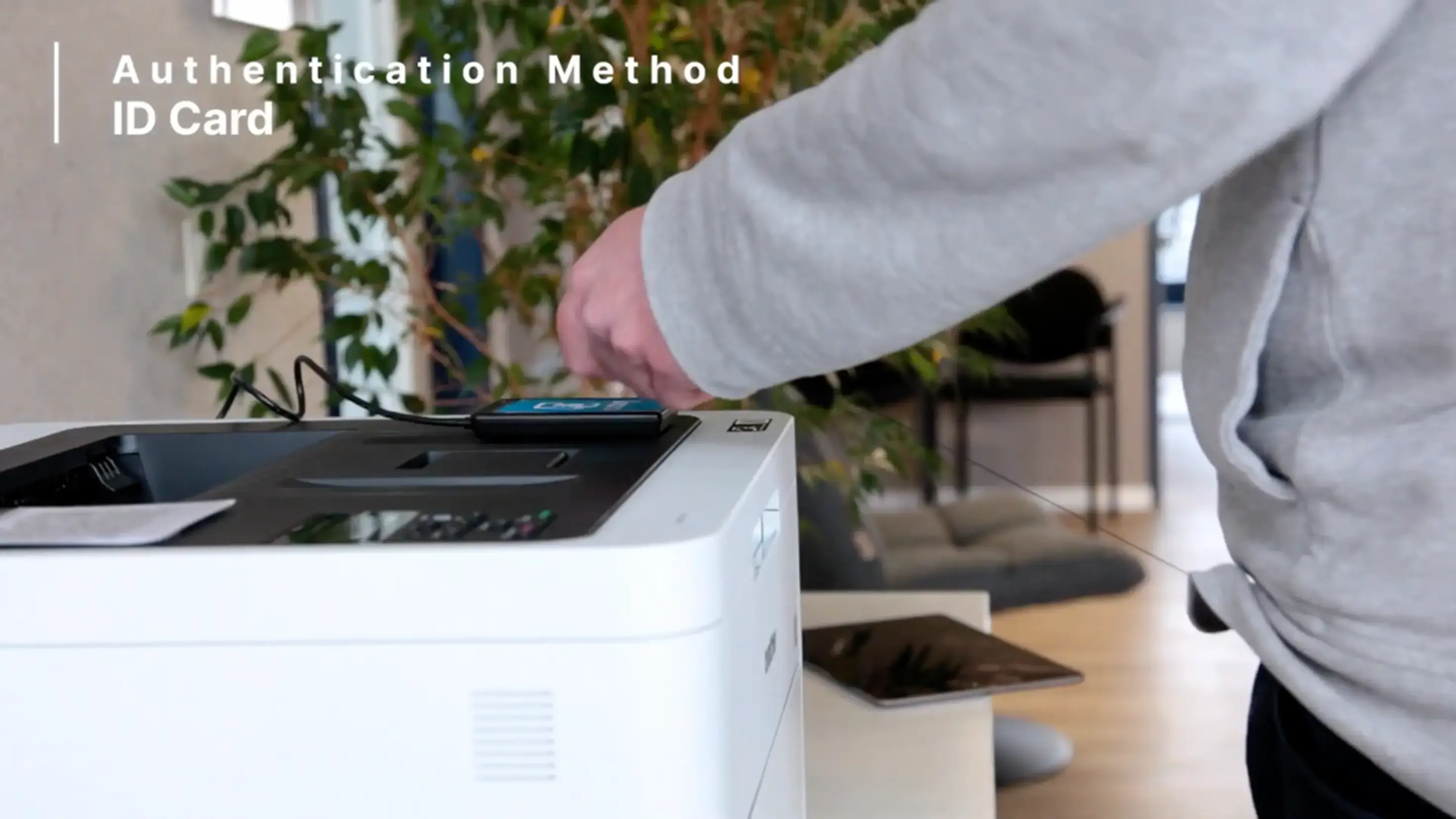
- Additional authentication methods are coming soon.
Available Now in the ezeep Admin Portal
Pull printing is now available, helping you manage access and privacy.
Not using ezeep already? ezeep is free for up to ten users.
Find more information on our website about how to Start Now.
Frequently Asked Questions
What is secured pull printing?
Secured pull printing is a feature that allows users to send print jobs to a virtual queue and release them at any printer when they are physically present. This ensures that sensitive documents are not left unattended on a printer tray.
How does ezeep's pull printing work?
ezeep's pull printing works by first sending a user's print job to a virtual queue. The user can then go to any printer in their network and release the job, confirming their presence at the device. This ensures the user is present when the document is printed.
What are the benefits of using secure pull printing?
Secure pull printing helps protect sensitive information by ensuring documents are only printed when the user is at the printer. It also reduces wasted paper since forgotten print jobs are never printed. It can also help reduce the number of support tickets related to private documents.
Is secured pull printing difficult to set up or use?
ezeep's secure pull printing is designed to be simple for both administrators to set up and for end-users to use. The workflow is straightforward, making it easy to integrate into existing print environments.
Can I use secure pull printing with my existing printers?
Yes, ezeep's secure pull printing is generally compatible with your existing printers. It works by managing the print jobs through ezeep's platform, allowing you to use your current hardware.
- March 2026 (3)
- February 2026 (2)
- January 2026 (2)
- December 2025 (2)
- November 2025 (5)
- October 2025 (6)
- September 2025 (1)
- August 2025 (4)
- July 2025 (1)
- June 2025 (3)
- May 2025 (1)
- April 2025 (5)
- March 2025 (6)
- February 2025 (6)
- January 2025 (3)
- December 2024 (5)
- November 2024 (4)
- October 2024 (7)
- September 2024 (2)
- August 2024 (2)
- July 2024 (5)
- May 2024 (4)
- March 2024 (1)
- February 2024 (3)
- January 2024 (1)
- December 2023 (1)
- November 2023 (3)
- October 2023 (3)
- September 2023 (3)
- August 2023 (1)
- July 2023 (3)
- June 2023 (2)
- May 2023 (1)
- April 2023 (5)
- March 2023 (7)
- February 2023 (4)
- January 2023 (2)
- December 2022 (3)
- November 2022 (2)
- October 2022 (5)
- September 2022 (6)
- August 2022 (2)
- July 2022 (4)
- June 2022 (5)
- May 2022 (2)
- April 2022 (4)
- March 2022 (4)
- February 2022 (2)
- January 2022 (1)
- October 2021 (1)
- July 2021 (5)
- June 2021 (4)
- May 2021 (3)
- April 2021 (1)
- March 2021 (4)
- February 2021 (1)
- December 2020 (1)
- November 2020 (1)
- October 2020 (1)
- September 2020 (1)
- June 2020 (1)
- April 2020 (4)
- March 2020 (3)
- February 2020 (3)
- January 2020 (1)
- August 2019 (2)
- May 2019 (1)
- September 2018 (1)
- January 2018 (1)
- May 2017 (1)
- November 2016 (1)
- October 2016 (1)
- May 2016 (1)
- May 2014 (1)
- January 2014 (1)
- October 2013 (1)
- August 2013 (1)
- April 2013 (1)
You May Also Like
These Related Stories

What Is Pull Printing? Advantages and Tips
Card Readers Now Supported for Pull Printing