Automated Printing That Triggers Itself
Stop babysitting print jobs. With ezeep, your apps, ERPs, webhooks, and AI agents send documents straight to any printer - no manual steps, complex setups, or anyone standing at the printer waiting for output.

Manual Printing Is Where Workflows Go to Die
Shipping Labels Don't Print Themselves
A pick list needs to print the moment an order arrives. A shipping label needs to print the moment a package is packed. When those trigger moments rely on someone clicking Print, missed documents turn into shipping delays.
Back-Office Systems Can't Reach the Printer
Your ERP, WMS, or SaaS tool generates the document, but getting it to the right printer at the right site requires VPNs, local agents, or brittle workarounds that break at the worst time.
AI Agents Have Nowhere to Print
Your team is building workflows with Claude, ChatGPT, or custom agents, but the last mile to paper is still manual. Automation stops the second a document needs to be printed.
One API, Any App, Any Printer
Trigger Prints from Anything That Sends an HTTP Request
Your ERP, CRM, shipping platform, custom SaaS, Zapier workflow, or Python script - if it can make an API call, it can print through ezeep.
Send a document, choose a printer, done. No local agents, no installed drivers, no one at the PC.
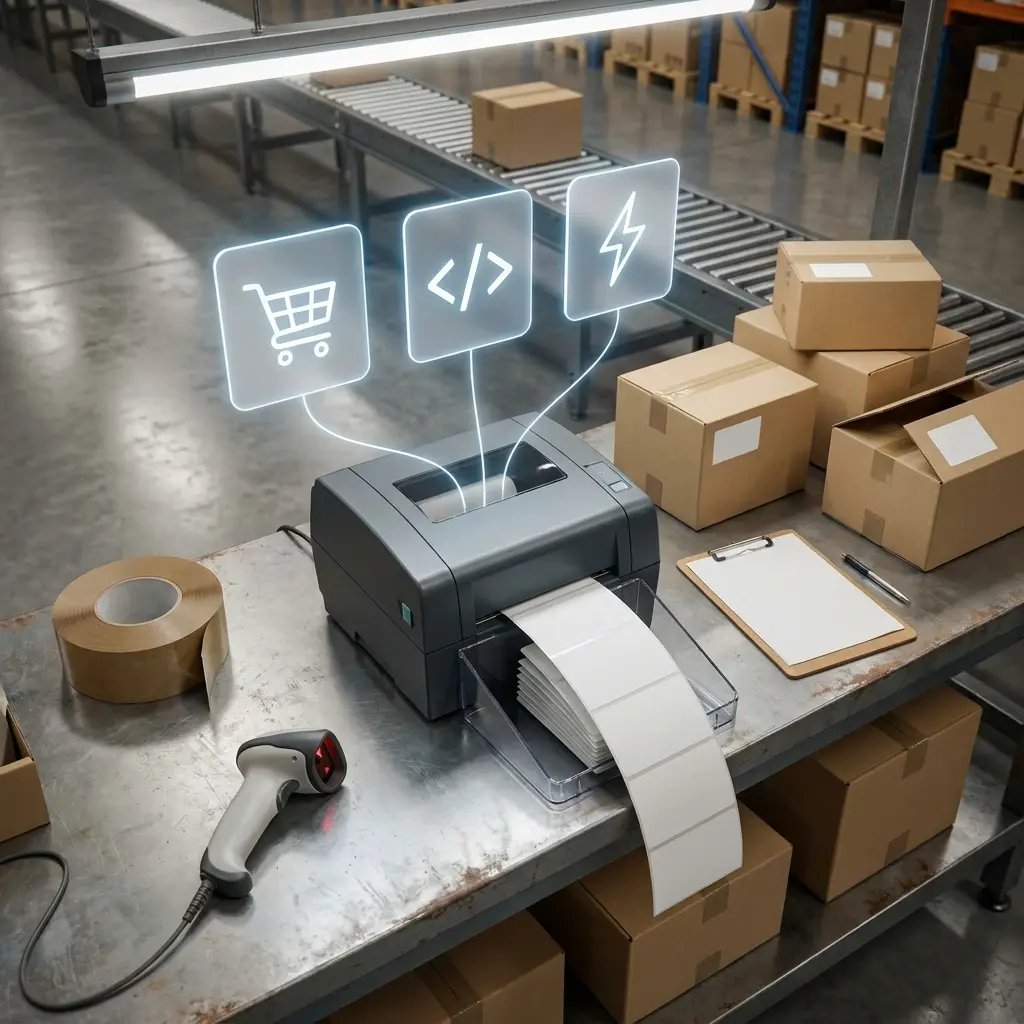
Print from Zapier, Make, and Pabbly in Minutes
Connect ezeep to 7,000+ apps through no-code automation platforms. Trigger prints from new Shopify orders, HubSpot form submissions, SAP events, Slack messages, or anything else without writing a line of code.
Operations teams get the automation they need without waiting on IT.

Give Your AI Agents a Printer
ezeep is one of the first print platforms with a native MCP server. Connect Claude, Cursor, or any MCP-capable AI agent and let it print invoices, labels, reports, or summaries as part of your vibe coding project's workflow.
Agentic automation all the way to paper - without you stitching it together.
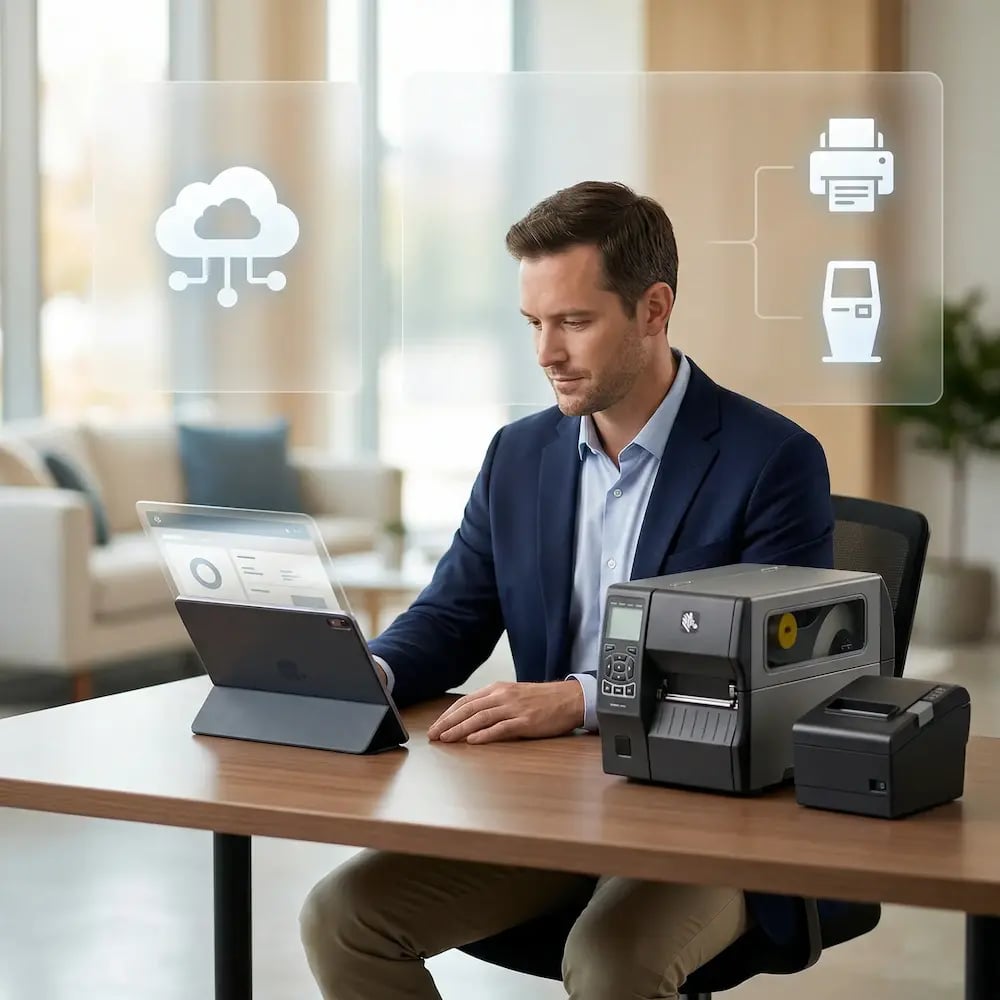
Print Straight from ERP, WMS, and Backend Systems
Run headless printing from SAP, Oracle, Dynamics, or any backend system that needs to put documents on paper without a human in the loop.
Print App for Services creates persistent, cloud-connected print queues that ERP, WMS, EHR, and lab systems print to like any other printer - no local print server required.
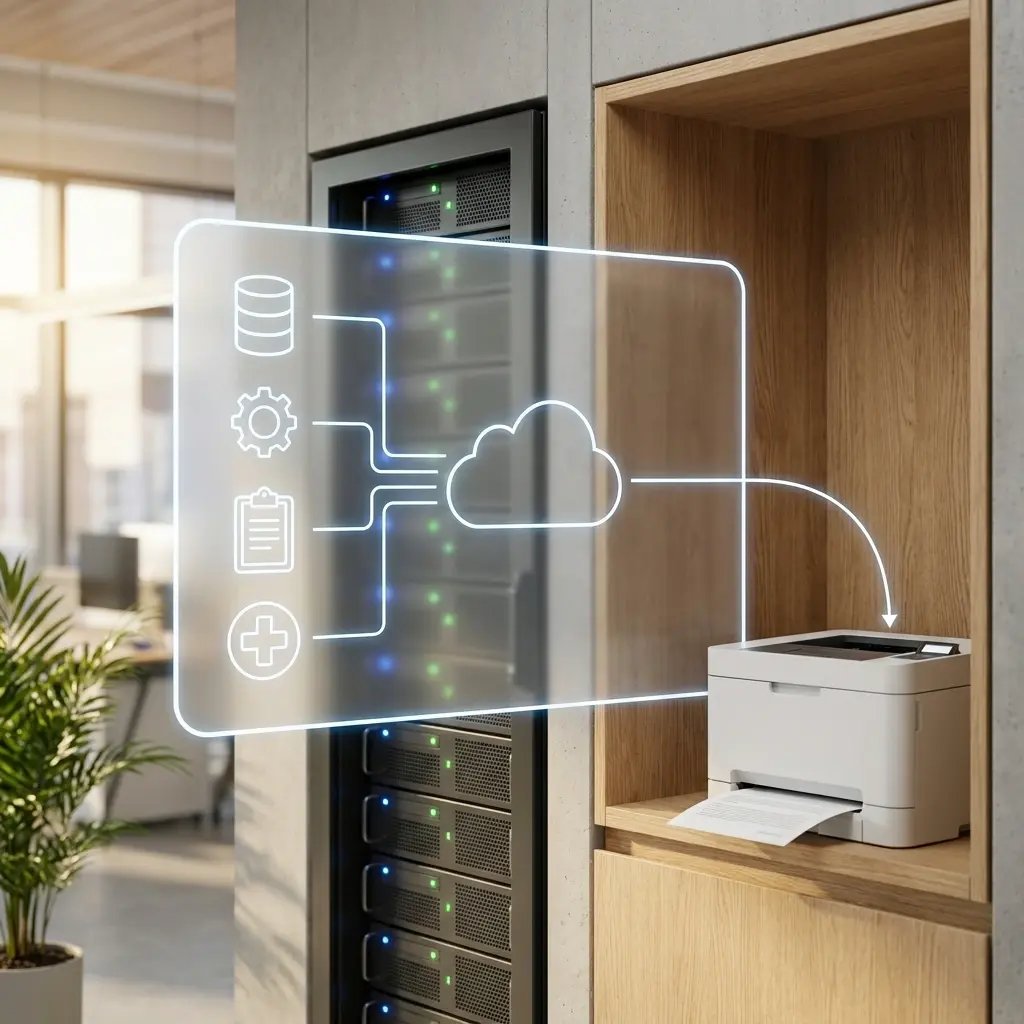
Scale Without Rebuilding Infrastructure
Add a new warehouse, store, or branch office and connect its printers to your existing automation in minutes. No new print servers, custom per-site integrations, or rewriting your workflows.
Your automated print pipeline grows as fast as your operation does.

Less Infrastructure. More Calm.
Move campus printing to the cloud and reduce the day-to-day maintenance burden. Have fewer patches, fewer queue mysteries, and fewer "it broke overnight" surprises.
One Experience Across Campus
Support the real education device mix - Chromebooks, MacBooks, Windows laptops, tablets, and phones - across libraries, labs, dorms, and shared printers without special steps per department or "this printer only works on that OS."
Permissions That Actually Make Sense
Tie printer visibility and access to identity and groups, so students, staff, faculty, and researchers see the right printers by role, building, and department - all without constant manual adjustments.
Temporary Access, Without Temporary Chaos
Support guest lecturers, visiting scholars, events, and short-term programs with controlled access that doesn't create recurring IT work or one-off setups.
Confidential Pages Stay With The Right Person
Reduce tray exposure in busy shared spaces. Pull Printing helps ensure jobs only release when the user authenticates at the printer with their school ID, helping protect exams, registrar documents, and sensitive student records.
Visibility Finance Can Actually Use
Understand usage across departments and locations, support quotas and accountability, and make it easier for busier and finance teams to track print spend without turning IT into the print police.
Cost Recovery Without The Busywork
For campuses that charge students to print, ezeepCampus adds Self-Join onboarding and credit-based printing, so students and staff can self-serve while your institution keeps pricing and access under control.
How Automated Printing Works with ezeep
Connect Your Printers
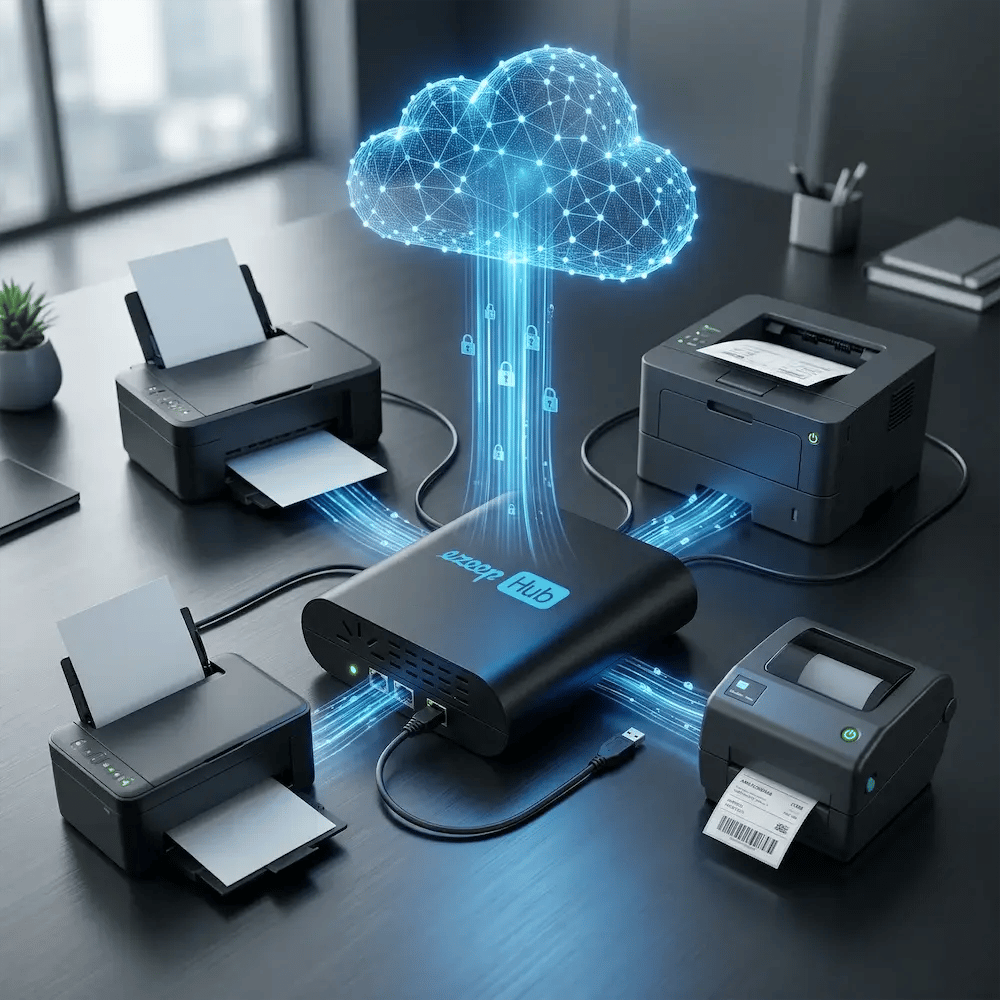
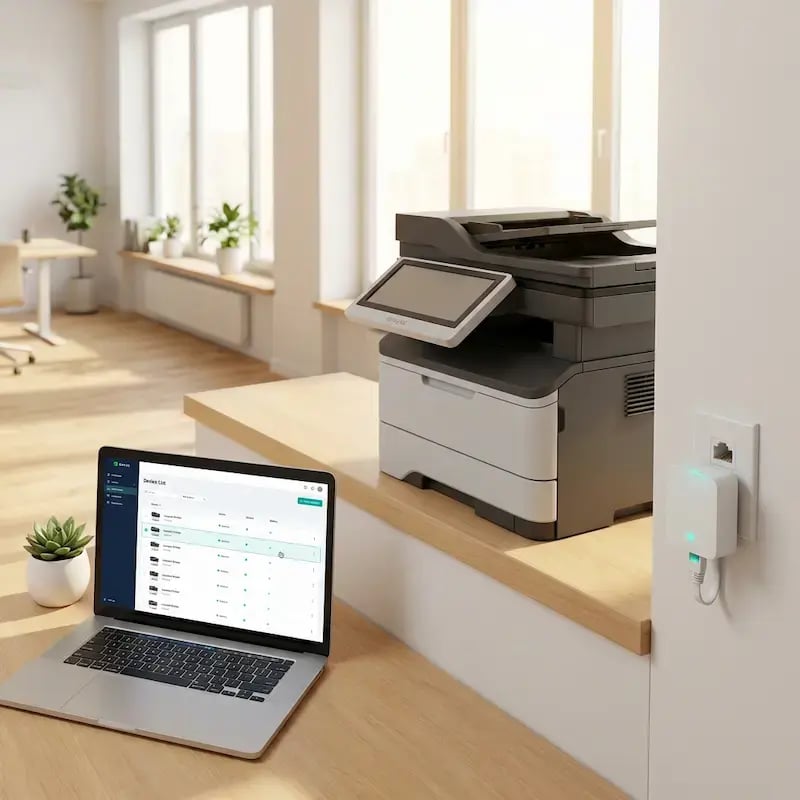
Plug in an ezeep Hub or install the ezeep Connector at any location. Your printers are online and cloud-managed in minutes, whether they're at HQ, a warehouse, a retail store, or a branch office.

Prints Happen Automatically
Every time the trigger fires, the document goes to the right printer without anyone touching a keyboard. You watch dashboards instead of printer queues.
Trigger Prints from Any App, Agent, or API
API
Whatever you need printed, send it to our API. Any HTTP request - a webhook, a Python script, a full ERP - can trigger a print with a single API call. OAuth and API key auth supported.
MCP Server
Let Claude, Cursor, or any MCP-capable AI agent print as part of its workflow. Native Model Context Protocol support with typed tool definitions - no adapter layer required.
Zapier, Make & Pabbly
Connect ezeep to 7,000+ apps through no-code automation platforms. Trigger prints from Shopify orders, HubSpot forms, SAP events, Slack messages, and more without writing code.
Print App for Services
Run headless printing from ERP, WMS, lab systems, and backend applications. Purpose-built for workflows where no human is ever at a workstation.
How ezeep Makes Mobile & BYOD Printing Easy
Go from "I need this printed" to page-in-hand in three quick, simple steps. Invite users with Self-Join using a link or QR code, choose which printers they can access, then let them print from the ezeep app or web app and release securely on-site.
Make Any Printer Cloud-Ready for Automation
The ezeep Hub connects your existing printers - including older, USB-only, and thermal label printers - to the ezeep Cloud. A small, maintenance-free device that brings any printer into your automated workflow without replacing hardware or leaving a PC running next to the printer.
Automated Doesn't Mean Unsecured
Encrypted Print Delivery
API Key & OAuth Access Control
No Local Data Left Behind
Full Audit Trail
Trusted Across Industries That Run on Automated Output
E-Commerce & Retail Stores
Automate shipping labels, receipts, and price tags across every store and fulfillment location, triggered the moment an order, return, or inventory event hits the system.
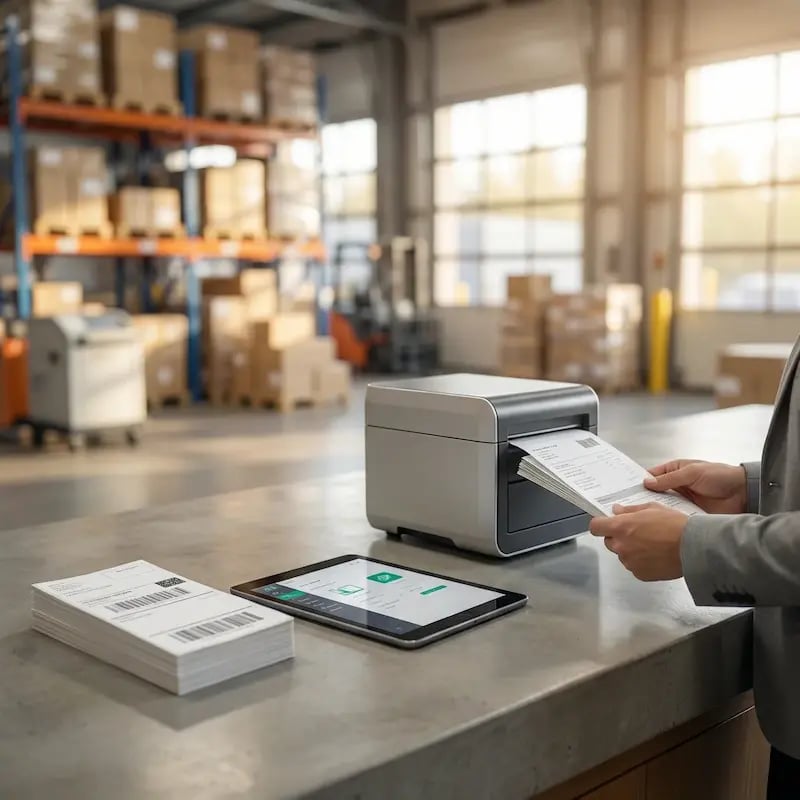
Warehousing & Logistics
Trigger labels, manifests, and pick lists from WMS, ERP, or handheld devices. Keep printing predictable across warehouses, distribution centers, and shipping stations.
Financial & Professional Services
Automate statement, contract, and report printing from core systems. Deliver documents to the correct branch or client-facing printer without manual handling.
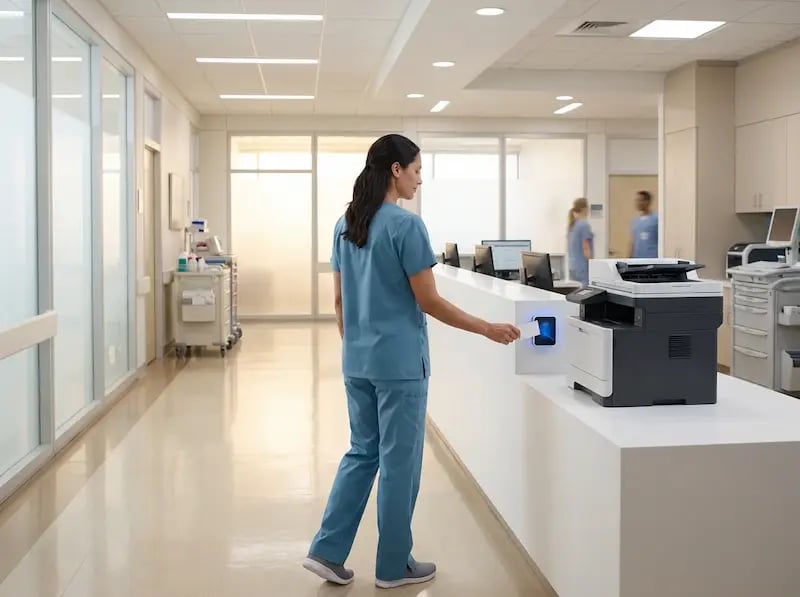
Healthcare & Life Sciences
Automate patient labels, pharmacy labels, and clinical documents from EMR, LIS, and specialized clinical systems — with compliance and audit trails built in.

Trusted by Teams That Automate Print at Scale
Frequently Asked Questions
What is automated printing and how does it work?
Automated printing is the process of triggering print jobs directly from applications, webhooks, APIs, or AI agents without a human clicking "Print." With ezeep, any system that can make an HTTP request can send a document to any connected printer. Common triggers include new ecommerce orders, ERP events, WMS pick lists, cron jobs, Zapier workflows, and AI agent actions. The document is rendered in the ezeep cloud and delivered directly to the target printer - no local agent, driver install, or user intervention.
How do I trigger a print job from my app or ERP?
You have three options with ezeep: call the REST API directly from your code, connect through a no-code platform like Zapier, Make, or Pabbly, or use the ezeep MCP server to let AI agents print. The REST API works with any language - Python, Node.js, Go, PHP, Ruby, .NET, and others - and requires only an API key and a POST request with the document and target printer. No-code platforms let operations teams set up automations without developer involvement.
How does ezeep decide which printer a job goes to?
You pick. Send a print job to a specific printer, to a printer group, or let ezeep route by identity, location, or logic you define in your workflow. Printer assignments can follow user, site, or job type, so the shipping station always gets the shipping labels, the clinic printer always gets the prescription, and a new hire automatically inherits the right printers when they join a group. One document, the correct printer, every time.
Does ezeep work with AI agents like Claude and ChatGPT?
Yes. ezeep provides a native MCP (Model Context Protocol) server that connects to Claude, Cursor, and other MCP-capable AI agents. This lets agents print documents as part of their workflow - for example, generating and printing an invoice, a label, or a summary report without leaving the conversation. ezeep was one of the first print platforms to ship a production MCP server, making it a natural fit for teams building agentic automation.
What types of printers work with automated printing?
Any printer connected to ezeep works with automated printing, regardless of manufacturer or model. This includes network printers, USB printers connected via the ezeep Hub, thermal label printers (Zebra, Brother, Dymo), receipt printers, and legacy devices without modern interfaces. The ezeep cloud handles all rendering and driver management, so no printer drivers are required on the application side. If a printer is connected to your ezeep account, any automated workflow can send jobs to it.
Ready to Automate Every Print Job in Your Stack?
Connect your apps, your ERP, your AI agents, and your printers in one cloud-managed pipeline. Stop clicking Print.