Chrome printing is here!
By Linda Martin on November 17, 2016
Last updated on April 13, 2026
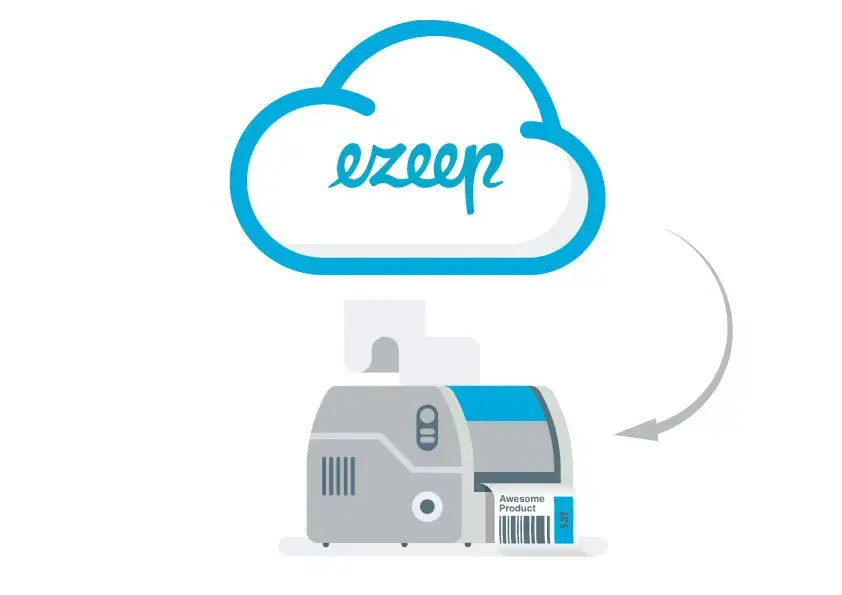
Chrome printing is now available for all users. The feedback from our customers drives all enhancements to our cloud printing service. Our newest feature addresses a significant request: Chrome OS support. This update provides an improved alternative to Google's historical Cloud Print service. Users can now enjoy intuitive, managed printing directly from their Chrome devices.
This feature is available immediately from the Chrome store.
The ThinPrint Cloud Extension offers a better way to print than legacy cloud printing solutions. Organizations that need to manage users and monitor print activity will appreciate the ThinPrint Cloud's management and reporting. Users get an intuitive printing experience.
When users open the Chrome Print dialog, they access all the capabilities of our ThinPrint Cloud platform, including:
- automatic printer installation
- automatic printer configuration
- universal printer driver
- print quotas
- pay-for-print
- color/black & white support
If you are already a ThinPrint Cloud or ezeep customer, download the ThinPrint Cloud Extension for Chrome. Log in with your ThinPrint Cloud credentials, and your printers will appear the next time you select print.
If you are not yet printing with ThinPrint Cloud, try us out today. A 30-day trial is available to everyone.
Frequently Asked Questions
What is the ThinPrint Cloud Extension for Chrome OS?
The ThinPrint Cloud Extension for Chrome OS allows users to print directly from their Chrome devices with enhanced management features. It is an alternative to Google's Cloud Print service.
Where can I get the ThinPrint Cloud Extension for Chrome?
You can get the ThinPrint Cloud Extension for Chrome from the Chrome Web Store. There is a direct link available for download.
What features does the ThinPrint Cloud Extension offer?
The ThinPrint Cloud Extension offers features like automatic printer installation and configuration, a universal printer driver, print quotas, and support for color or black and white printing. These are accessible directly from the Chrome Print dialog.
How do existing ezeep customers use the Chrome extension?
Existing ezeep customers can download the ThinPrint Cloud Extension for Chrome and log in with their existing credentials. Their previously configured printers will then appear automatically.
Can I try the ThinPrint Cloud Extension before committing?
Yes, a 30-day free trial is available for new users to experience the ThinPrint Cloud Extension. This allows you to test the service without cost.
- March 2026 (3)
- February 2026 (2)
- January 2026 (2)
- December 2025 (2)
- November 2025 (5)
- October 2025 (6)
- September 2025 (1)
- August 2025 (4)
- July 2025 (1)
- June 2025 (3)
- May 2025 (1)
- April 2025 (5)
- March 2025 (6)
- February 2025 (6)
- January 2025 (3)
- December 2024 (5)
- November 2024 (4)
- October 2024 (7)
- September 2024 (2)
- August 2024 (2)
- July 2024 (5)
- May 2024 (4)
- March 2024 (1)
- February 2024 (3)
- January 2024 (1)
- December 2023 (1)
- November 2023 (3)
- October 2023 (3)
- September 2023 (3)
- August 2023 (1)
- July 2023 (3)
- June 2023 (2)
- May 2023 (1)
- April 2023 (5)
- March 2023 (7)
- February 2023 (4)
- January 2023 (2)
- December 2022 (3)
- November 2022 (2)
- October 2022 (5)
- September 2022 (6)
- August 2022 (2)
- July 2022 (4)
- June 2022 (5)
- May 2022 (2)
- April 2022 (4)
- March 2022 (4)
- February 2022 (2)
- January 2022 (1)
- October 2021 (1)
- July 2021 (5)
- June 2021 (4)
- May 2021 (3)
- April 2021 (1)
- March 2021 (4)
- February 2021 (1)
- December 2020 (1)
- November 2020 (1)
- October 2020 (1)
- September 2020 (1)
- June 2020 (1)
- April 2020 (4)
- March 2020 (3)
- February 2020 (3)
- January 2020 (1)
- August 2019 (2)
- May 2019 (1)
- September 2018 (1)
- January 2018 (1)
- May 2017 (1)
- November 2016 (1)
- October 2016 (1)
- May 2016 (1)
- May 2014 (1)
- January 2014 (1)
- October 2013 (1)
- August 2013 (1)
- April 2013 (1)
You May Also Like
These Related Stories

How to Print from Chromebooks: Cloud Printing Explained
Cloud Printing with Native Printer Drivers