By Martin Linda on September 14, 2018
Last updated on April 13, 2026

ezeep launched significant updates to its cloud printing platform, introducing new features like controlled print job release via RFID cards and email, editable display names for easier user management, and faster usage reports. These enhancements improve security, simplify administration, and optimize the printing experience for all users.
Controlled print (often called pull printing) allows users to send a print job and then release it at any selected printer. This adds an extra layer of security and convenience by ensuring documents are printed only when the user is physically present.
Controlled Print with RFID Cards
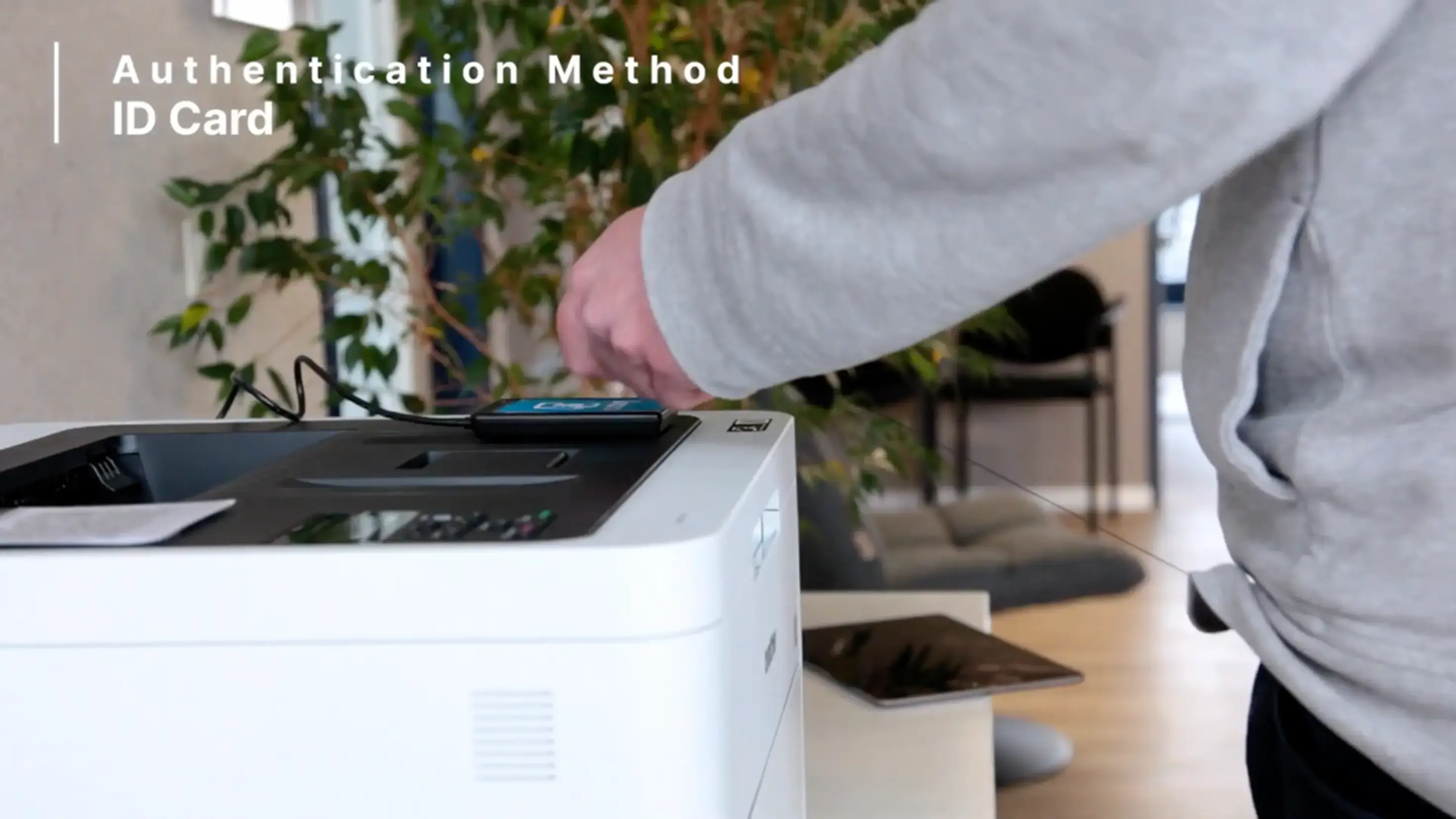
If your organization uses RFID cards for building access or other services, you can now use the same cards to release print jobs with ezeep. This integration provides enhanced security and flexibility. Users tap their RFID card on the printer of choice, and the print job is released immediately.
Controlled Print with Email
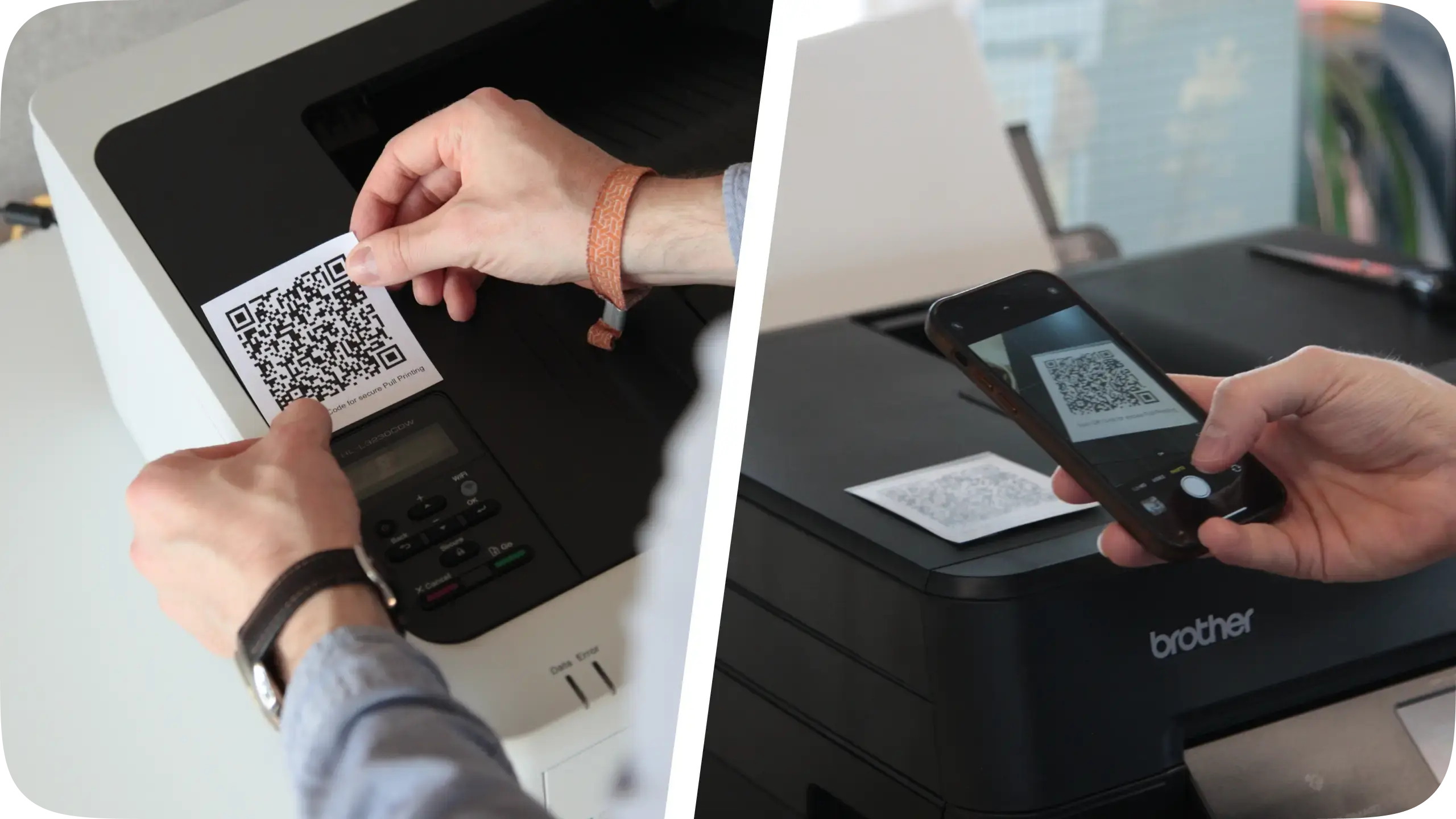
ezeep's Print Later feature now offers email-based release for controlled printing. This feature holds a print job until the user clicks a special link sent to their email. It requires no extra hardware or configuration, making it a simple, secure, and waste-reducing option. Users print to the same printer in their apps, receive a link via email, and then select their printer at any device.
This cloud-based approach to controlled printing works with any printer, offering a flexible and secure solution for your members.
Editable Display Names
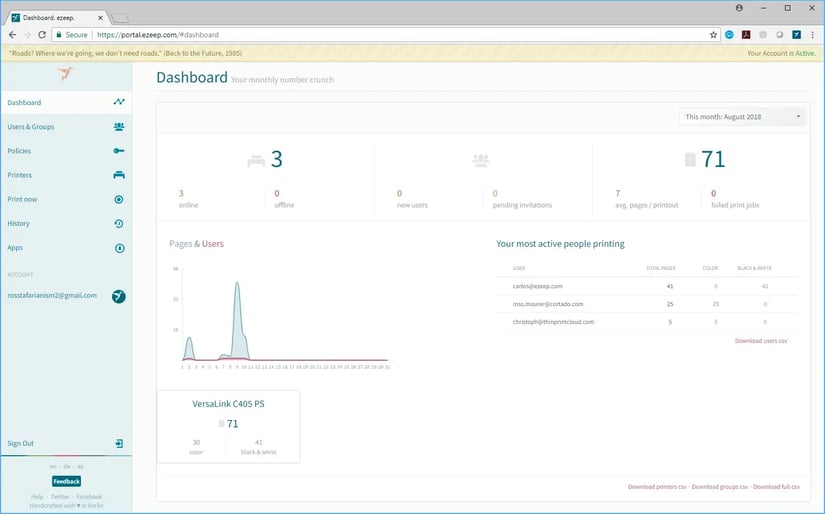
We've added the ability to display actual names next to email addresses in the user list of your ezeep admin portal. This makes it easier for administrators to identify users within the account. These display names also appear in CSV reports and can be used for mass imports and updates.

Ultra-Fast Usage Reports
For customers with high print activity, accessing usage information or downloading reports from the ezeep Dashboard previously took a long time. Our reporting system has been completely redesigned, and usage reports now generate in fractions of a second.
Keeping Up with Operating Systems
We've released updates to address occasional crashes in the Windows ezeep app. The macOS app also received an update to fix issues where ezeep printers disappeared for some users after recent operating system updates. Download the latest versions from your ezeep portal or the ezeep website.
Select All Printers in Policies
You can now select all printers with a single click when creating a policy. Using the search filter and clicking "Select All" will add all currently displayed printers to the policy.

With ezeep, you can manage every printer from one dashboard. Our production environments handle millions of printed pages daily, built on technology trusted by Fortune 500 organizations.
These updates bring new features and stability improvements to simplify your print environment. Explore these enhancements and see how ezeep continues to make printing the boring part of your day.
Card Readers Now Supported for Pull Printing
Card Readers Now Supported for Pull Printing