Card Readers Now Supported for Pull Printing
By Charles Ian Pritchard on September 15, 2022
Last updated on April 13, 2026
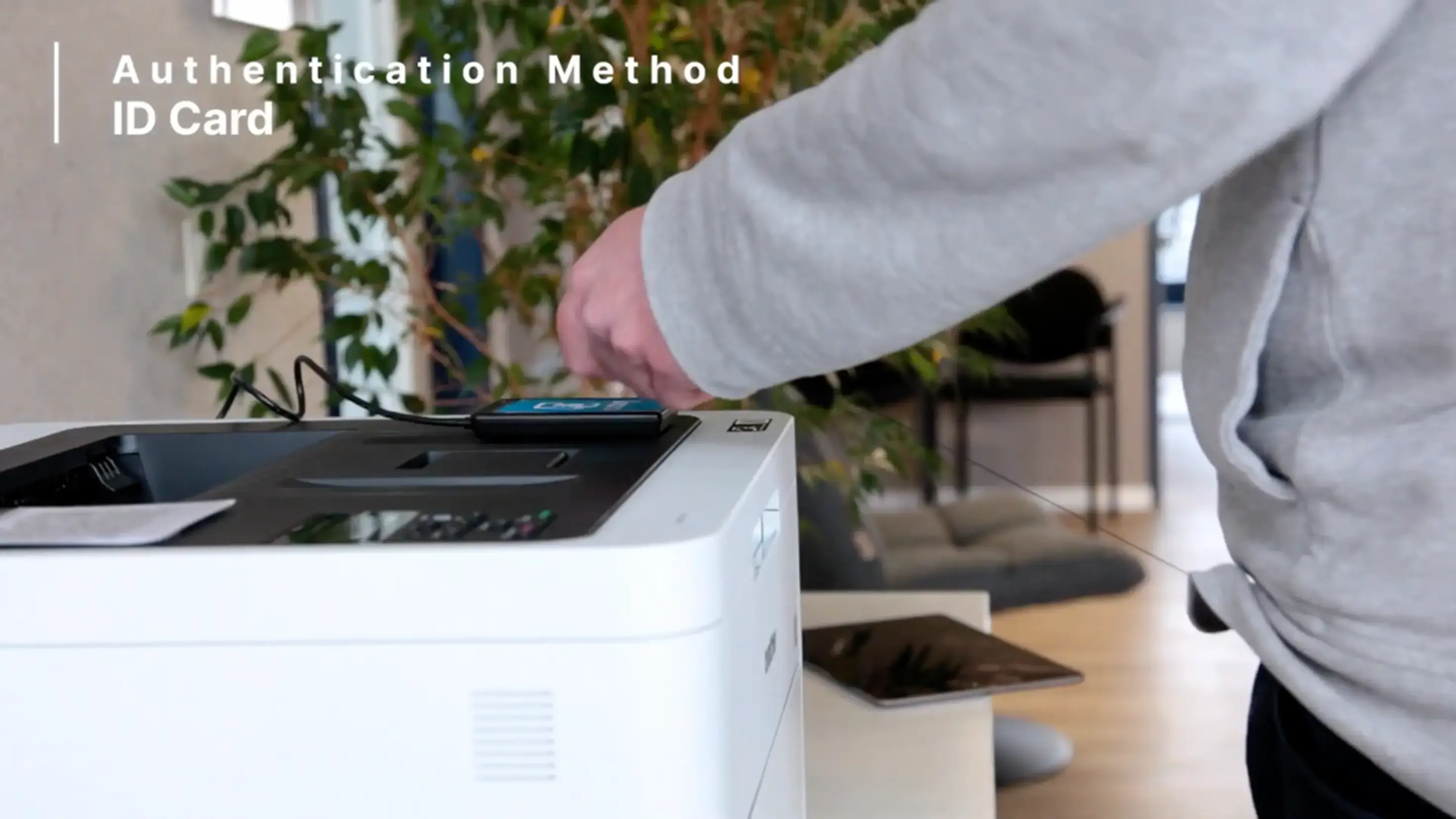
You can now attach up to four card readers to your ezeep Hub and use them to release your print jobs securely at the printer. This new feature expands ezeep pull printing capabilities, allowing users to tap their ID card to release documents, offering a flexible and controlled printing experience.
What is Pull Printing?
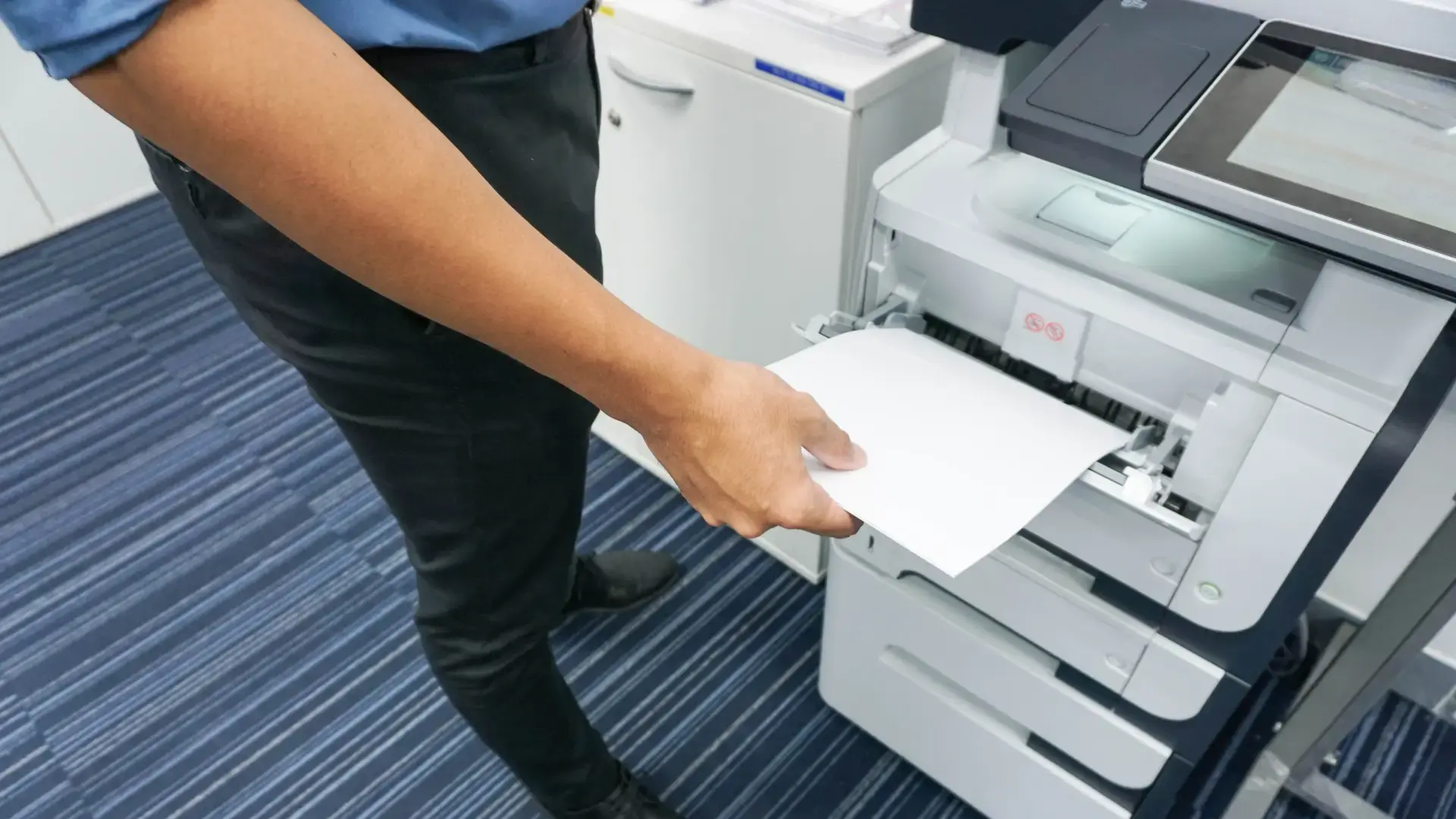
Pull printing lets users hold print jobs in a secure queue. They can then release these jobs at any printer designated as an "AnyPrinter by ezeep" device. This ensures sensitive documents are only printed when the user is physically present at the printer.
If pull printing is not yet in use in your environment, here is a quick recap. Pull printing is available for everyone with a Business or Enterprise plan. Once activated in Policies in the ezeep Admin Portal, the AnyPrinter by ezeep print queue can be assigned to any user like an ordinary printer. When that user decides to print to the AnyPrinter, the print jobs are securely held until they release them at the printer.
How Can You Release Print Jobs?
With this update, you can now choose between scanning a QR code or tapping an RFID card. This means more flexibility for users and administrators in various environments.
You now have an alternative release method to deploy at your printers. Instead of adding QR codes to printers, which are then scanned with the ezeep printer app, you can also attach card readers to the ezeep Hub. This allows users to register any RFID card for authentication and print job release.
How Do Users Register an RFID Card for Pull Printing?
Registering a new card is quick and easy. The first time a user holds an RFID card (ID Card, Exhibition Badge, Credit Card, etc.) on the card reader, an activation code prints automatically. Users submit this code at app.ezeep.com/mycard to prepare the card for use.
Who Can Use Card Reader Support?
Card reader support for pull printing is immediately available for all Business and Enterprise users. This feature helps control document release, increasing security and efficiency.
If you are an existing user and want to use pull printing, admins can upgrade an organization’s plan at any time in the “Subscription” section in the ezeep Admin Portal. Those new to ezeep can also test all Business and Enterprise features for 14 days free of charge after signing up. ezeep is built on ThinPrint technology, trusted by Fortune 500 organizations handling millions of pages daily.
Frequently Asked Questions
What is pull printing with ezeep?
Pull printing with ezeep holds print jobs securely until the user releases them at the printer. This feature is available for Business and Enterprise plans and helps protect confidential documents.
How do users release print jobs with ezeep pull printing?
Users can release print jobs by scanning a QR code with the ezeep app or by tapping an ID card on a card reader connected to an ezeep Hub. Both methods authenticate the user and release their held print jobs.
What is the ezeep Hub used for with card readers?
The ezeep Hub allows you to connect card readers for releasing print jobs. Users can register their RFID cards with the Hub for authentication and to release print jobs by tapping their card.
Can I use my existing ID card for ezeep pull printing?
Yes, you can use any RFID card to release print jobs with ezeep pull printing. Users can register their existing ID cards (or any RFID card) for authentication at an ezeep Hub.
- March 2026 (3)
- February 2026 (2)
- January 2026 (2)
- December 2025 (2)
- November 2025 (5)
- October 2025 (6)
- September 2025 (1)
- August 2025 (4)
- July 2025 (1)
- June 2025 (3)
- May 2025 (1)
- April 2025 (5)
- March 2025 (6)
- February 2025 (6)
- January 2025 (3)
- December 2024 (5)
- November 2024 (4)
- October 2024 (7)
- September 2024 (2)
- August 2024 (2)
- July 2024 (5)
- May 2024 (4)
- March 2024 (1)
- February 2024 (3)
- January 2024 (1)
- December 2023 (1)
- November 2023 (3)
- October 2023 (3)
- September 2023 (3)
- August 2023 (1)
- July 2023 (3)
- June 2023 (2)
- May 2023 (1)
- April 2023 (5)
- March 2023 (7)
- February 2023 (4)
- January 2023 (2)
- December 2022 (3)
- November 2022 (2)
- October 2022 (5)
- September 2022 (6)
- August 2022 (2)
- July 2022 (4)
- June 2022 (5)
- May 2022 (2)
- April 2022 (4)
- March 2022 (4)
- February 2022 (2)
- January 2022 (1)
- October 2021 (1)
- July 2021 (5)
- June 2021 (4)
- May 2021 (3)
- April 2021 (1)
- March 2021 (4)
- February 2021 (1)
- December 2020 (1)
- November 2020 (1)
- October 2020 (1)
- September 2020 (1)
- June 2020 (1)
- April 2020 (4)
- March 2020 (3)
- February 2020 (3)
- January 2020 (1)
- August 2019 (2)
- May 2019 (1)
- September 2018 (1)
- January 2018 (1)
- May 2017 (1)
- November 2016 (1)
- October 2016 (1)
- May 2016 (1)
- May 2014 (1)
- January 2014 (1)
- October 2013 (1)
- August 2013 (1)
- April 2013 (1)
You May Also Like
These Related Stories
Card Readers Now Supported for Pull Printing

ezeep Summer Release: New Features and Updates