Cloud Printing and Automated Billing for Deskworks Coworking Spaces
Connect ezeep with Deskworks and printing becomes a billable service that runs itself. Set tiered per-page pricing, assign members to printer groups, and let Deskworks handle the invoicing automatically. Members print from any device without drivers or setup.

What Does the ezeep Integration with Deskworks Do?
Tiered Volume-Based Pricing
Set per-page prices for black-and-white and color printing, with automatic volume discounts. Deskworks calculates charges based on the tier each member hits, so high-volume users get the rates you've configured without manual tracking.
Automatic User Sync and Lifecycle Management
New members get an ezeep welcome email automatically. When a member is deactivated in Deskworks, their ezeep account is suspended or deleted based on your settings. No manual account management on either side.
Automatic Invoicing Through Deskworks
All print activity flows from ezeep into Deskworks billing. Charges appear on member invoices as line items, calculated from your pricing tiers. No spreadsheets, no separate billing step, no reconciliation.
Turn Printing Into a Revenue Line Without the Admin Work
Volume Pricing That Scales With Usage
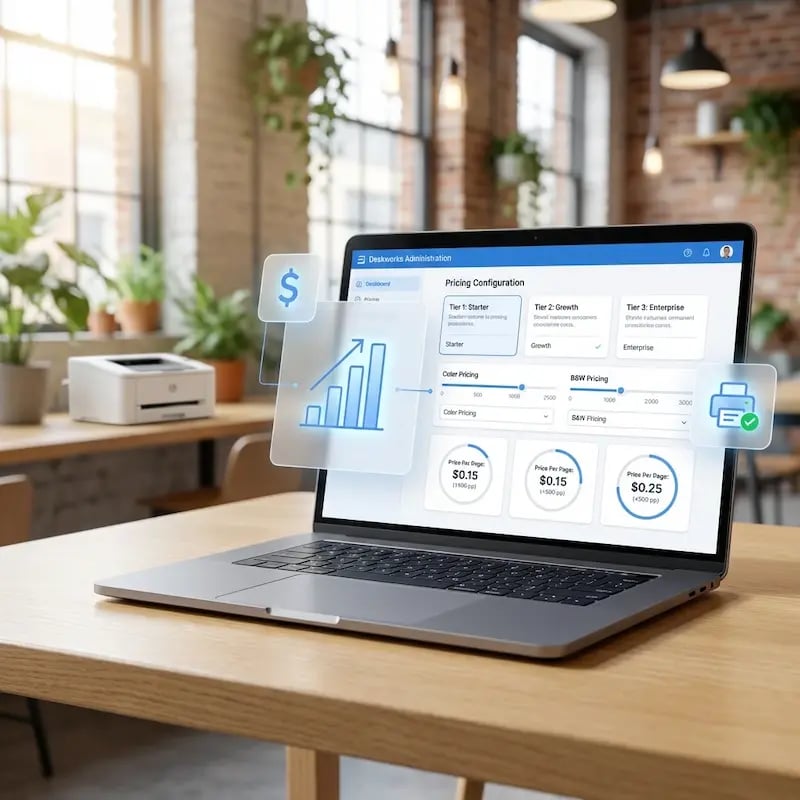
Configure tiered per-page rates in Deskworks for color and black-and-white, with automatic volume discounts built in.
Heavy users drop into lower tiers as they print more, and Deskworks handles the math on every invoice. You capture revenue from light users and reward your biggest printers without losing margin on either.
On- and Offboard Without Losing a Dollar
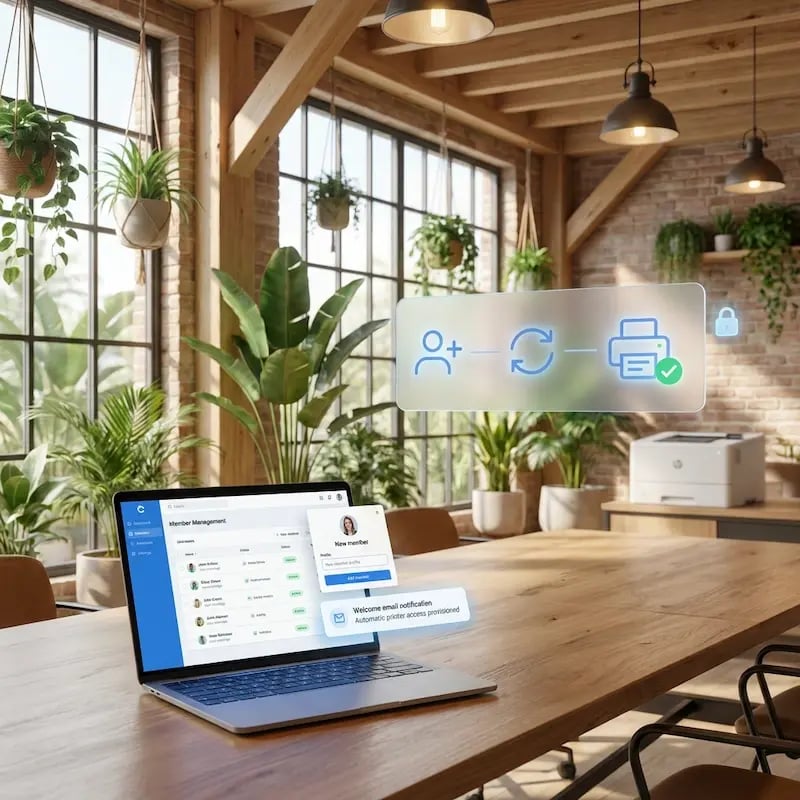
New Deskworks members get a welcome email when their profile is created, so they can start printing on day one.
When someone deactivates, their ezeep access is suspended or removed based on your rules. No access leaks and no forgotten accounts quietly racking up costs you can't charge back.
Monetize Printers by Location
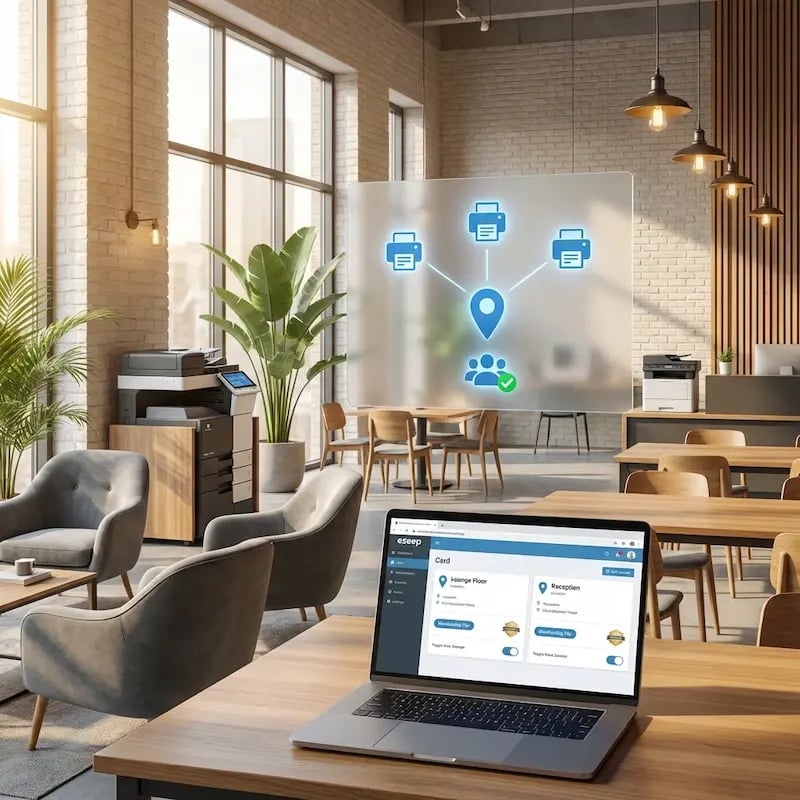
Group members into ezeep printer pools that match your floors, buildings, or membership tiers.
Premium members get the color MFP on the top floor, day-pass holders get the basic printer near reception, and every group maps to the right revenue stream. All managed from one place.
Find Out Which Printers Are Making You Money
The ezeep reporting dashboard breaks down print activity by member, printer, and document type, so you can see which devices are pulling their weight and which aren't.
Export to CSV for accounting, or use the data to adjust pricing, retire underused hardware, or push more premium plans.

Less Infrastructure. More Calm.
Move campus printing to the cloud and reduce the day-to-day maintenance burden. Have fewer patches, fewer queue mysteries, and fewer "it broke overnight" surprises.
One Experience Across Campus
Support the real education device mix - Chromebooks, MacBooks, Windows laptops, tablets, and phones - across libraries, labs, dorms, and shared printers without special steps per department or "this printer only works on that OS."
Permissions That Actually Make Sense
Tie printer visibility and access to identity and groups, so students, staff, faculty, and researchers see the right printers by role, building, and department - all without constant manual adjustments.
Temporary Access, Without Temporary Chaos
Support guest lecturers, visiting scholars, events, and short-term programs with controlled access that doesn't create recurring IT work or one-off setups.
Confidential Pages Stay With The Right Person
Reduce tray exposure in busy shared spaces. Pull Printing helps ensure jobs only release when the user authenticates at the printer with their school ID, helping protect exams, registrar documents, and sensitive student records.
Visibility Finance Can Actually Use
Understand usage across departments and locations, support quotas and accountability, and make it easier for busier and finance teams to track print spend without turning IT into the print police.
Cost Recovery Without The Busywork
For campuses that charge students to print, ezeepCampus adds Self-Join onboarding and credit-based printing, so students and staff can self-serve while your institution keeps pricing and access under control.
Let's Find the Right Setup for Your Space
ezeep is free for up to 10 users, and we offer special pricing for coworking spaces. Whether you run a single location or a growing network, we'll help you set things up in a way that makes printing work as a real revenue stream.
Printing That's Ready When Members Are
Any Device, Zero Setup
Send Now, Pick Up Later
Guests and Day Passes Welcome
Billing That Makes Sense
How to Set Up Deskworks Printing with ezeep
Connect ezeep in Your Deskworks Dashboard
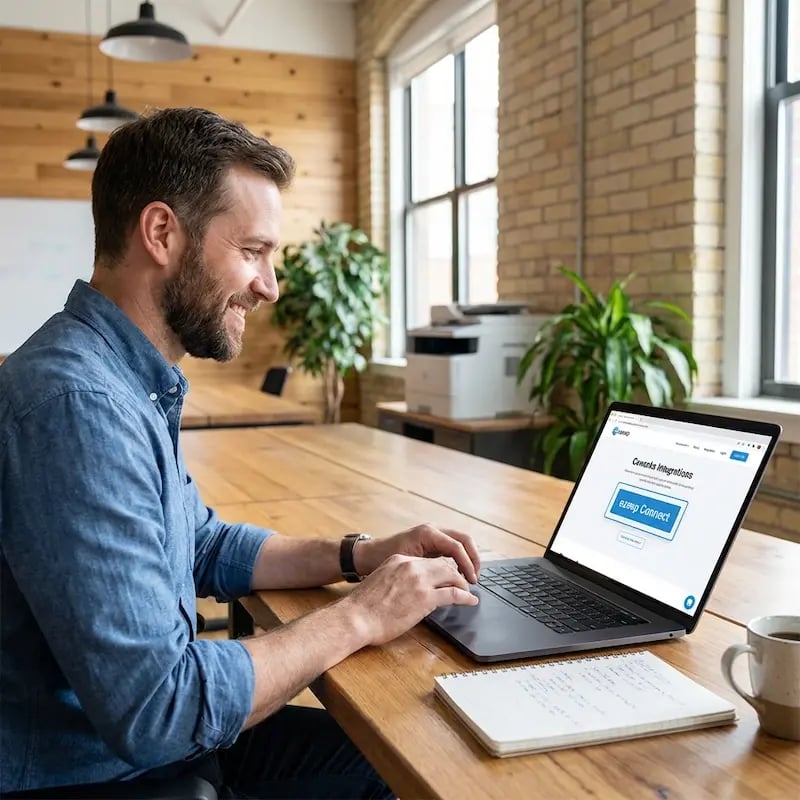
Submit a support ticket to Deskworks requesting activation of the ezeep integration. Once active, go to Setup, then Print Setup, and click Connect. Link your ezeep account and you're connected.
Configure Printer Groups and Pricing
Your ezeep groups and printers appear on the Print Setup page in Deskworks. Select the default group and available printers for each location. Then set up your tiered per-page pricing under Inventory, Products, Print Products. Deskworks supports volume-based pricing tiers automatically.

Members Get Access Automatically
When you create a member in Deskworks, they receive a welcome email from ezeep to activate their printing account. Their access is linked to their Deskworks profile and the printer group you've assigned.

How Your Printers Connect to the Cloud
The ezeep Hub is a small, maintenance-free device that bridges your existing printers to ezeep's cloud platform. Plug it in, connect your printers, and they're available to every member and guest in your space. No print servers, no driver packages, no ongoing IT work.
Once it's running, your printers just stay available. You don't have to think about it again.
Documentation & Support
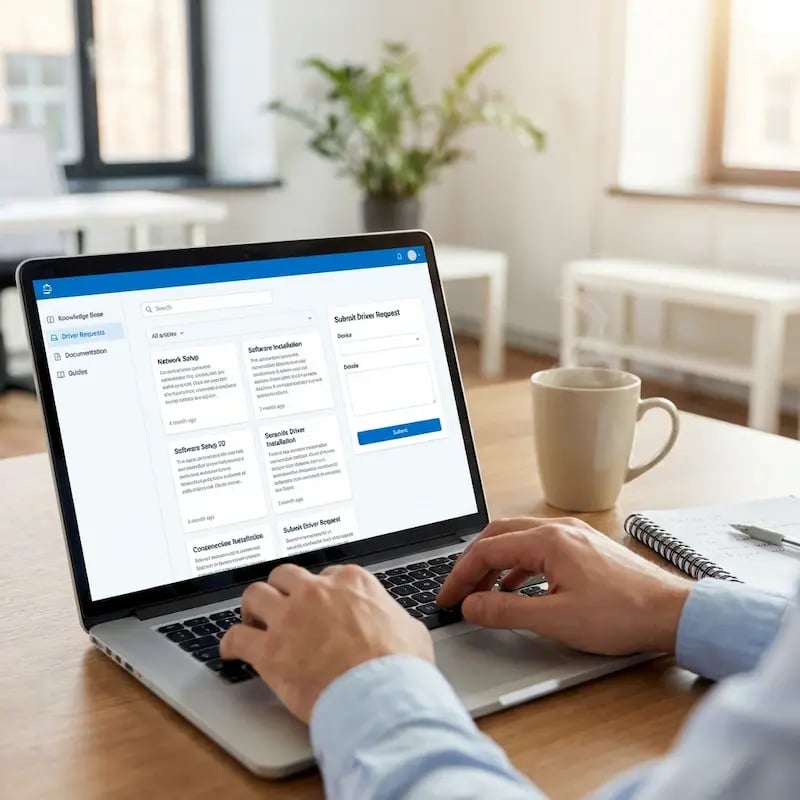
This integration is built and maintained by Deskworks. To get started, submit a support ticket to Deskworks requesting activation.
For step-by-step configuration details, visit the Deskworks Help Center or the ezeep Knowledge Base. Our team is also happy to help if you have questions along the way.
Other Coworking Printing Integrations
Frequently Asked Questions
How does the ezeep integration with Deskworks work?
The integration connects your Deskworks workspace to ezeep's cloud printing platform. You configure tiered per-page pricing and printer groups in Deskworks. When a member is created, they automatically receive an ezeep welcome email to activate their printing account. All print activity is tracked by ezeep and billed through Deskworks at the end of each cycle, with charges calculated from your pricing tiers.
Can I set up volume-based pricing for printing?
Yes. Deskworks supports tiered pricing based on print volume. You can configure different per-page rates at different thresholds, for example a lower rate once a member exceeds 25 or 100 pages in a month. Deskworks calculates the correct tier automatically based on each member's actual usage.
What happens when a member leaves or is deactivated?
You choose the behavior during setup. When a member is deactivated in Deskworks, their ezeep account is either suspended (kept in ezeep but inactive) or deleted (removed entirely to avoid unnecessary charges). If a deleted member is later reactivated in Deskworks, their ezeep account is recreated automatically.
Do members need to install printer drivers?
No. ezeep uses driverless cloud printing, which means the print job is processed in the cloud and delivered to the printer in a format it already understands. Members print from MacBooks, Windows laptops, iPads, Chromebooks, or smartphones using the ezeep app or web portal. Nothing to install, nothing to configure.
What makes ezeep different from other coworking printing options?
ezeep is built for shared and coworking environments from the ground up, with native integrations into platforms like Archie, Spacebring, Nexudus, Coworks, Cobot, and OfficeRnD. It provides true driverless printing from any device, automated billing through your coworking platform, group-based access control, built-in usage tracking, and the ezeep Hub for connecting printers without print servers. It's free for up to 10 users, with special pricing for coworking spaces.
Ready to Turn Printing Into a Revenue Stream?
ezeep is free for up to 10 users. Connect it to Deskworks and printing charges land on member invoices automatically.