Android Printing That Works on Every Device, App, and Printer

Stop fighting Mopria compatibility, manufacturer apps, and MDM restrictions. ezeep gives Android phones, tablets, and rugged devices a single cloud print platform that works across apps, networks, and device types - from consumer Android to Zebra warehouse handhelds.
Start Free Trial TodayTalk to an Expert
android-printing-hero
Android Printing Problems

Why Printing From Android Still Feels Like a Workaround

Android powers phones, tablets, POS terminals, and warehouse scanners. Every one of them has a different printing story, and most of those stories end with "it doesn't work."

Your Fleet Is Running Five Different Print Apps Right Now

Look at a typical enterprise Android device. HP Print Service for the HP printers. Brother iPrint for the Brothers. Epson iPrint for the Epsons. A Mopria fallback for discovery. Someone's email-to-print workaround in the notes app. Every vendor ships its own app with its own behavior, and none of them give IT a way to assign printers.

Print Discovery Depends on Being on the Right Wi-Fi

Mopria and OEM print services need the Android device and the printer on the same subnet with Bonjour or mDNS allowed through. Mobile devices move between office Wi-Fi, cellular, home networks, and guest SSIDs constantly. Printers appear, disappear, and reappear with different names. Users give up and email PDFs to themselves.

Google Cloud Print Is Gone, and Nothing Replaced It

Google retired Cloud Print at the end of 2020 and didn't ship a true successor. Users who relied on it for cross-device, cross-location Android printing have been piecing together workarounds ever since. IT teams inherited the support burden, and there's no central console, no policy, and no audit trail to show for it.

How ezeep Makes It Easy

A Modern Way to Print from Android

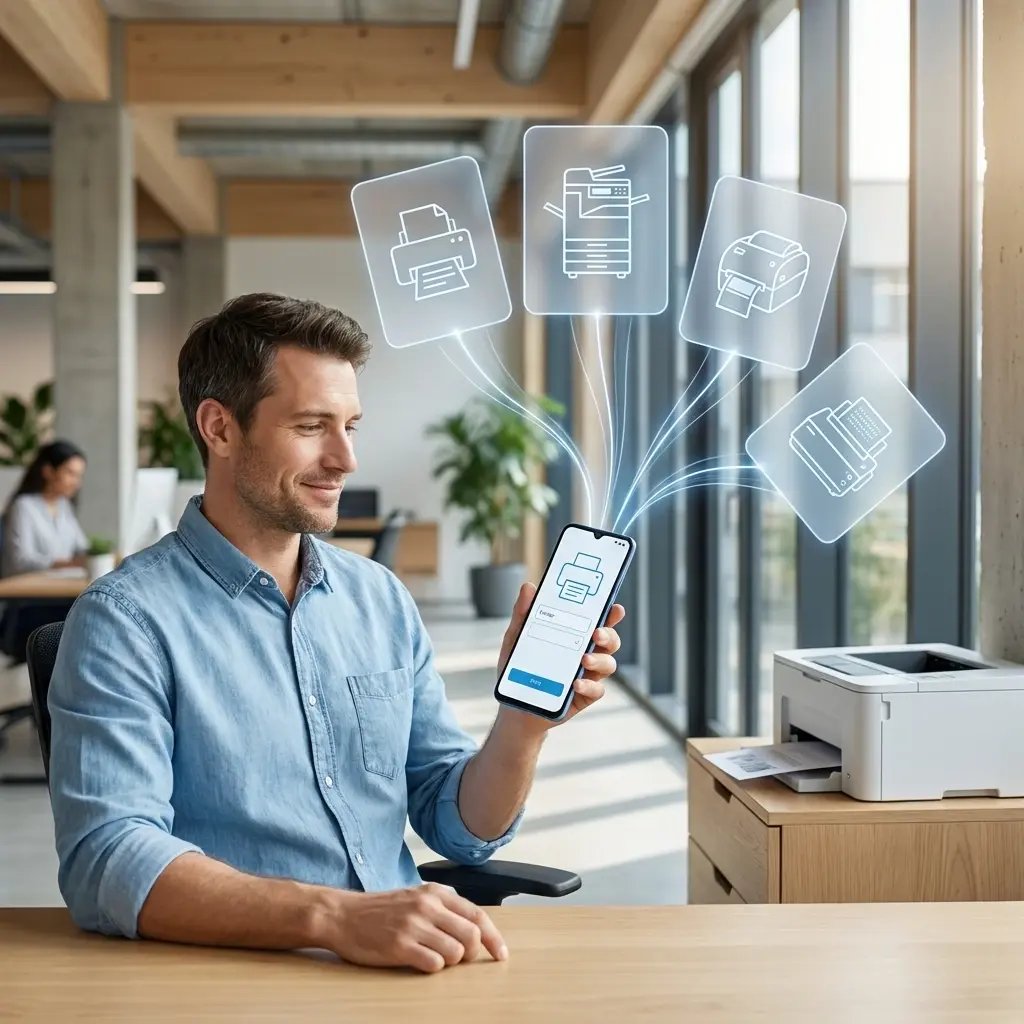
Eliminate the Mopria Requirement

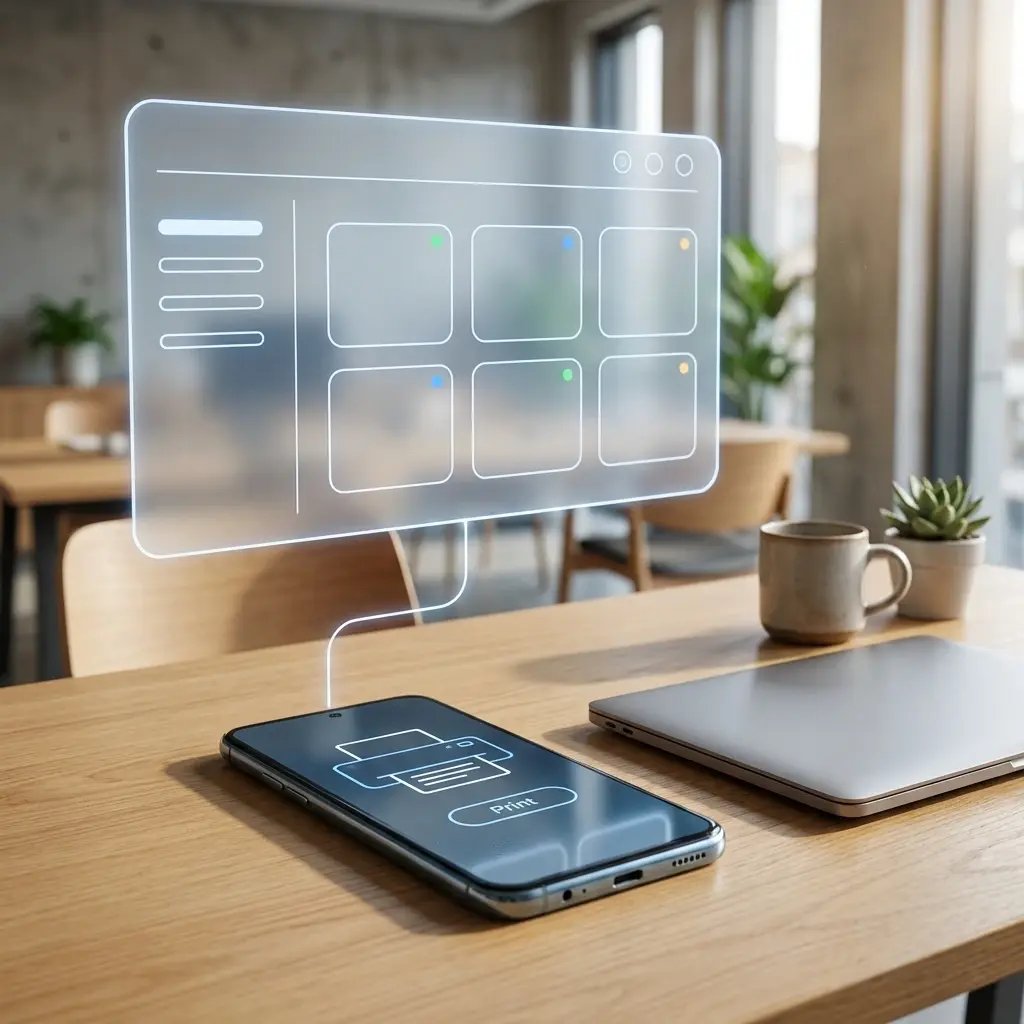
Stop caring whether a printer is Mopria-certified. ezeep renders jobs in the cloud using manufacturer drivers and delivers them to any printer connected to your ezeep account - network, USB, or legacy.

Android users get one consistent print experience regardless of printer brand or model.
man-mobile-printing-everywhere

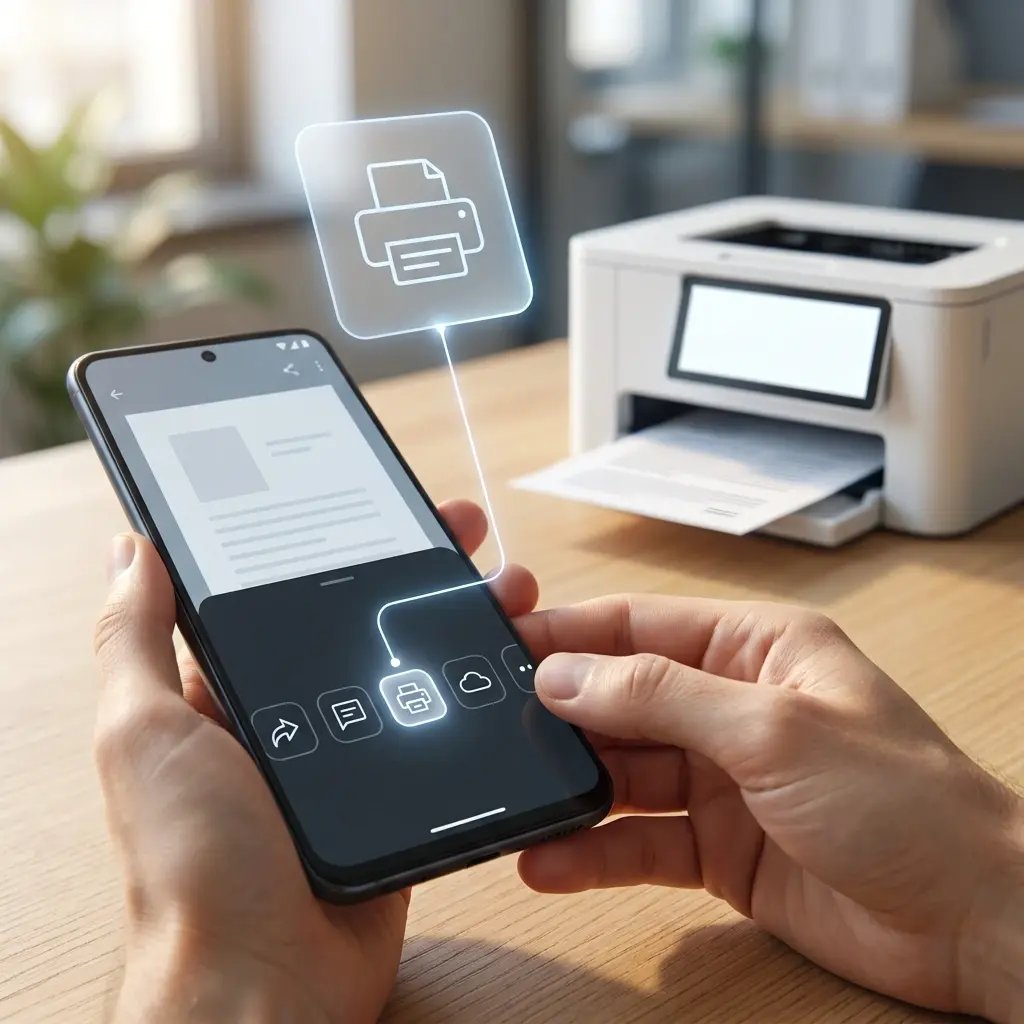
Print from Any Android App

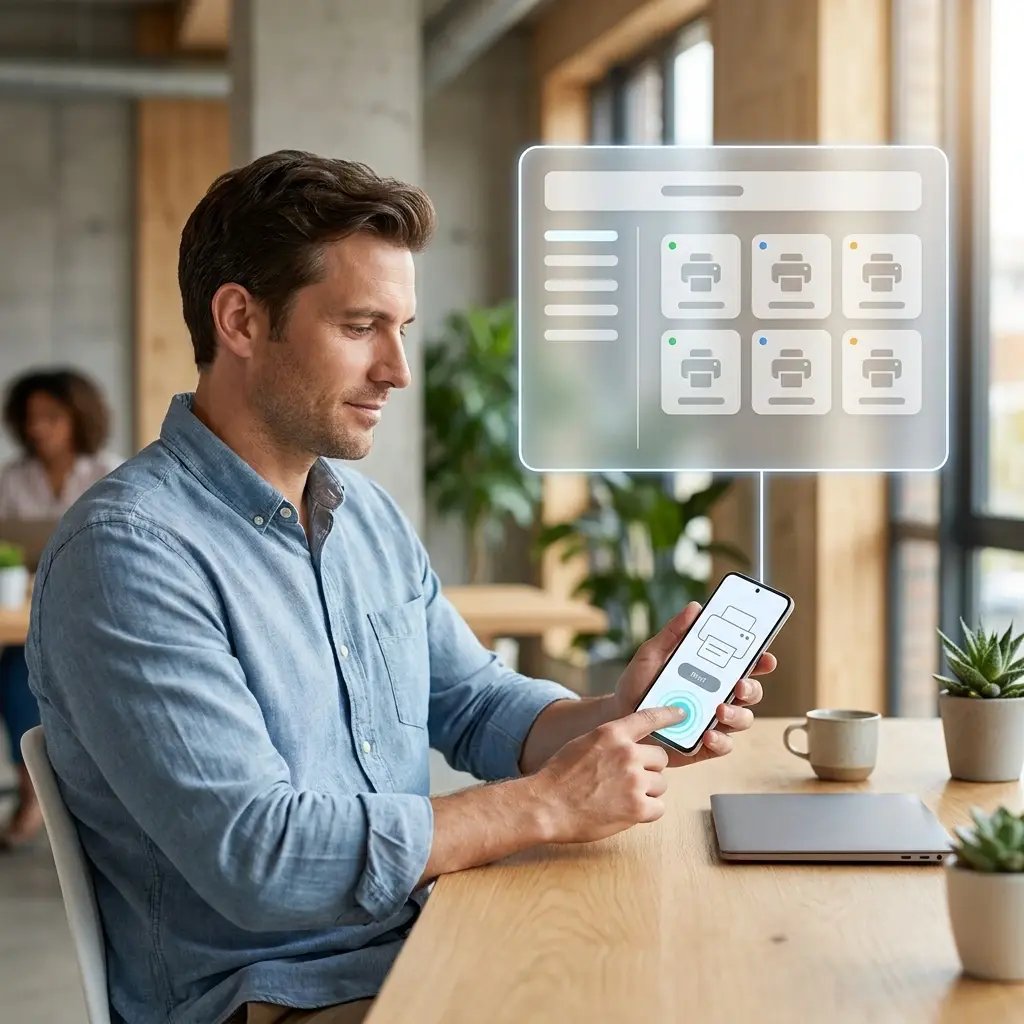
The ezeep app registers as a system print service on Android, so any app that supports Android printing - Gmail, Chrome, Docs, Outlook - or your custom business apps - can send jobs to ezeep without extra steps.

Users tap Print like they always have. Everything else happens in the cloud.
print-from-android

Print from Any Network, at Any Location

ezeep routes jobs through the cloud, so Android users print from the office, home, a warehouse, a customer site, or a coffee shop - without a VPN and without being on the corporate network.

No firewall rules, no network proximity requirements, no "I can't print because I'm not on Wi-Fi."

print-from-mobile-phones

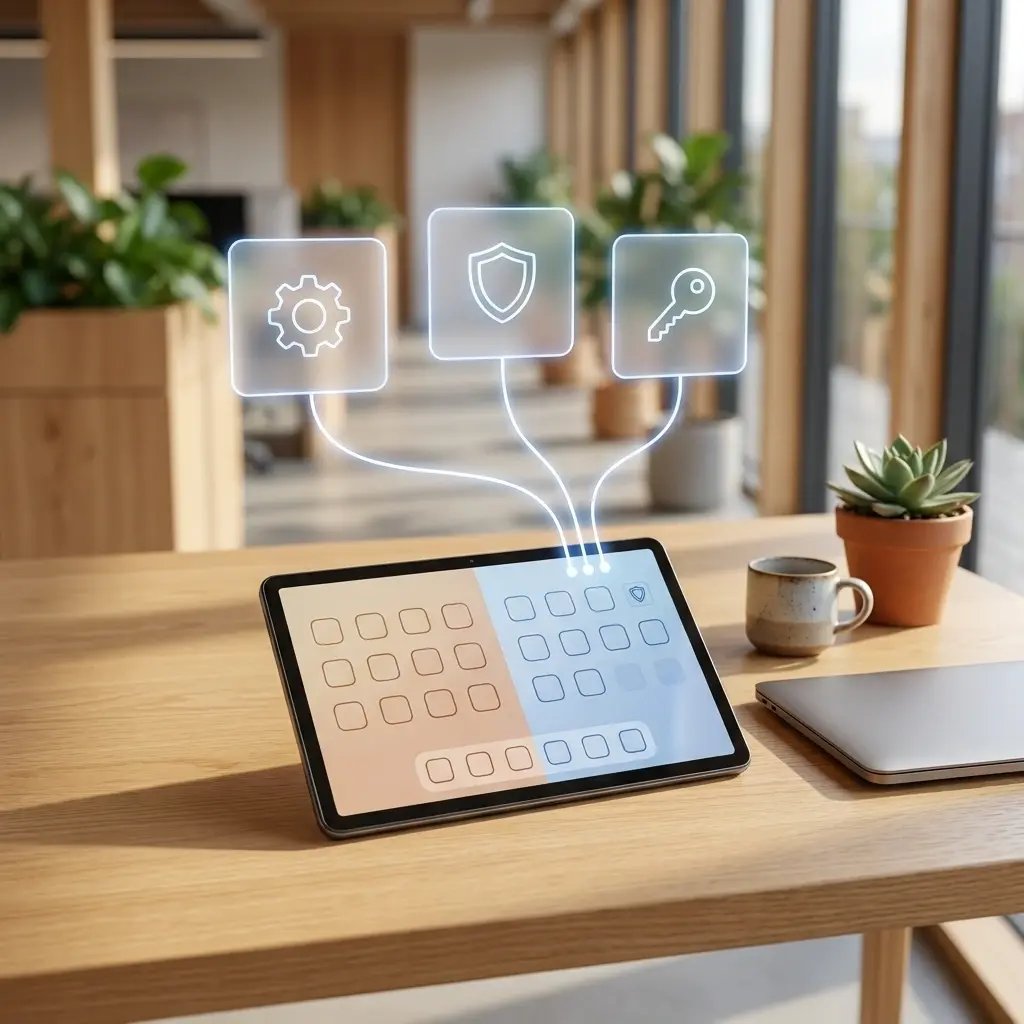
Built for Android Enterprise and Work Profiles

Deploy through Managed Google Play, Intune, Workspace ONE, Jamf, and other major MDMs. AppConfig pre-populates settings so users sign in with Entra ID or Google Workspace SSO - no typed credentials, no setup screens.

Work profile users get managed printer access without exposing corporate printers to personal apps.
tablet-android-printing

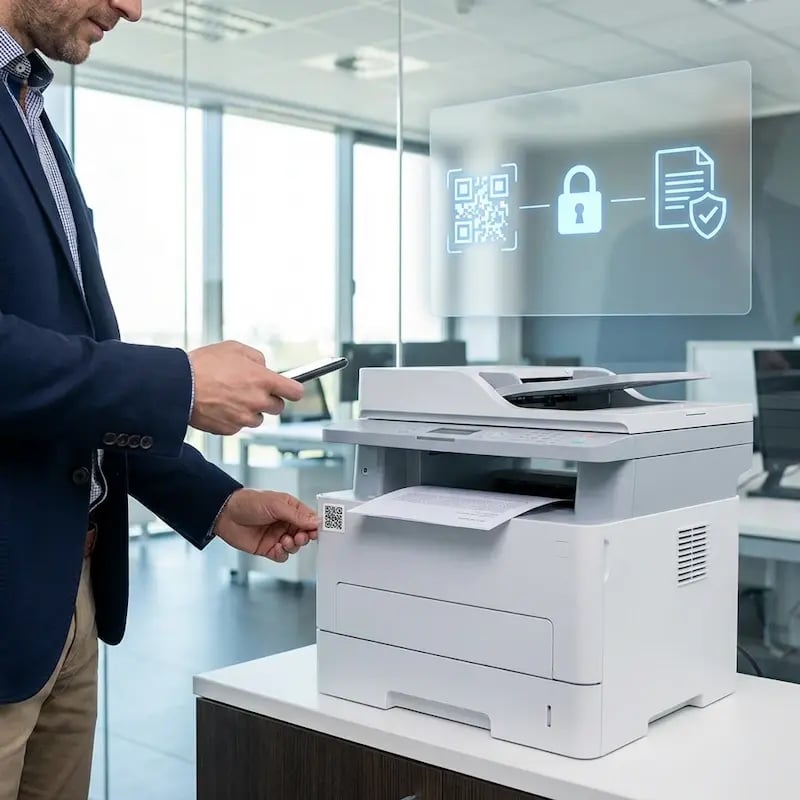
Secure Every Print Job with Pull Printing

Android users release jobs at the printer by scanning a QR code with their phone, tapping an NFC card, or entering a PIN. Sensitive documents don't sit in output trays, and forgotten jobs don't print at all.

Every release is logged with user identity, timestamp, and printer.
pull-printing-qr-epson

Less Infrastructure. More Calm.

Move campus printing to the cloud and reduce the day-to-day maintenance burden. Have fewer patches, fewer queue mysteries, and fewer "it broke overnight" surprises.

Server-Free
Centralized
Less Upkeep

One Experience Across Campus

Support the real education device mix - Chromebooks, MacBooks, Windows laptops, tablets, and phones - across libraries, labs, dorms, and shared printers without special steps per department or "this printer only works on that OS."

Campus-Wide
Cross-Platform
User-Friendly

Permissions That Actually Make Sense

Tie printer visibility and access to identity and groups, so students, staff, faculty, and researchers see the right printers by role, building, and department - all without constant manual adjustments.

Role-Based
Location-Aware
Consistent

Temporary Access, Without Temporary Chaos

Support guest lecturers, visiting scholars, events, and short-term programs with controlled access that doesn't create recurring IT work or one-off setups.

Temporary Access
Controlled
Low Effort

Confidential Pages Stay With The Right Person

Reduce tray exposure in busy shared spaces. Pull Printing helps ensure jobs only release when the user authenticates at the printer with their school ID, helping protect exams, registrar documents, and sensitive student records.

Private Release
Less Mix-Ups
Auditable

Visibility Finance Can Actually Use

Understand usage across departments and locations, support quotas and accountability, and make it easier for busier and finance teams to track print spend without turning IT into the print police. 

Measurable
Accountable
Budget-Friendly

Cost Recovery Without The Busywork

For campuses that charge students to print, ezeepCampus adds Self-Join onboarding and credit-based printing, so students and staff can self-serve while your institution keeps pricing and access under control.

Self-Join
Credit-Based
Accountable
printing-from-android-mobile-phone

Better for Users. Easier for IT.

For users, printing from Android feels native: the same Print option in the share sheet, the same dialog, every app supported, and no manufacturer apps to install.

For IT, it means one Android client to deploy, no per-printer configuration on user devices, full visibility into jobs from phones and tablets, zero dependency on Mopria for the fleet, and one portal that tells you who printed what, when, and where.

Admin quick start: Publish the ezeep Android app through Managed Google Play or your MDM, assign printer access by identity, and users print from Android on day one.

Start Free Trial
Android Devices

Zebra, Honeywell, and Rugged Android Devices? Fully Supported.

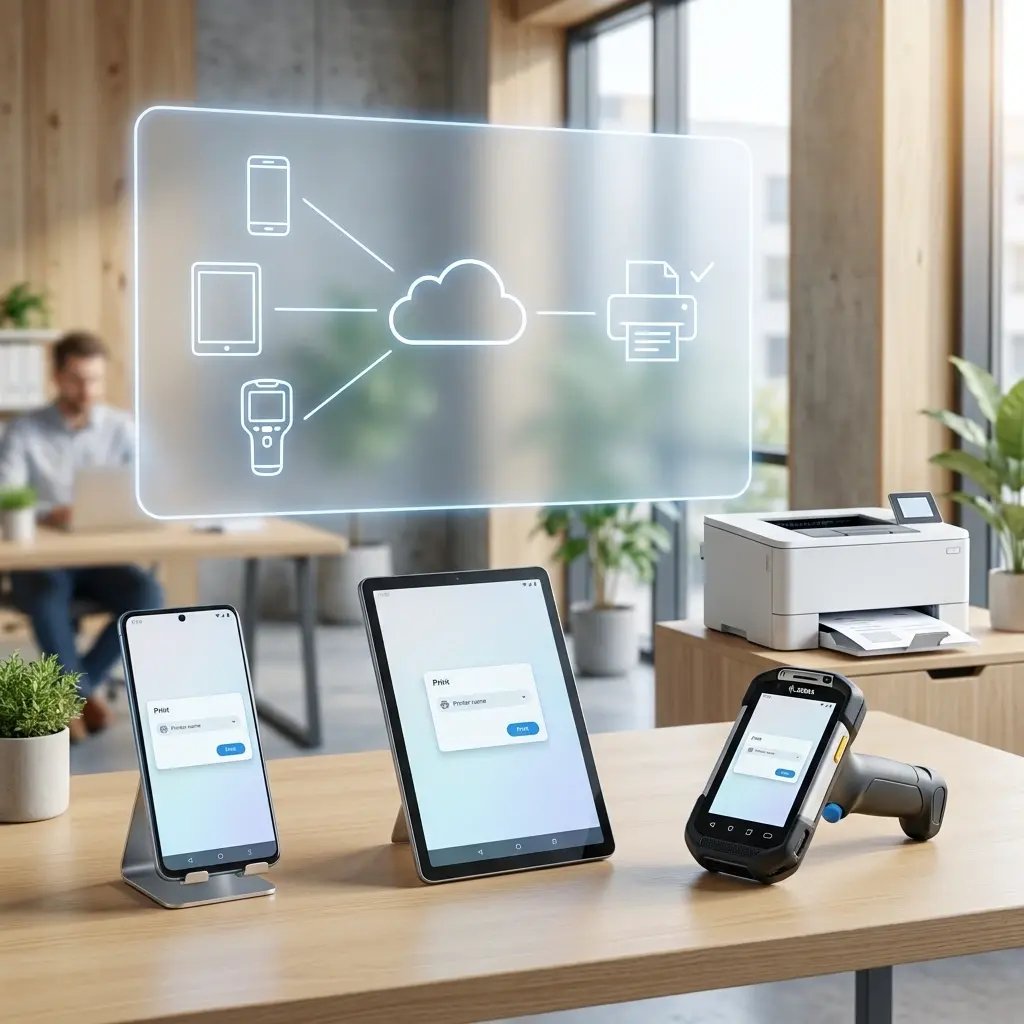
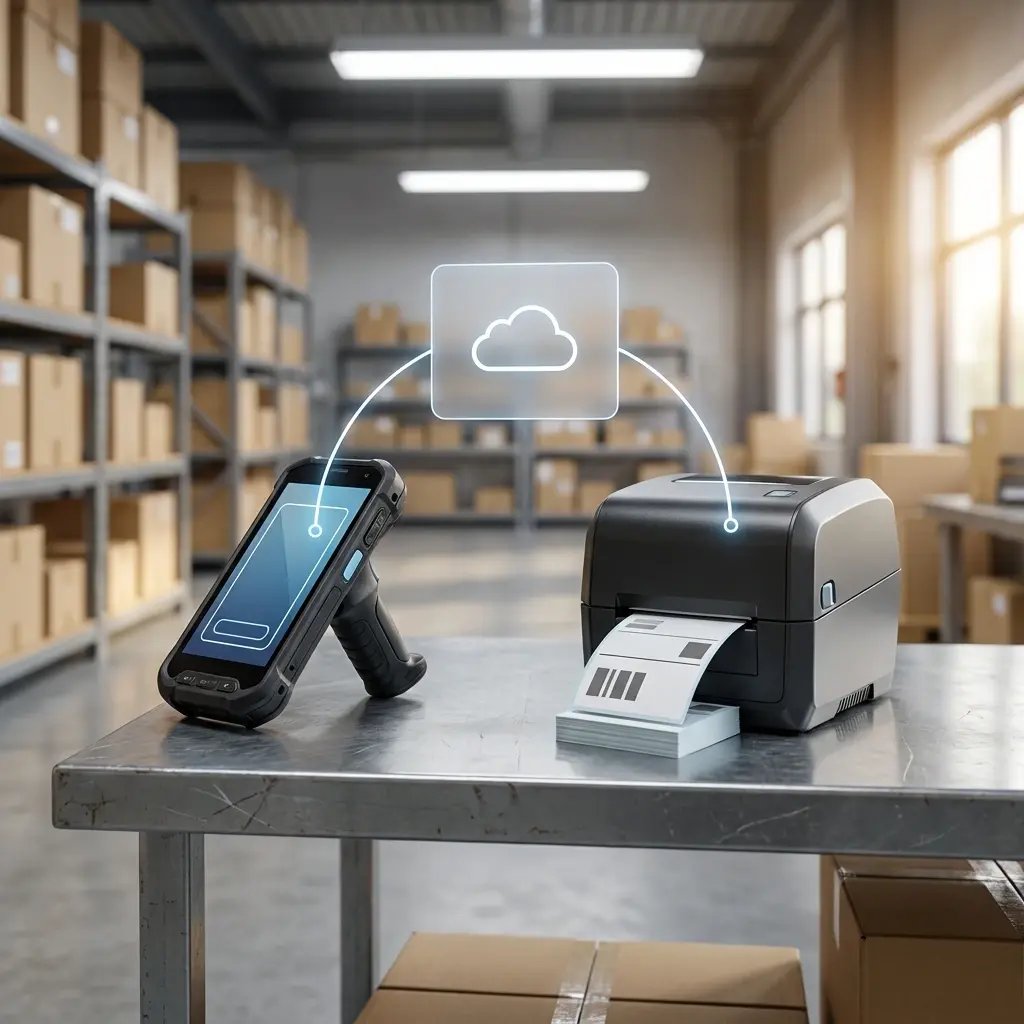
Rugged handhelds in warehouses, on loading docks, and in retail back rooms print thousands of labels a day - and standard Android print paths weren't built for them. ezeep treats rugged devices as first-class citizens, handling consumer phones and Zebra handhelds through the same cloud platform.

Key Outcomes:

handheld-label-printing-warehouse
Who Solution is For

Who Benefits Most from Cloud Printing for Android

Built for teams that rely on Android across roles - from warehouse staff with rugged handhelds to clinicians with tablets to field workers with phones - and want a single print platform that covers all of them.
Compare Android Printing Options

ezeep vs. What You Have Now

Most Android print setups fall into one of two patterns: the native Android stack (Mopria plus whatever OEM apps got installed) or a vendor-specific app for a single printer brand. Here's how ezeep compares to each.
Moria / Native Android
OEM Apps (HP, Brother, Epson)
ezeep
Cross-Network Printing
comptab-no-icon comptab-infoalt7-icon
comptab-yes-icon comptab-infoalt7-icon
Works with Any Printer Brand
comptab-thirdoption3-icon comptab-infoalt7-icon
comptab-no-icon comptab-infoalt7-icon
comptab-yes-icon
MDM Deployment + AppConfig
comptab-no-icon
comptab-thirdoption3-icon comptab-infoalt7-icon
comptab-yes-icon
Centralized IT Policy
comptab-no-icon
comptab-no-icon
comptab-yes-icon
Identity-Based Access (Entra, Google)
comptab-no-icon
comptab-no-icon
comptab-yes-icon
Audit Log per Print Job
comptab-no-icon
comptab-no-icon
comptab-yes-icon
Pull Printing with Phone or Badge
comptab-no-icon
comptab-no-icon
comptab-yes-icon
Rugged Handheld Support
comptab-no-icon comptab-infoalt7-icon
comptab-no-icon
comptab-yes-icon
How It Works

How Android Printing Works with ezeep

No Mopria, no manufacturer apps, no VPN. Users and backend apps on Android print the same way they always do, while ezeep handles rendering, routing, and delivery in the cloud.
print-from-android-device
1

Print from Android as Usual

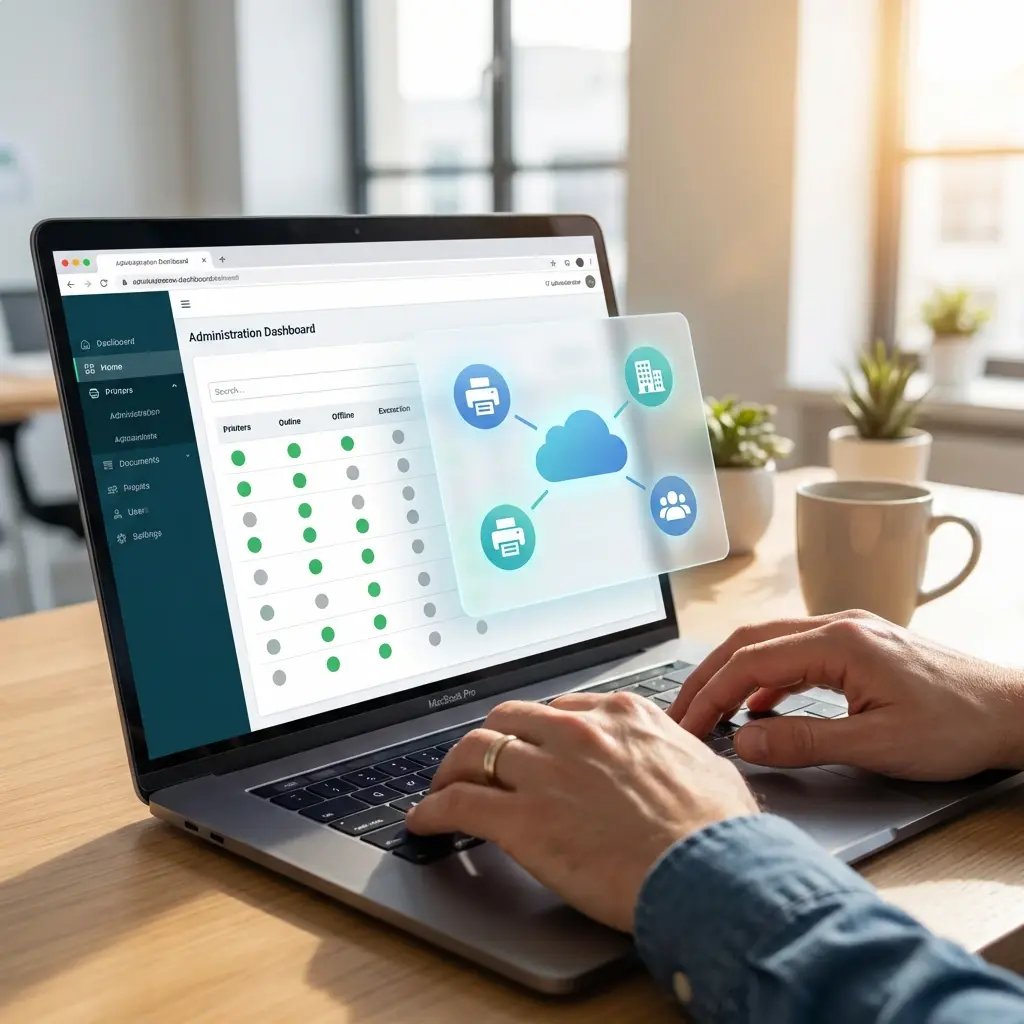
Users tap Print from any Android app and choose an ezeep-published printer. Backend apps on rugged devices send jobs through the Android Print Service or the ezeep SDK. Either way, IT manages printer access centrally.
cloud-based-printing-dashboard
2

ezeep Processes the Job in the Cloud

The print job is sent to the ezeep Cloud, where it's prepared for reliable output. Cloud rendering uses manufacturer drivers, so printer compatibility is never an Android problem.

print-to-correct-printer-right
3

Deliver to the Right Printer

ezeep routes the job to the correct printer automatically - a shared office printer, a warehouse label printer, or a receipt printer at the next store. If Pull Printing is enabled, users release the job at the device with a QR scan, card tap, or PIN.

Frequently Asked Questions

How does ezeep work on Android?

ezeep registers as a system print service on Android and is published in Google Play and Managed Google Play for enterprise deployment. When a user prints from any app, the ezeep printers IT assigned them appear in the standard Android print sheet with IT-configured defaults for color, duplex, and page limits. They pick one and tap Print. The job is sent to the ezeep Cloud where it's rendered using manufacturer drivers and delivered to the target printer - no driver installed on the device, and no Mopria certification required on the printer.

Do I need a Mopria-certified printer to print from Android with ezeep?

No. ezeep handles rendering in the cloud using manufacturer drivers, so any printer connected to your ezeep account works from Android regardless of Mopria status. This includes older printers, USB printers connected via the ezeep Hub, thermal label printers, and specialty devices, any of which may not be Mopria-certified but still print reliably through ezeep.

Does ezeep support Zebra, Honeywell, and other rugged Android devices?

Yes. Rugged Android devices from Zebra (TC Series, MC Series), Honeywell (CT/CN Series), Samsung (XCover, Galaxy Tab Active), Datalogic (Memor), and Panasonic (Toughbook Android) are fully supported. The ezeep Android app works the same way on these devices as on consumer phones, and ezeep's native Zebra label printer support (ZPL, EPL, ZPLII) means warehouse and logistics teams get reliable handheld-to-label-printer workflows from the same platform.

How does ezeep work with Android Enterprise and work profiles?

The ezeep Android app is available through Managed Google Play and can be deployed via Microsoft Intune, VMware Workspace ONE, Jamf, SOTI MobiControl, MaaS360, or any other MDM that supports Android Enterprise. On work profile devices, ezeep runs inside the managed profile with access to corporate printers only. Personal apps and personal profiles don't see managed printers, authentication tokens stay in the work profile, and IT can wipe the work profile without touching personal data. Printer assignments are controlled centrally through the ezeep admin portal.

What happens if the ezeep Cloud is temporarily unreachable?

The ezeep Android app caches recently-used printer configurations and queues jobs locally when the cloud is temporarily unreachable. Jobs release and route automatically when connectivity is restored. For environments that cannot tolerate any interruption - pharma, healthcare, manufacturing - the ezeep Hub deployment option keeps print routing local to the site regardless of WAN state.

Back to top

Your Android Fleet Deserves Cloud-Native Printing

Replace Mopria, manufacturer apps, and one-off workarounds with one cloud platform for every Android device - from consumer phones to warehouse handhelds.

ezeep-chart (1)